




A weekly status update presentation is a short, fixed-structure deck — usually five or six slides — that reports where the work stands, what changed in the last seven days, what happens next, and what the room has to decide. The same questions get answered every week; only the answers move. Once the structure is frozen, the weekly build is data entry into a template, not a design task.
Why weekly updates take longer than they should
Three things turn a ten-line update into an afternoon.
The first is starting from the deck instead of the text. Opening last week's file and editing over it means re-reading every slide to find what is stale, and stale material survives anyway — a risk closed a month ago, a date nobody refreshed.
The second is variable structure. When the number and order of slides shift week to week, the audience has to re-orient and you have to re-decide what goes where. The UK government's Guidelines for Managing Projects treat regular reporting against an agreed baseline as the mechanism that makes change visible at all. A deck whose shape changes weekly removes the baseline.
The third is confusing the week's activity with the week's progress. Activity expands to fill whatever slides you give it. Progress is measured against a plan and fits on one.
The six-slide weekly template
Fix these six slides and keep them in this order every week. Everything else is an appendix.
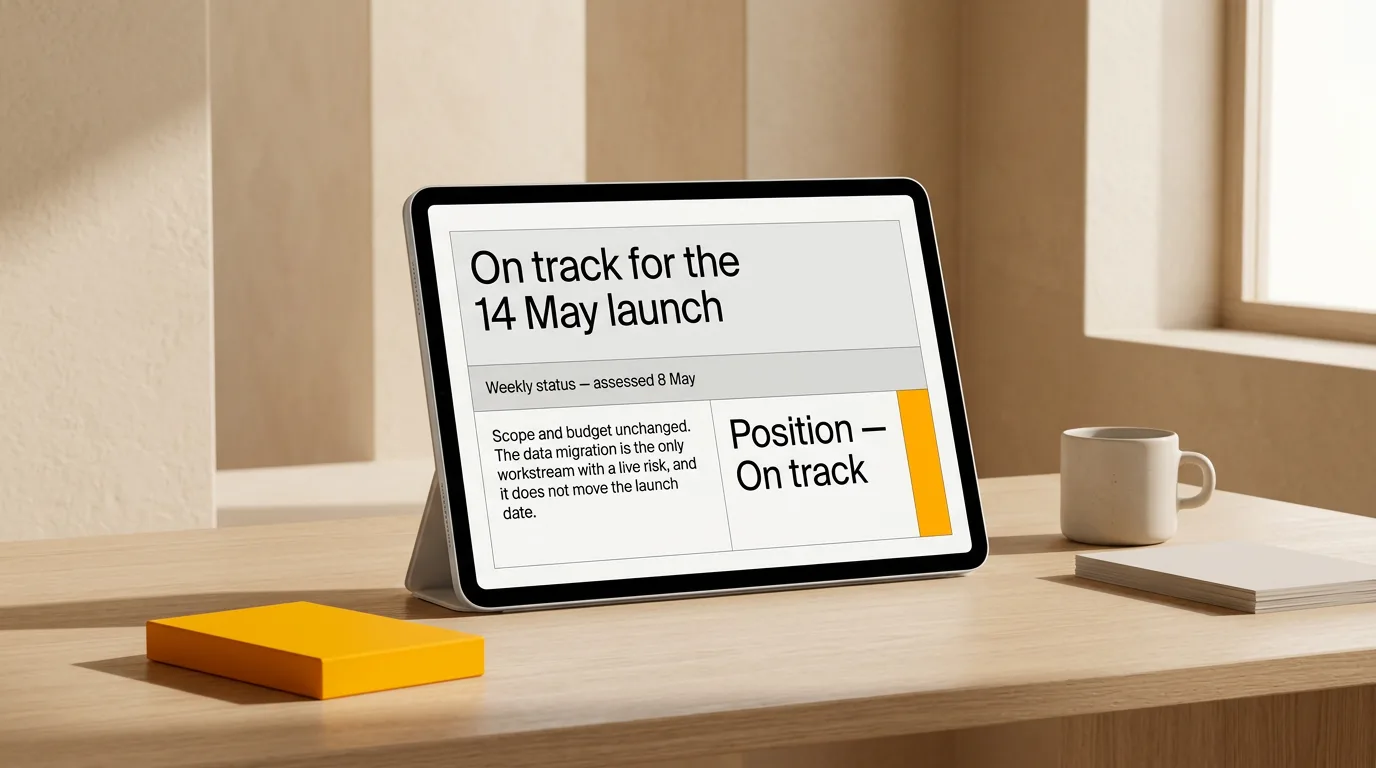
- Position. One sentence on where the project stands against the plan, plus the status and the date it was assessed. "On track for the 14 May launch" or "Two weeks behind on the data migration; launch date held." A colour on its own says nothing about why.
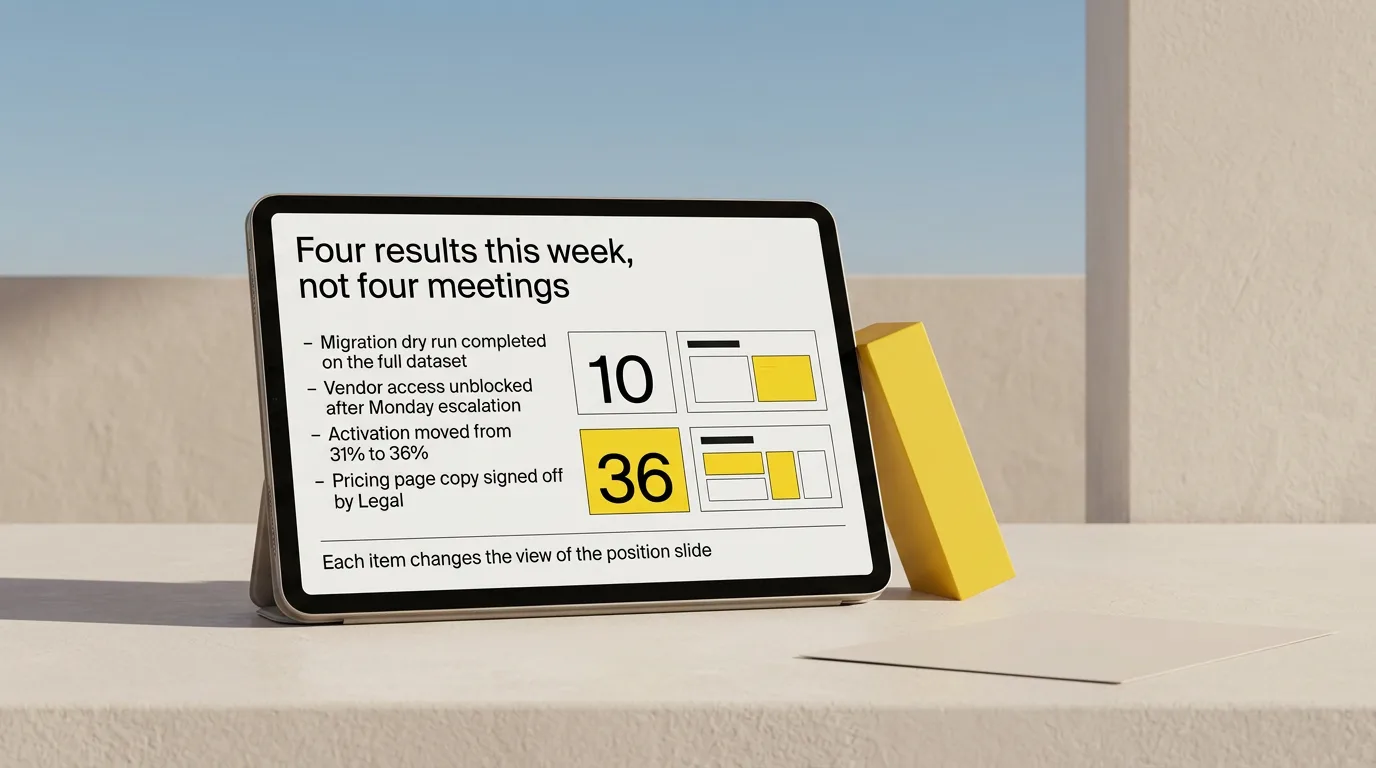
- What changed this week. Three to five items, each written as a result: a milestone met, a number moved, a decision taken, a blocker cleared. If an item does not change someone's view of the position slide, it is activity. The usual failure here is a list of meetings and tickets.
- Next week. The specific work, with owners. This slide is also last week's promise, which is why the format keeps people honest.
- Risks and blockers. Each one gets an impact ("delays integration testing by a week"), an owner, and a reassessment date. A risk without those three is a mood.
- Decisions and asks. What you need from the room, from whom, by when. Often empty — leave it in and write "None this week" so its absence is informative.
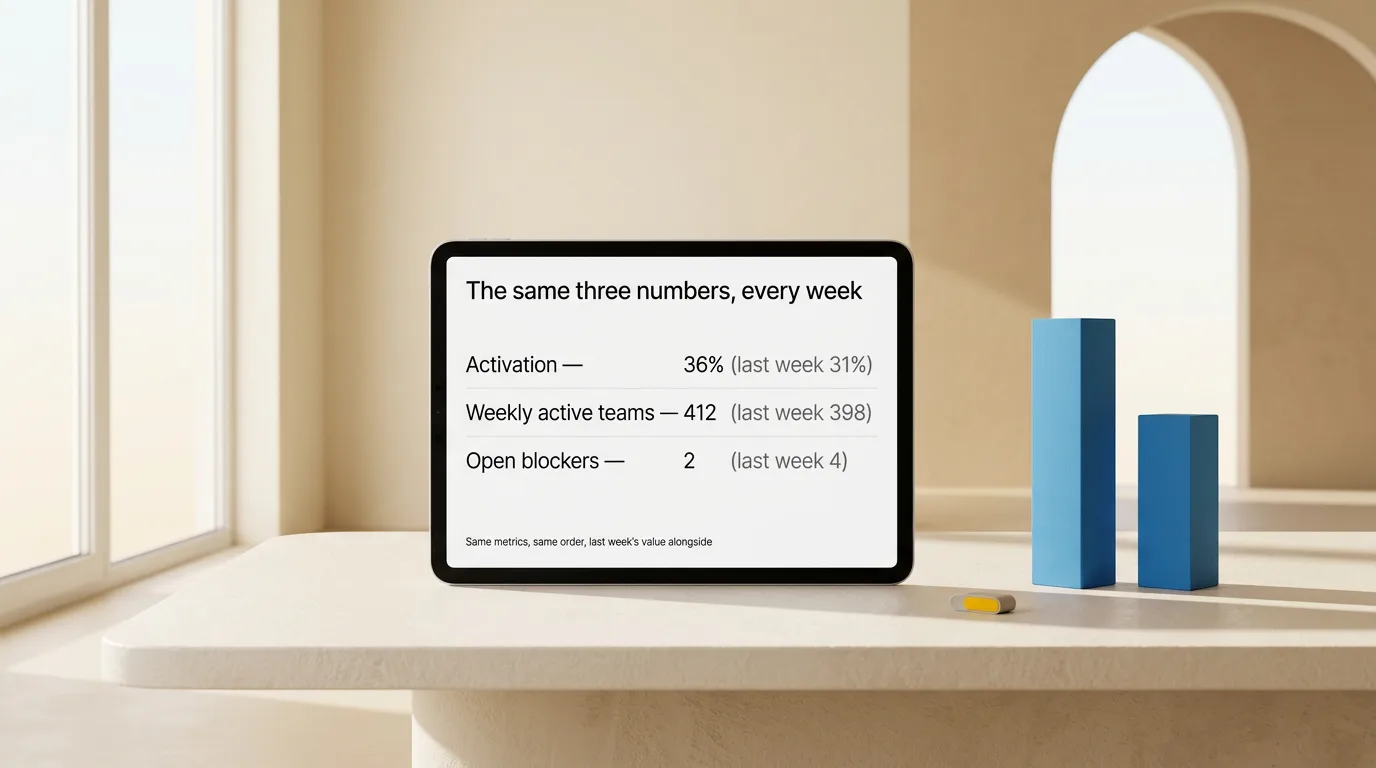
- Numbers. The two or three metrics you track every week, always the same ones, always with last week's value next to this week's. Changing which metrics appear is how a trend disappears.
Week 12 is readable next to week 11 because slide 4 is risks in both. The weekly question stops being "how should I structure this" and becomes "what goes in box three."
The weekly workflow, step by step
The slot is for assembly. The thinking happens as you go through the week, which is what makes the slot short.
- Keep a running note through the week. One document, appended to as things happen: results, decisions, blockers, numbers. This is where the actual work of the update lives, spread across five days in one- and two-minute increments.
- Open the slot with the written update, not the deck. Turn the running note into six short paragraphs under the six headings above. A missing owner or an undated risk is easier to spot in a sentence than in a layout.
- Cut anything that does not change a reader's view or action. Most weeks this removes a third of the note. Move it to an appendix rather than deleting it, so it is retrievable when someone asks.
- Update the numbers from the source, not from last week's slide. Nobody re-checks a figure that has appeared four weeks running, which is what makes a copied-forward number the most damaging error in a recurring deck.
- Convert the text into the six slides. Same order, same slide titles, new content.
- Reread slide 3 from last week before sending. Anything promised and not delivered belongs on slide 2 or slide 4 this week. Skipping this is how a recurring update slowly stops tracking anything.
Steps 1 and 2 hold the quality of the update. Step 5 is mechanical, and that is the step worth automating or templating away.
Before you claim it saves time, measure it
The 15-minute figure in the heading is a time box, not a benchmark. Book the slot, set a timer, and record what the build actually takes for four consecutive weeks — the first one honestly, before any template exists, and then three with it. Note the wall-clock minutes and whether you went over.
Four weeks is enough to see whether the template holds or whether one slide keeps expanding. If step 5 still dominates the slot, the problem is the assembly tooling. If step 2 does, you are writing the update from memory on the day instead of keeping the running note — and no template fixes that. Report your own measured numbers, not a vendor's. Any time-saving claim you have not timed yourself is marketing, including this article's.
When the weekly deck needs to become something else
The weekly format is built for a delivery team that saw the last update. Other rooms need a different structure, not a longer version of this one.
When the audience is outside the delivery team, the stakeholder update presentation format attaches impact on cost, date, or scope to each item and names what each group must decide. When the room controls budget and direction and has thirty minutes for several projects, the executive update structure puts the conclusion and the ask ahead of the evidence. When the update covers a whole delivery cycle rather than a week, the longer project status update presentation structure carries the workstream detail a weekly deck deliberately leaves out. Depth changes between versions; claims do not.
Making the slides readable
Keep one message per slide and put it in the slide title, so a reader skimming six titles gets the update without the bodies. Keep the accessibility basics stable too — real text rather than text baked into images, sufficient contrast, a consistent reading order — because a recurring deck gets forwarded, read on phones, and pulled into search by people who missed the meeting. Microsoft's guidance on making PowerPoint presentations accessible covers the specifics, including alt text and unique slide titles.
If your source material each week is rougher than a memo — chat threads, standup notes, a half-finished doc — sort it into claims and evidence before it becomes slides. Turning rough notes into a slide map first keeps step 2 from collapsing into step 5.
Reuse the written update instead of rebuilding the deck
The judgement in a weekly update — what the position is, which risks are real, what you are asking for — takes the week to accumulate. What repeats is splitting that text into six slides, choosing compositions, aligning elements, and keeping typography consistent every cycle.
Plainline, an AI presentation maker for everyday work decks, takes the written update and splits it into editable slides, identifying which parts are claims, numbers, quotes, or conclusions, and applying consistent layouts. After generation you edit the content, slide order, semantic blocks, layout variants, and media, then preview, share, or export. For a recurring deck the useful property is that next week's build starts from next week's text rather than from last week's slides.
Frequently asked questions
How many slides should a weekly status update presentation have?
Six: position, what changed this week, next week, risks and blockers, decisions and asks, and numbers. Keep the count and the order fixed so each week is comparable with the last. Overflow goes into an appendix rather than becoming a seventh slide.
Should I send the weekly update as slides or as a written document?
Write it as text every week regardless. Send slides when the update is presented live and discussed, and send the document when it is read asynchronously. Many teams do both from one source: the written update is the record, the deck is what the meeting walks through. Divergence between the two is what erodes trust.
What do I put on the deck when nothing moved this week?
Say so and name the consequence. "No progress on the migration; blocked on vendor access since Monday; delays integration testing by a week; escalating to the sponsor Thursday." A quiet week reported plainly is information. Filling the gap with activity slides teaches the room that your deck cannot distinguish progress from motion.
Who should own the weekly update?
One person assembles it, every week, in the same slot. Rotating the job is what makes structure drift, because each owner reshapes the deck to their own habits. Contributors can append to the running note; a single owner turns it into the six slides and is accountable for the numbers being current.
How do I stop the weekly deck from getting longer over time?
Enforce the six-slide cap by moving overflow to the appendix. Review the template quarterly: any slide that has not changed a decision in three months is a candidate for removal, and any appendix section people keep asking about is a candidate for promotion.
Sources
- Guidelines for Managing Projects — UK Department for Business, Innovation and Skills
- Make your PowerPoint presentations accessible to people with disabilities — Microsoft Support