Decisions
Each decision gets its own slide.
The headline states the decision, so someone who missed the meeting reads it without digging through the notes.

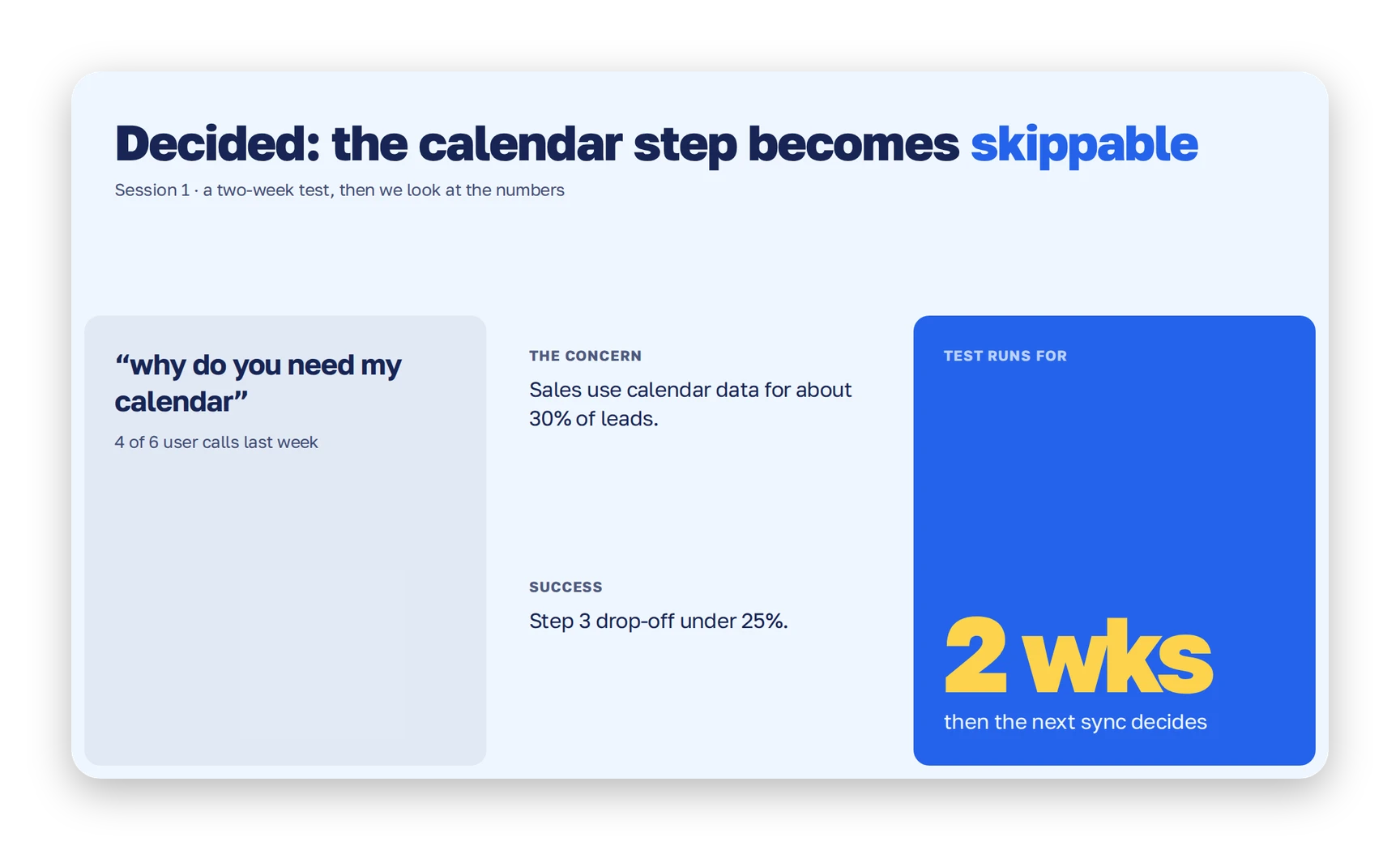

Each decision gets its own slide.
The headline states the decision, so someone who missed the meeting reads it without digging through the notes.
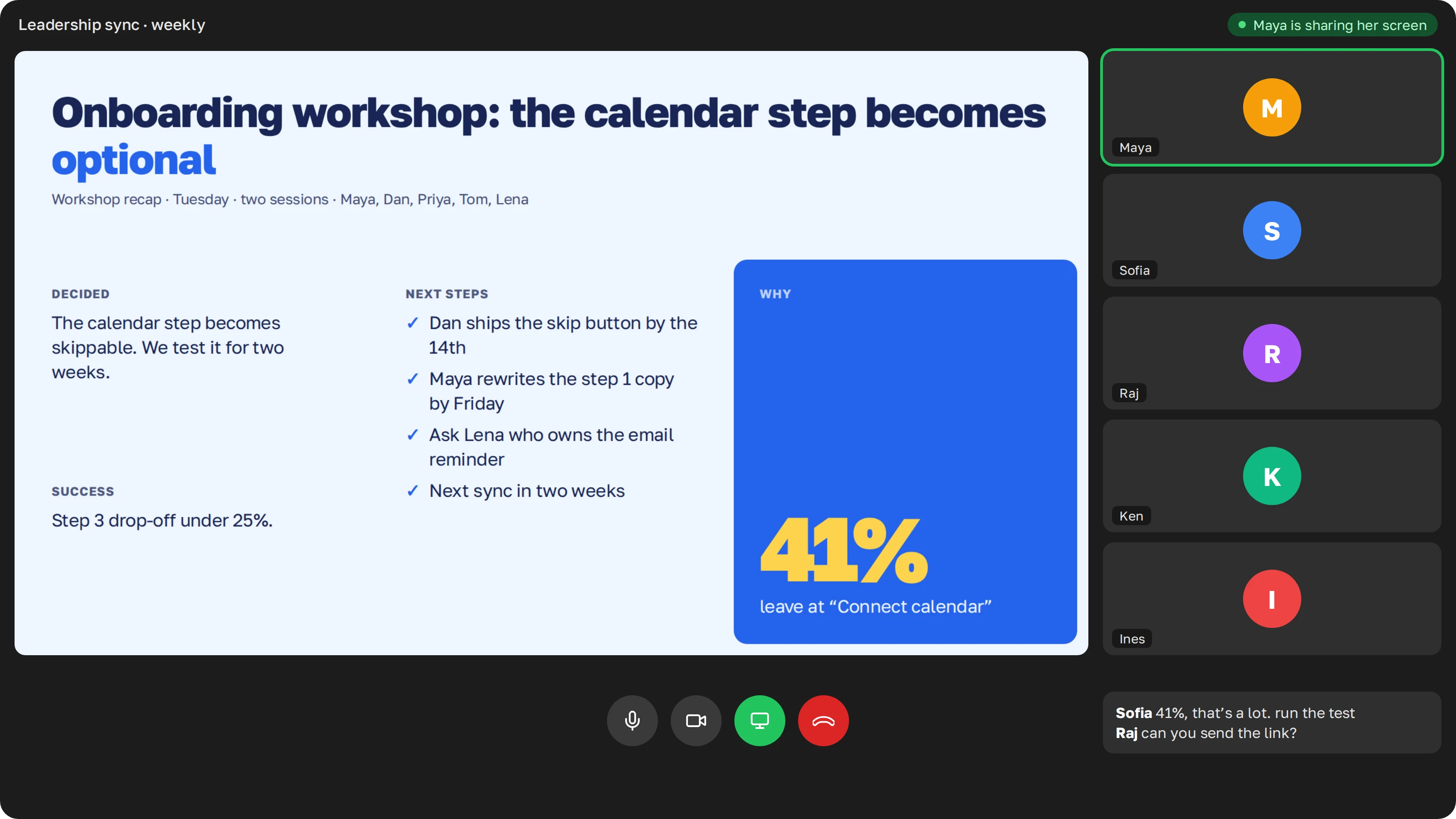
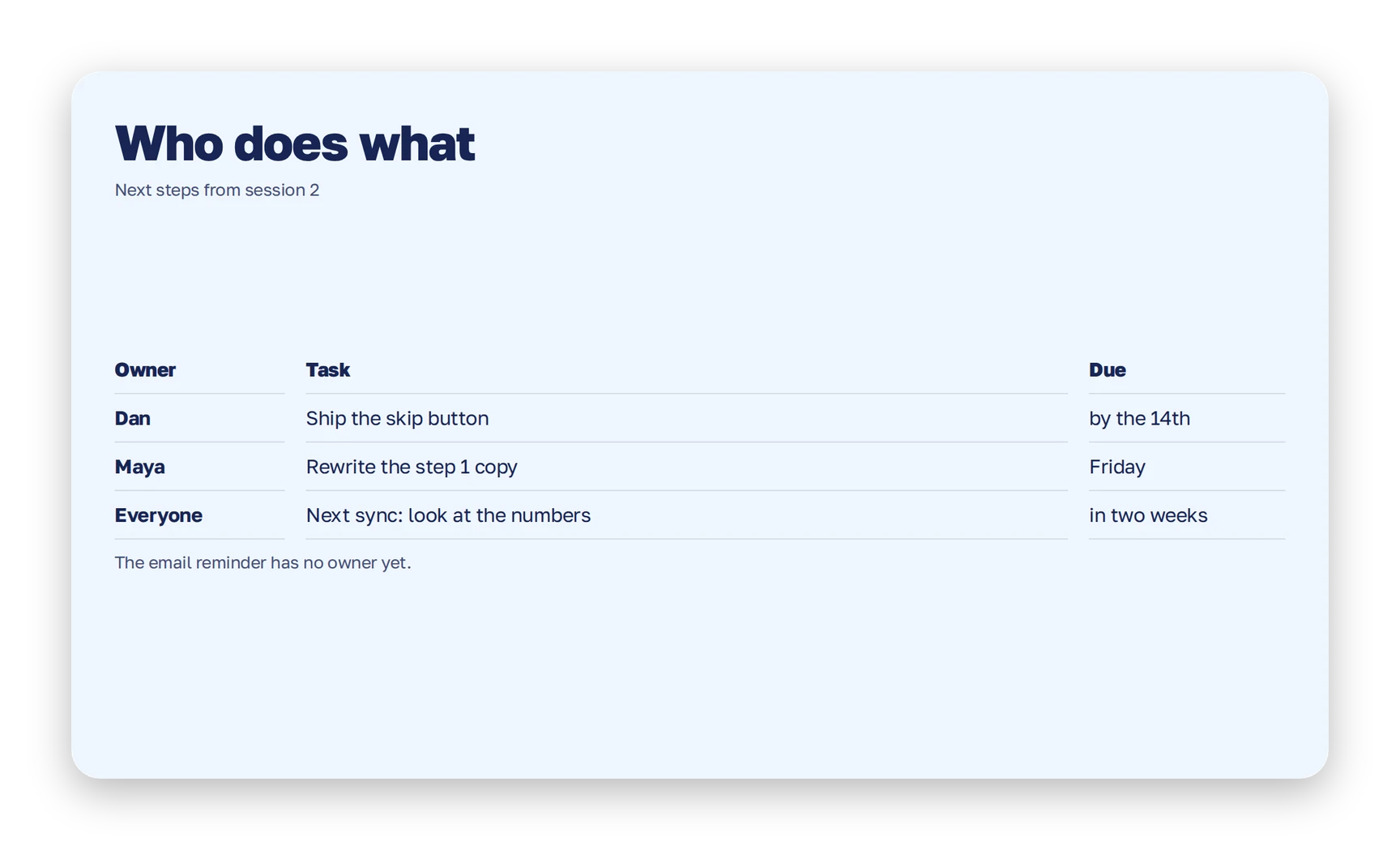
Each task gets a name and a date.
One table lists the owner and the deadline for each task, so your lead sees who is on it.
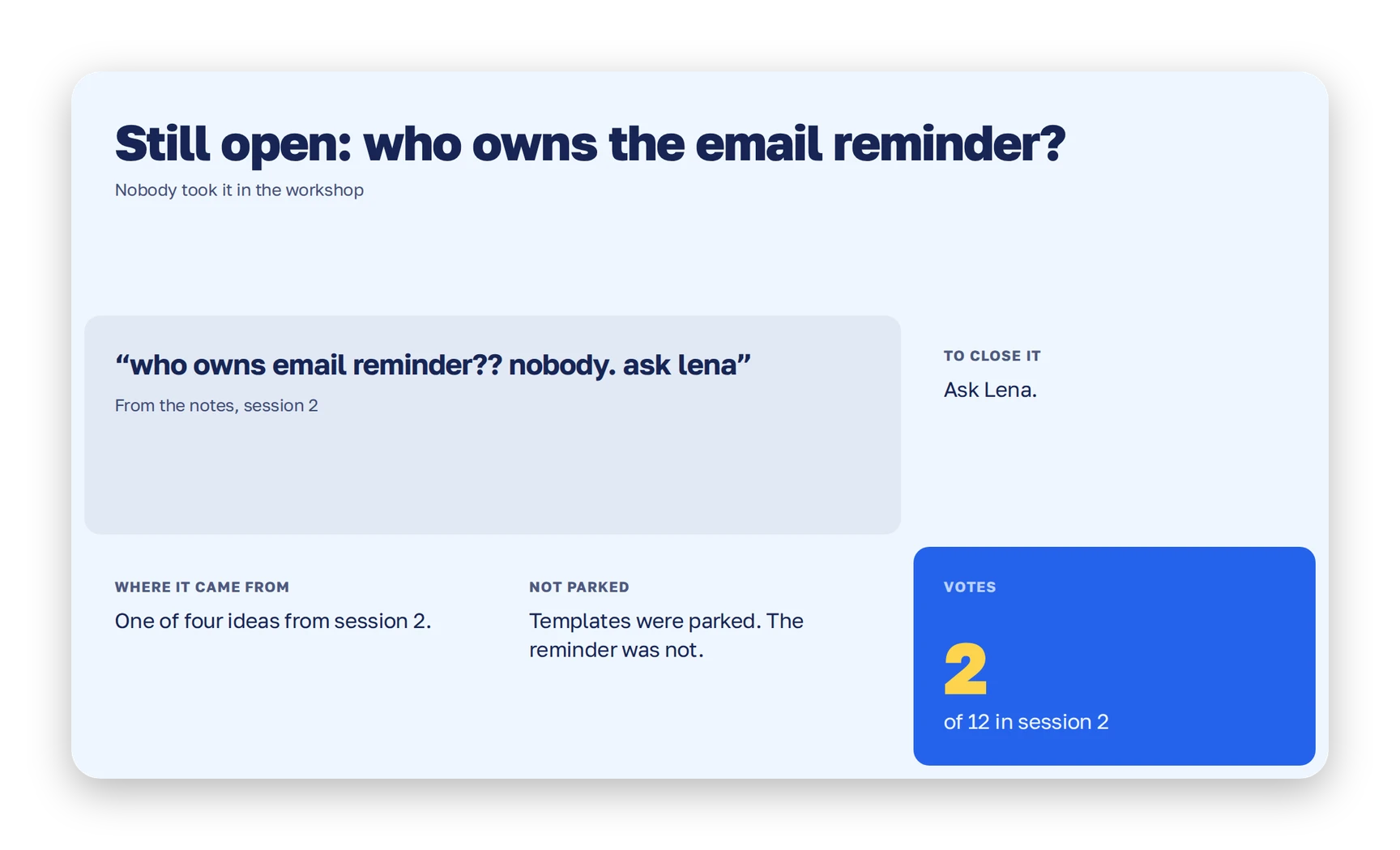
Open questions stay open, in plain sight.
If a question left the meeting without an owner, the deck says so and names the person to ask.
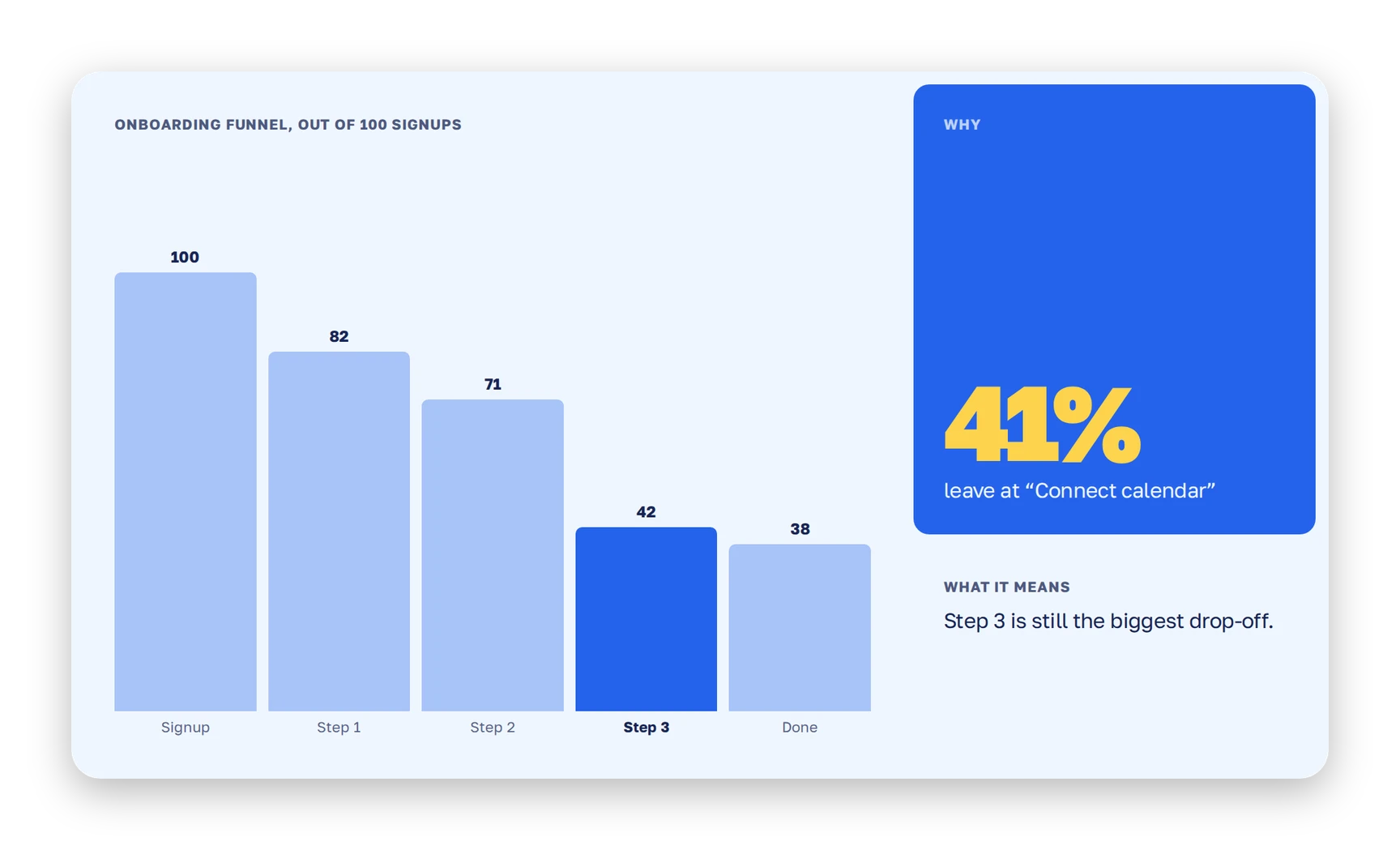
The number behind a decision stays with it.
The figure that settled the argument sits next to the decision it explains.
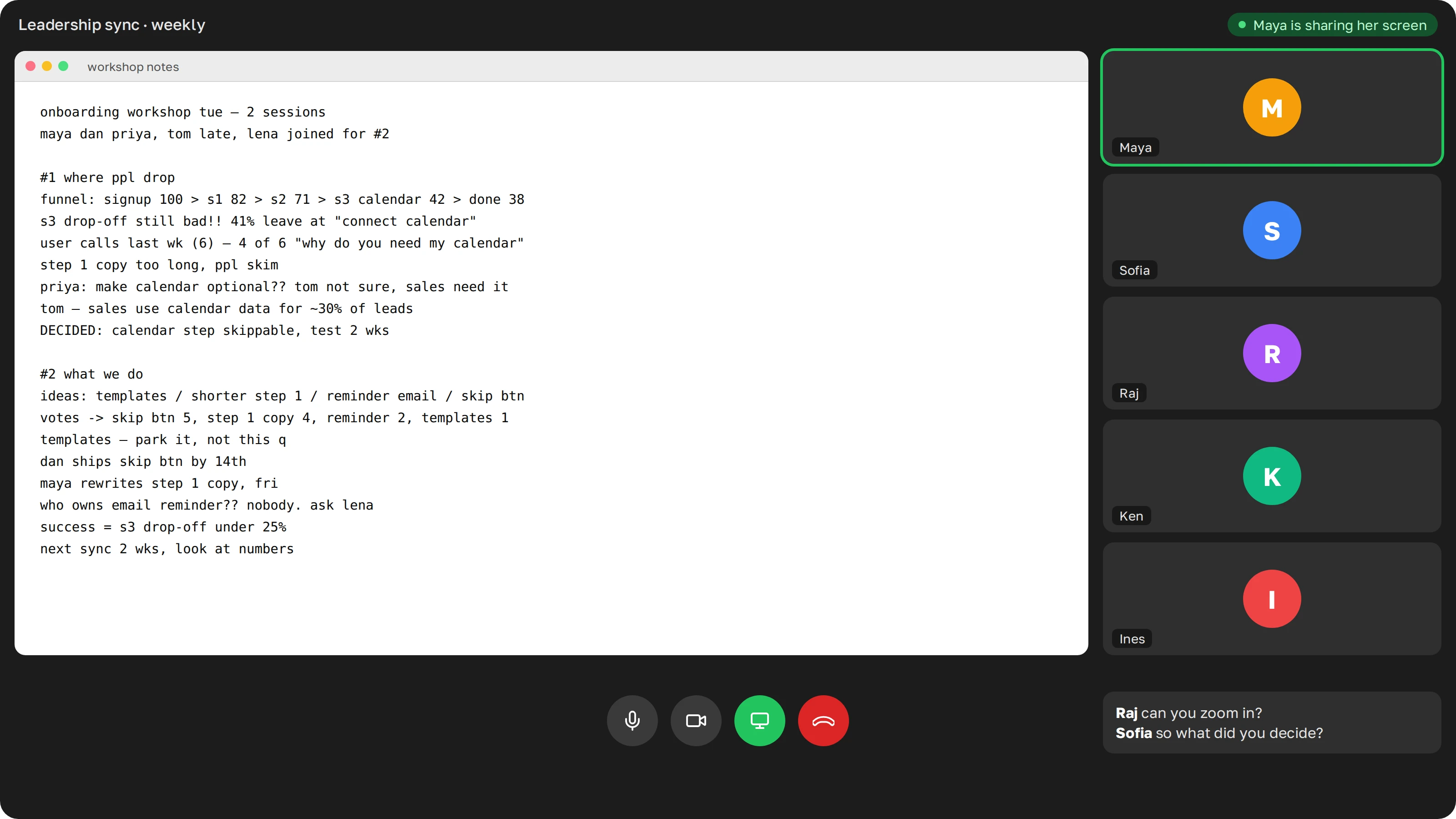
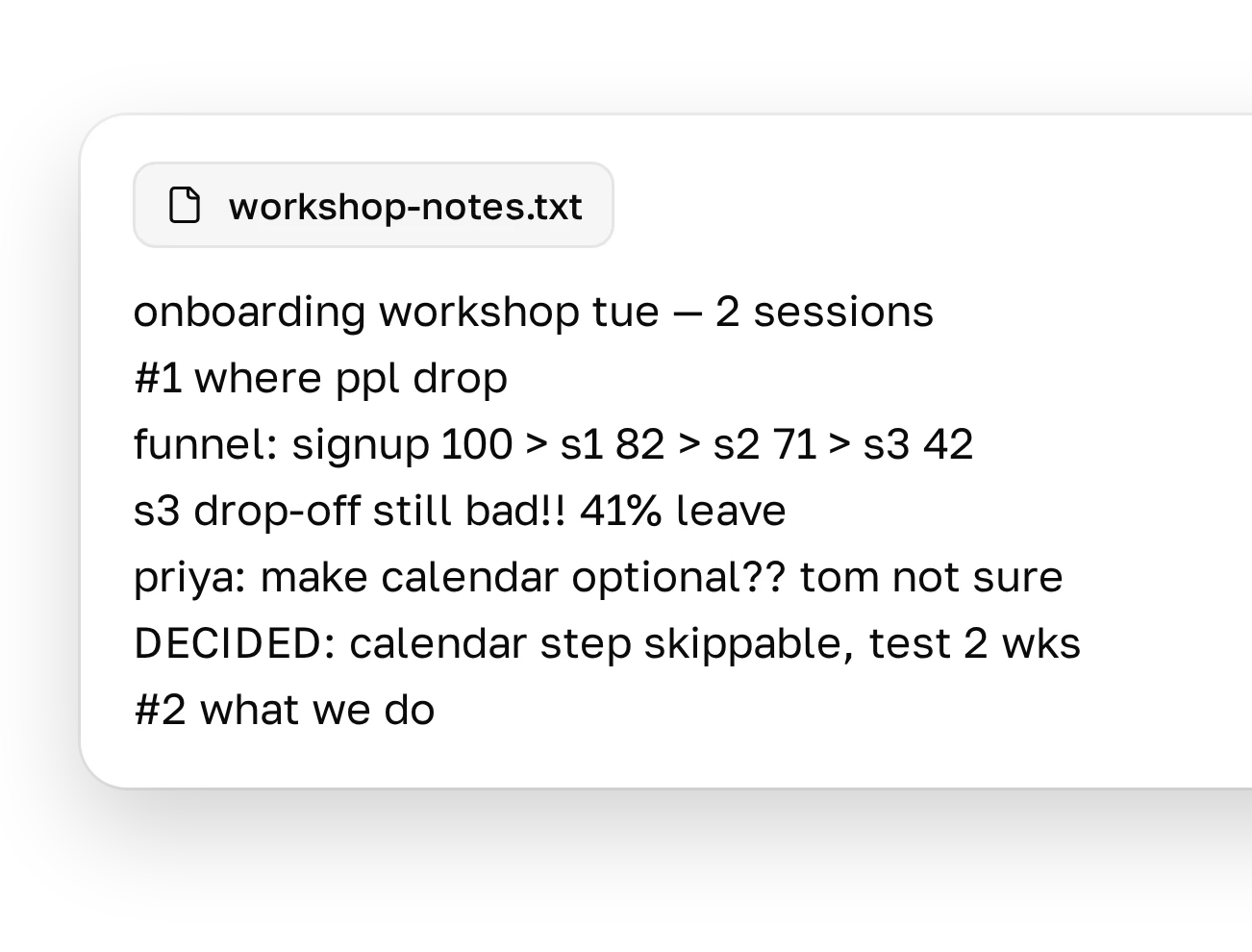
Half-sentences and question marks are enough. Paste the notes as they are, or drop a file.
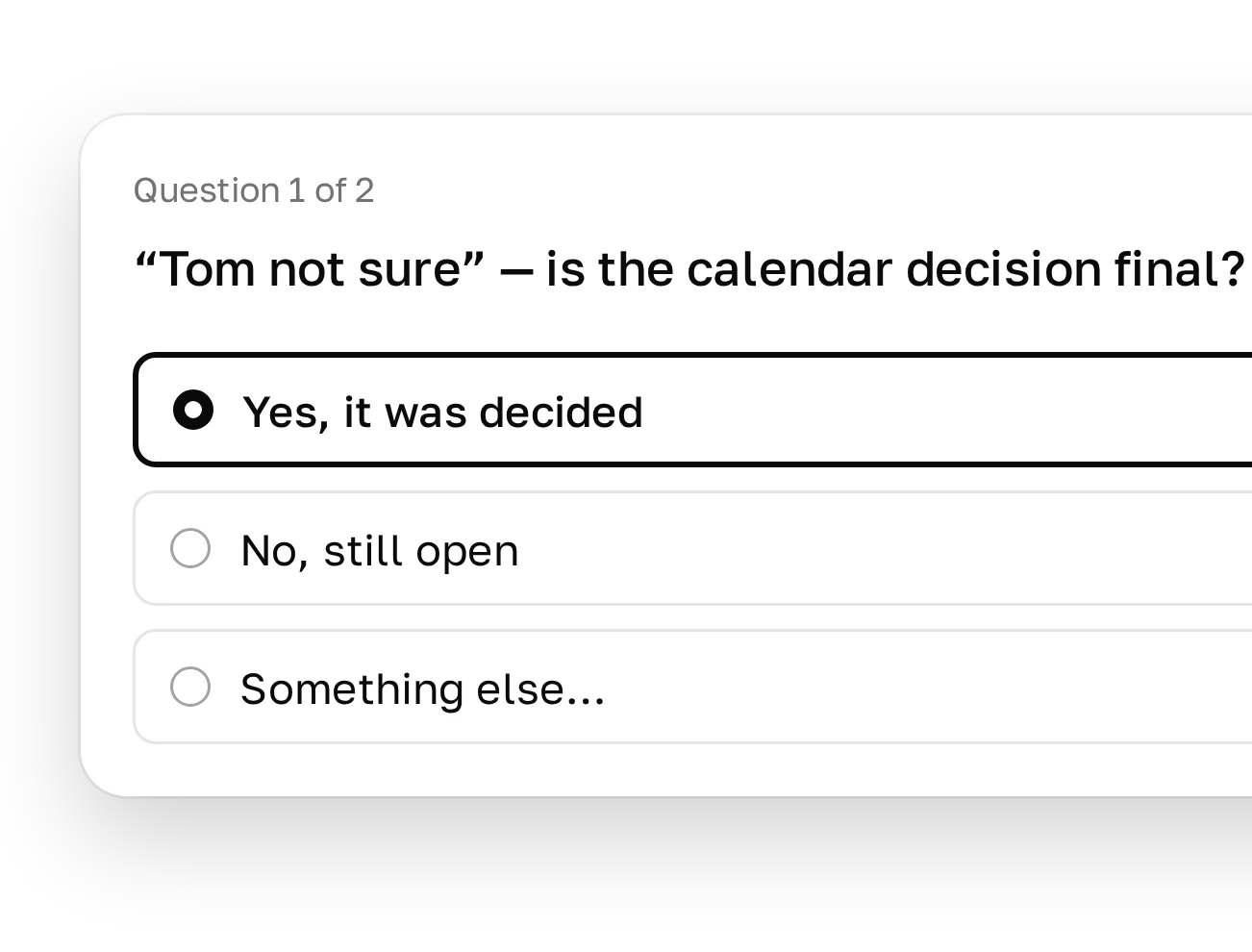
If a note could mean two things, Plainline asks you one short question before it writes the slide.
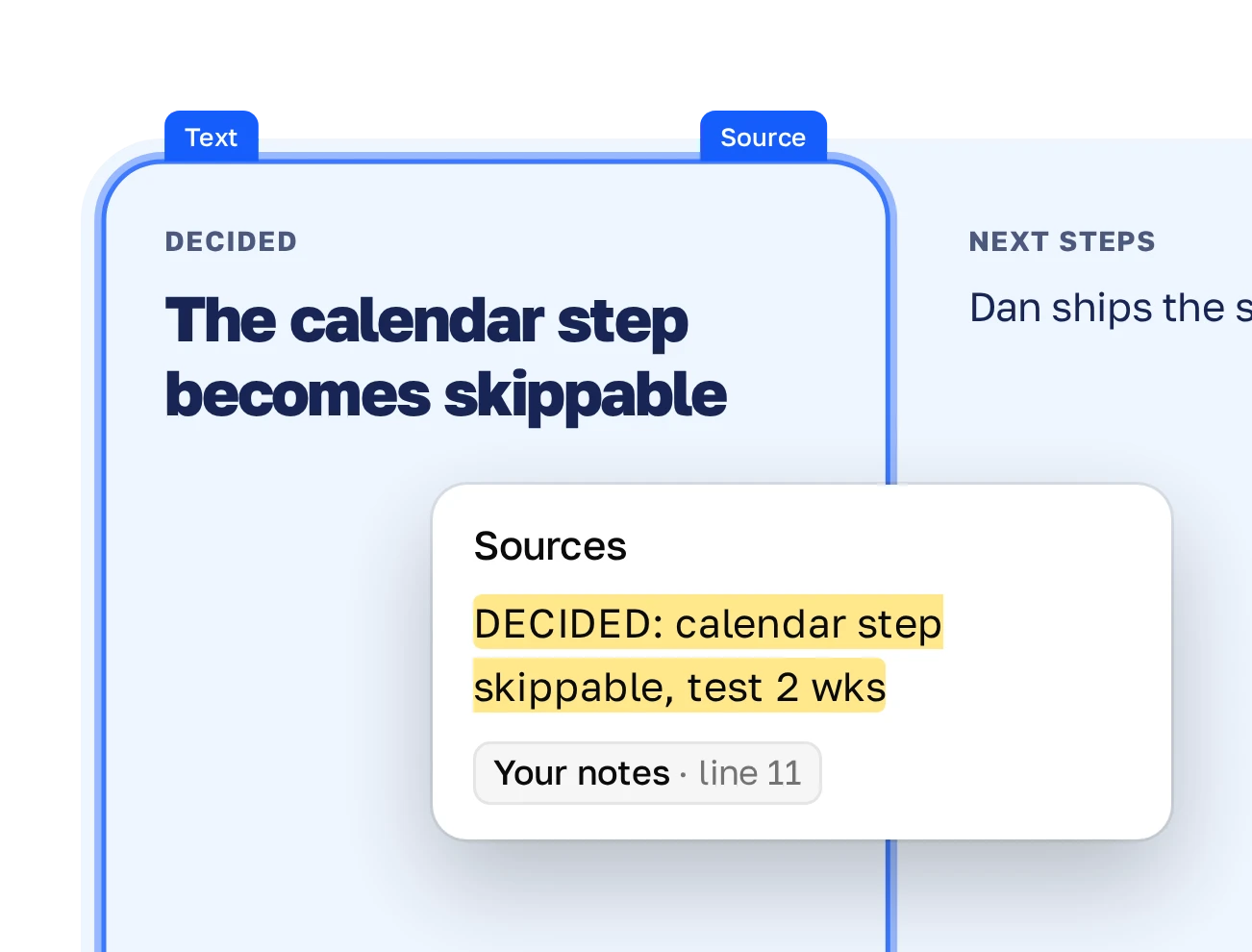
Each block shows the line it came from. Click a block to see the exact words from your notes.
The client expects a deck after the session. Send one the same day.
Your lead wasn’t in the room. A few slides tell them what you decided and what you need.
Open with the recap on screen, so the group starts from last week’s decisions.
Notes from the sync turn into this week’s update for stakeholders.
The whole team was in the room and you made one decision? Write two lines in the team chat and skip the deck.
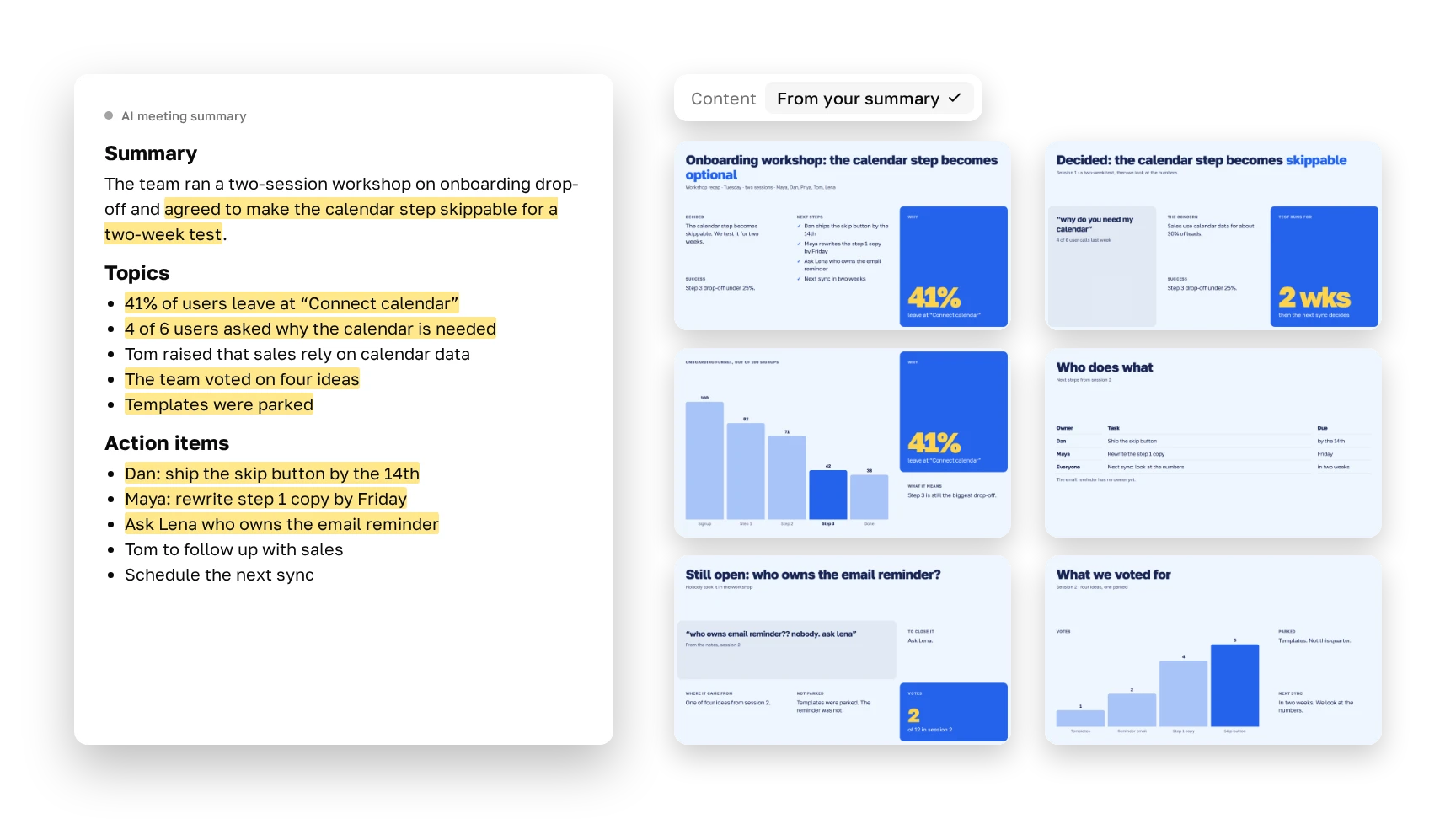
Paste the notes or drop a file, answer a couple of questions, and get a recap deck you can edit.
Yes. Paste the summary as text or drop the file. There’s no direct integration.
Yes, as text or a file. Notes usually give a tighter deck, because someone picked what mattered.
Yes. Check what Plainline read from it before you send the deck.
Yes. Paste notes from all sessions together and get one deck.
Yes. Choose “Clients” as the audience and Plainline shifts the tone toward outcomes.
It’s built not to. You can highlight blocks that have no source in your notes.
No. You bring the notes, and Plainline builds the deck from them.