
Audience
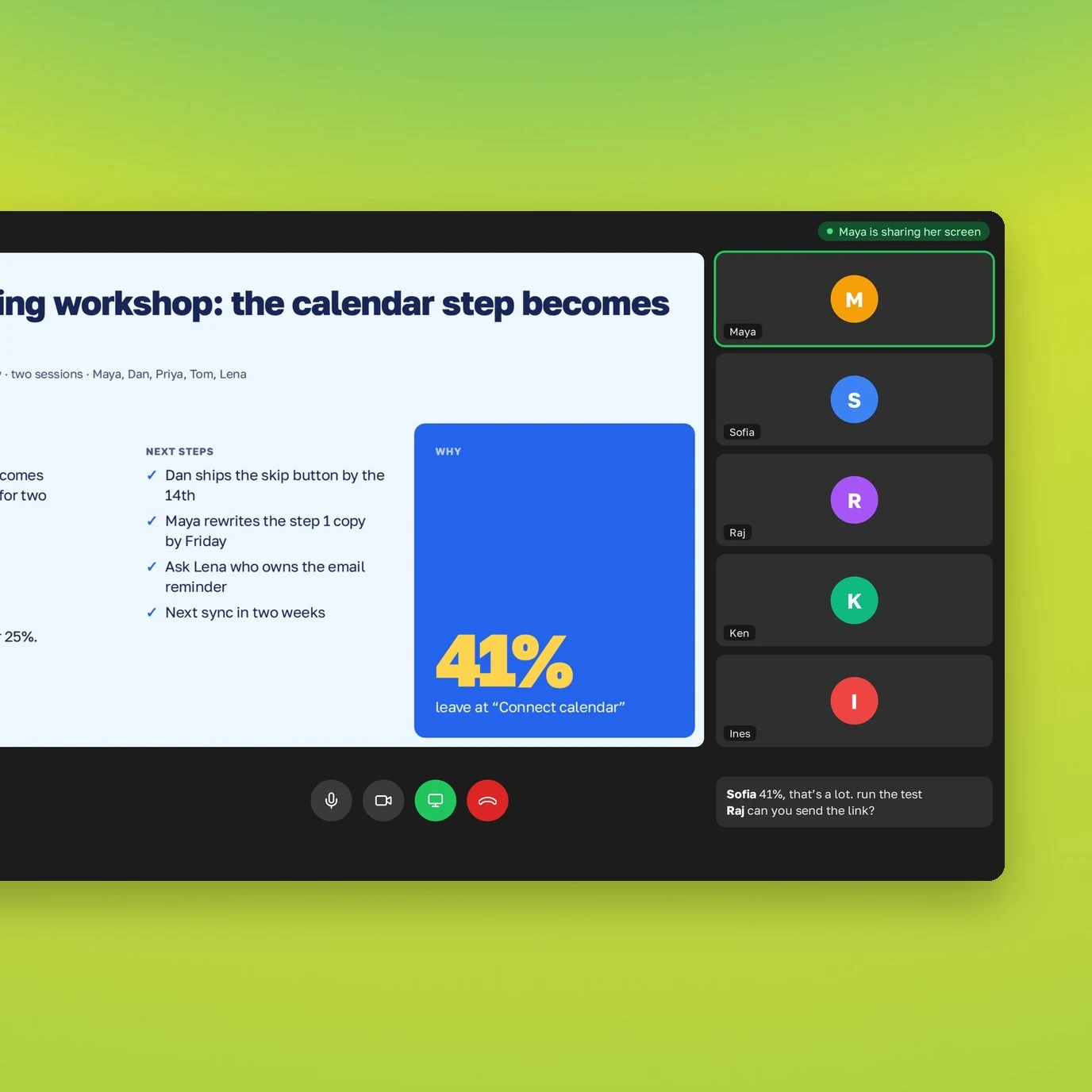
One text, different slides for a manager and a client.
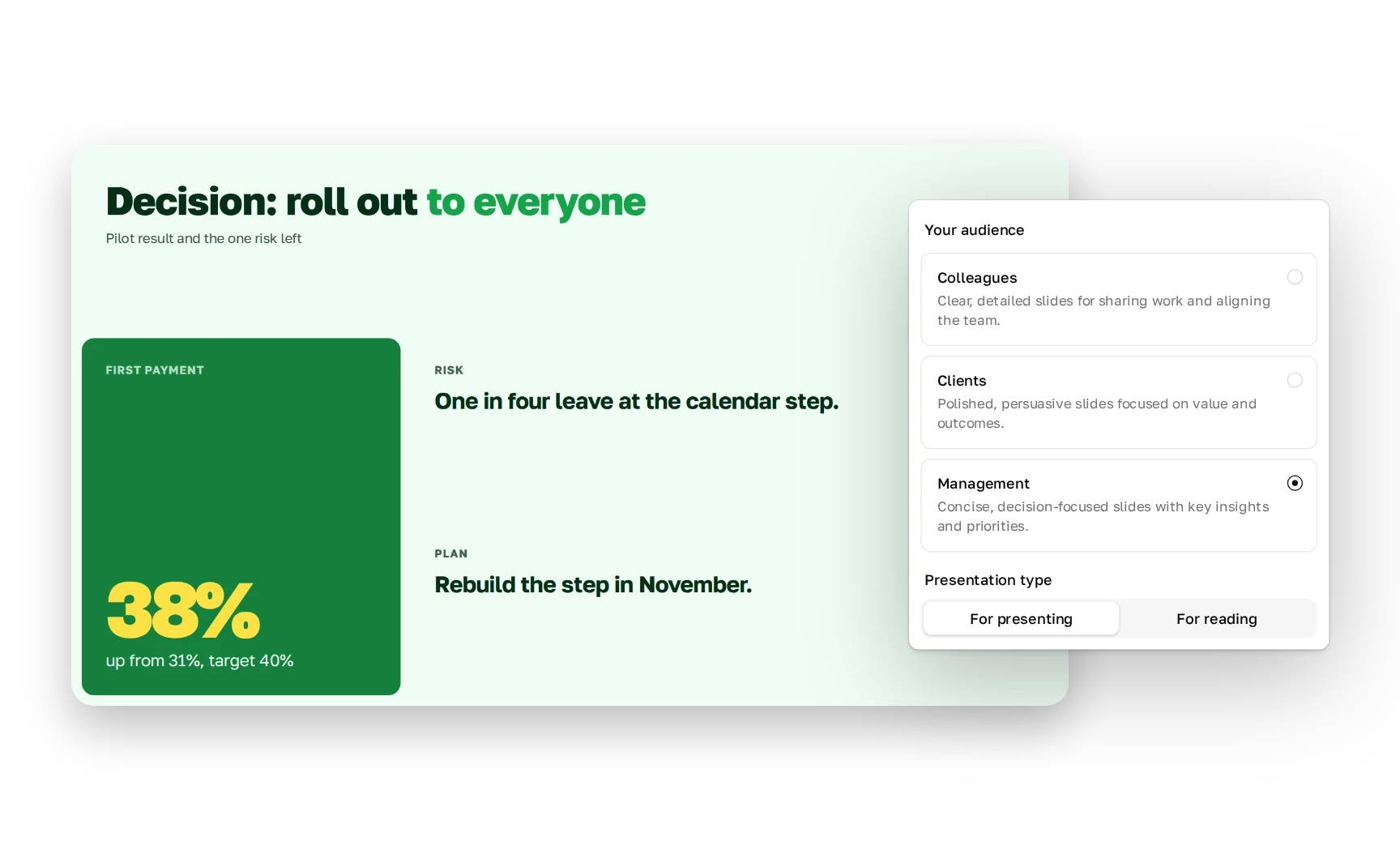
Managers get decisions and risks first, clients get no jargon. The facts don’t change.


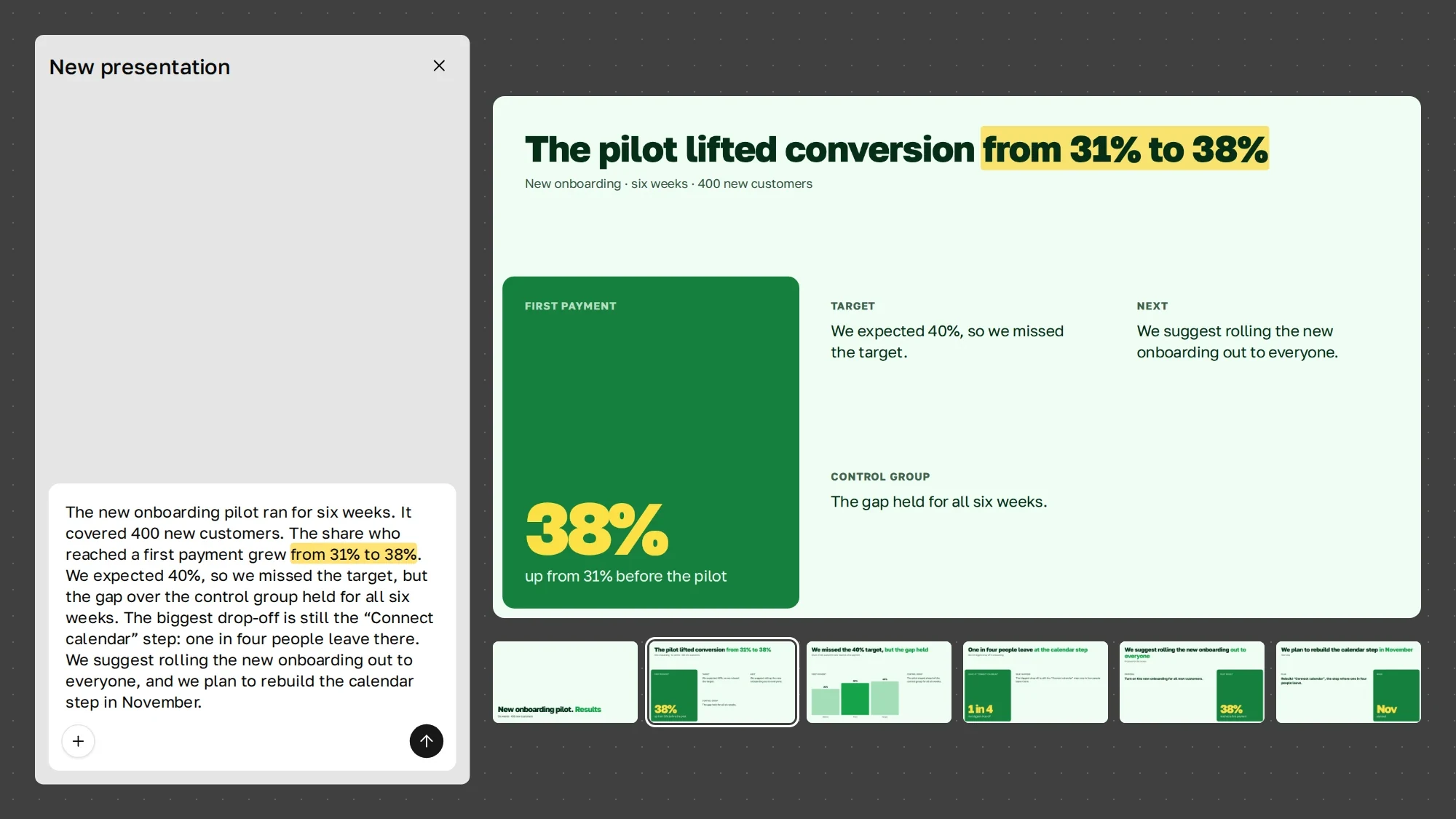
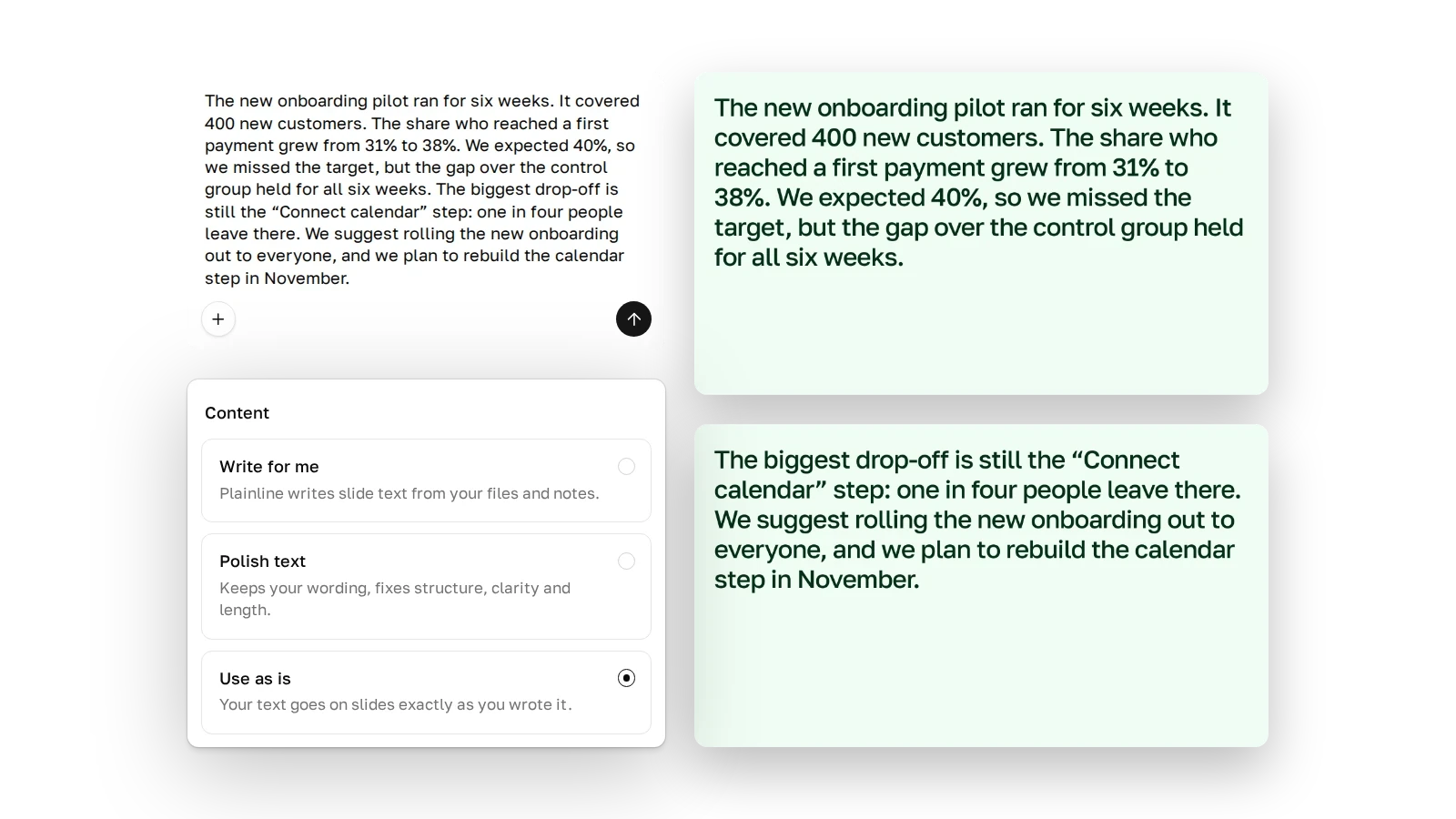
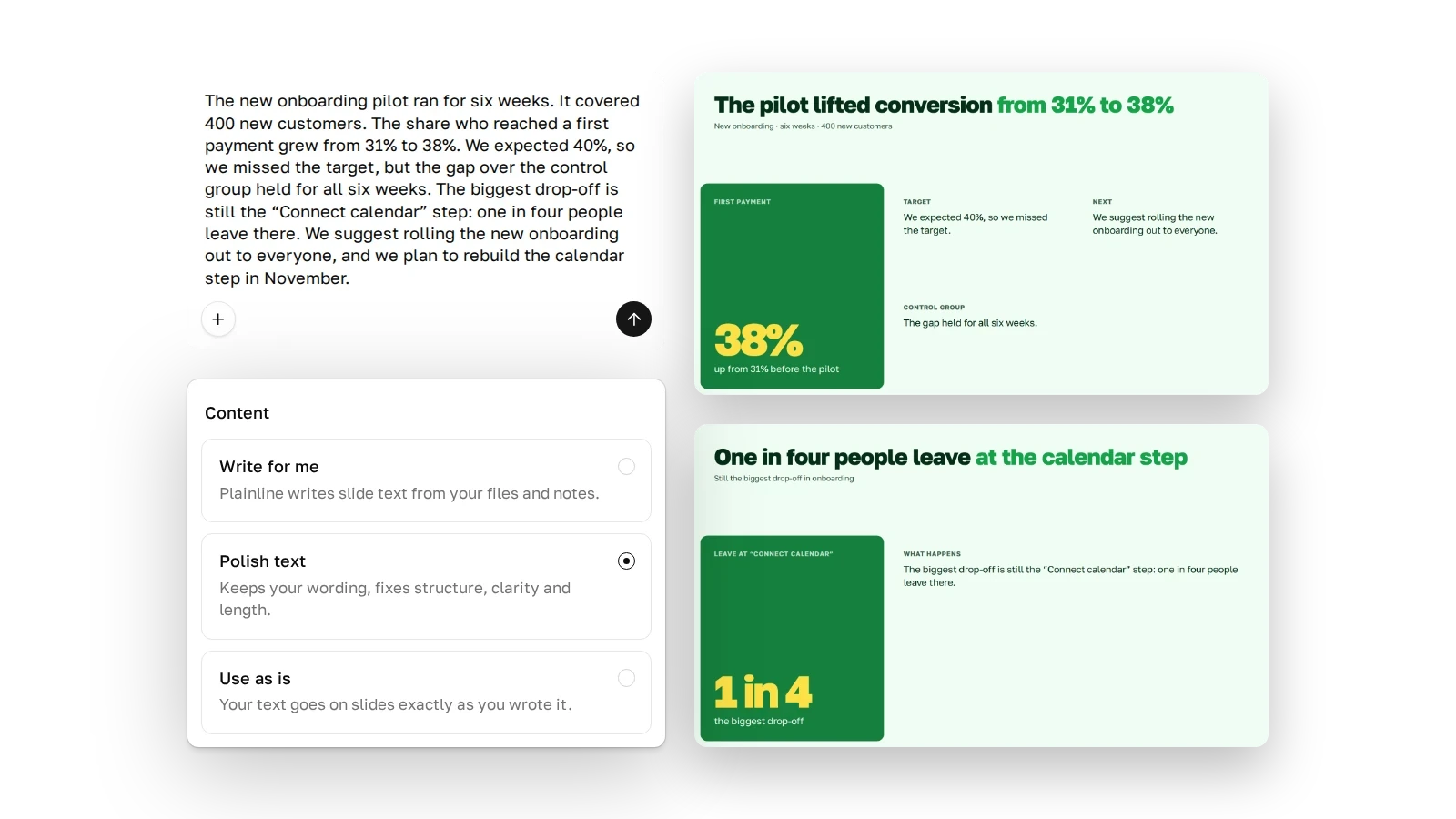
Use as is. Your text goes on the slides word for word. Plainline doesn’t shorten a long text, it adds a slide. For text that’s approved and can’t change.
One text, different slides for a manager and a client.
Managers get decisions and risks first, clients get no jargon. The facts don’t change.
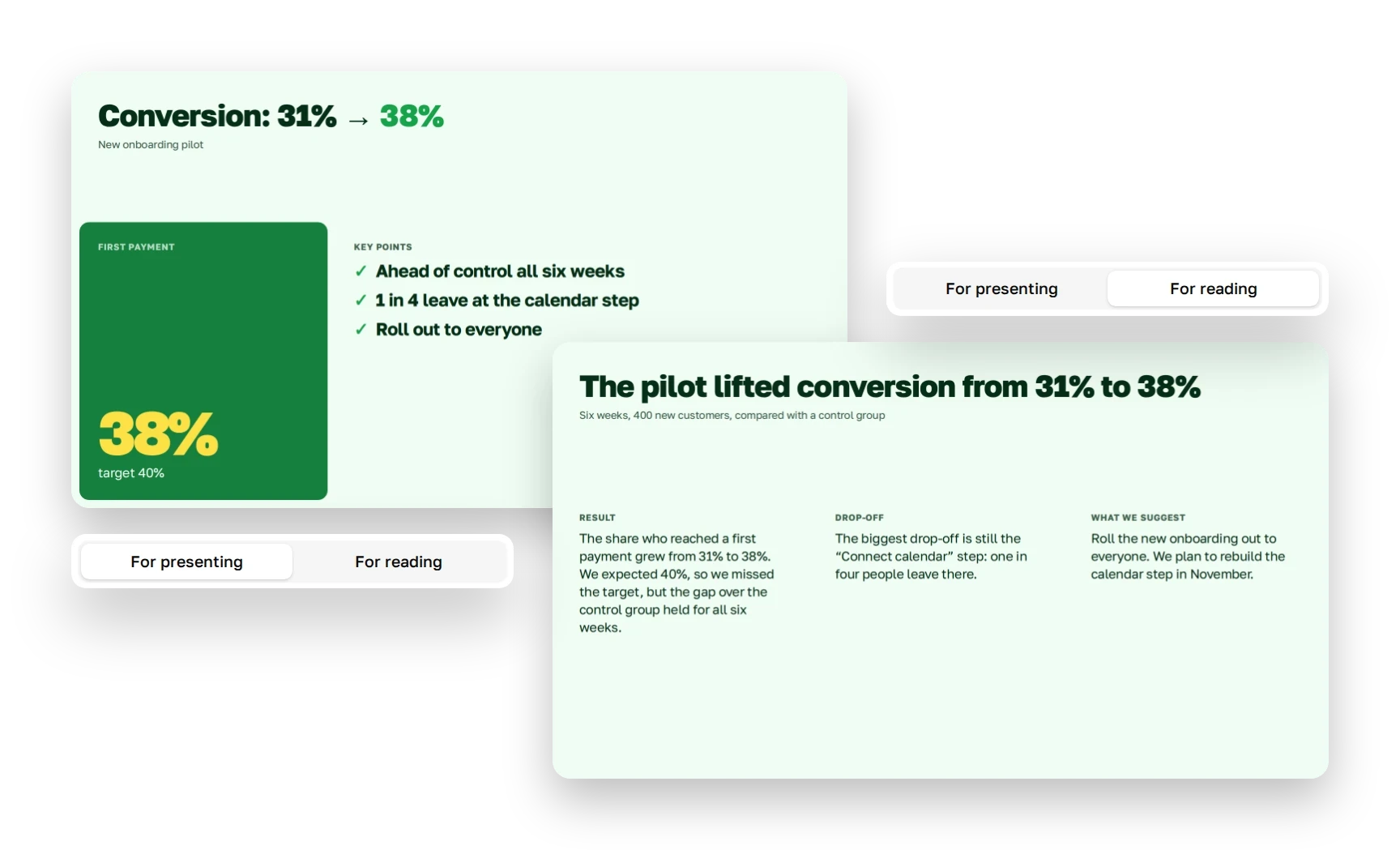
When you present, you say part of it out loud.
So slides keep key phrases and numbers. For reading, Plainline adds context.
| Instead of | Plainline writes | |
|---|---|---|
| The headline states the takeaway | Pilot results | The pilot lifted conversion from 31% to 38% |
| No filler words | It is important to note that conversion grew significantly | Conversion grew from 31% to 38% |
| It names the step, the number, the person | One of the steps has some issues | One in four people leave at the calendar step |
| You can see who acts | A decision was made to launch | We’re turning the new onboarding on for everyone |
| Caveats stay | We’ll rebuild the step in November | We plan to rebuild the step in November |
| Each slide says something new | “Overview” and “Context” slides | A slide with a fact, a number or a decision |
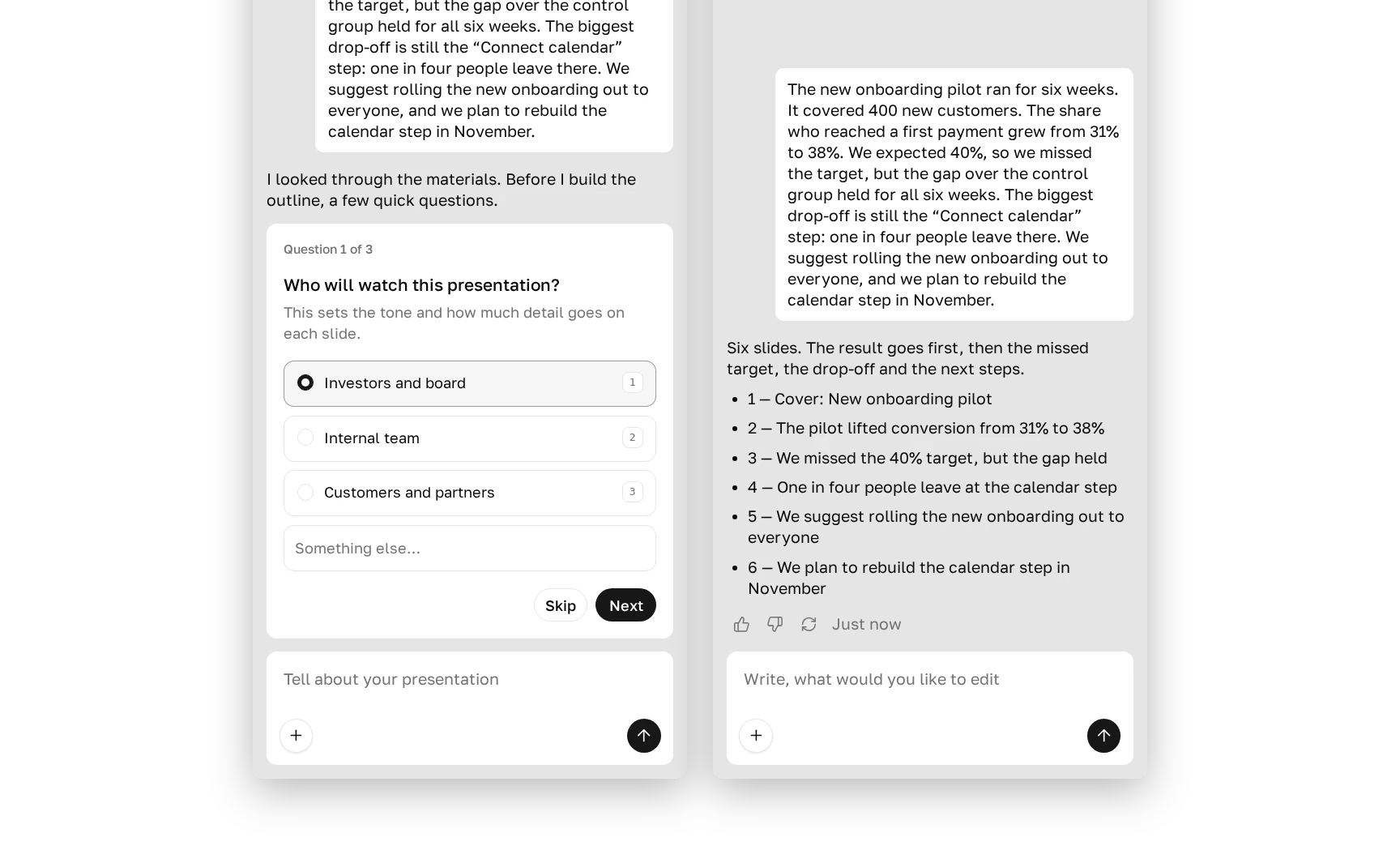
You see the outline before the slides.
It shows the number of slides and their headlines. Edit the outline and approve it, and Plainline builds the slides.
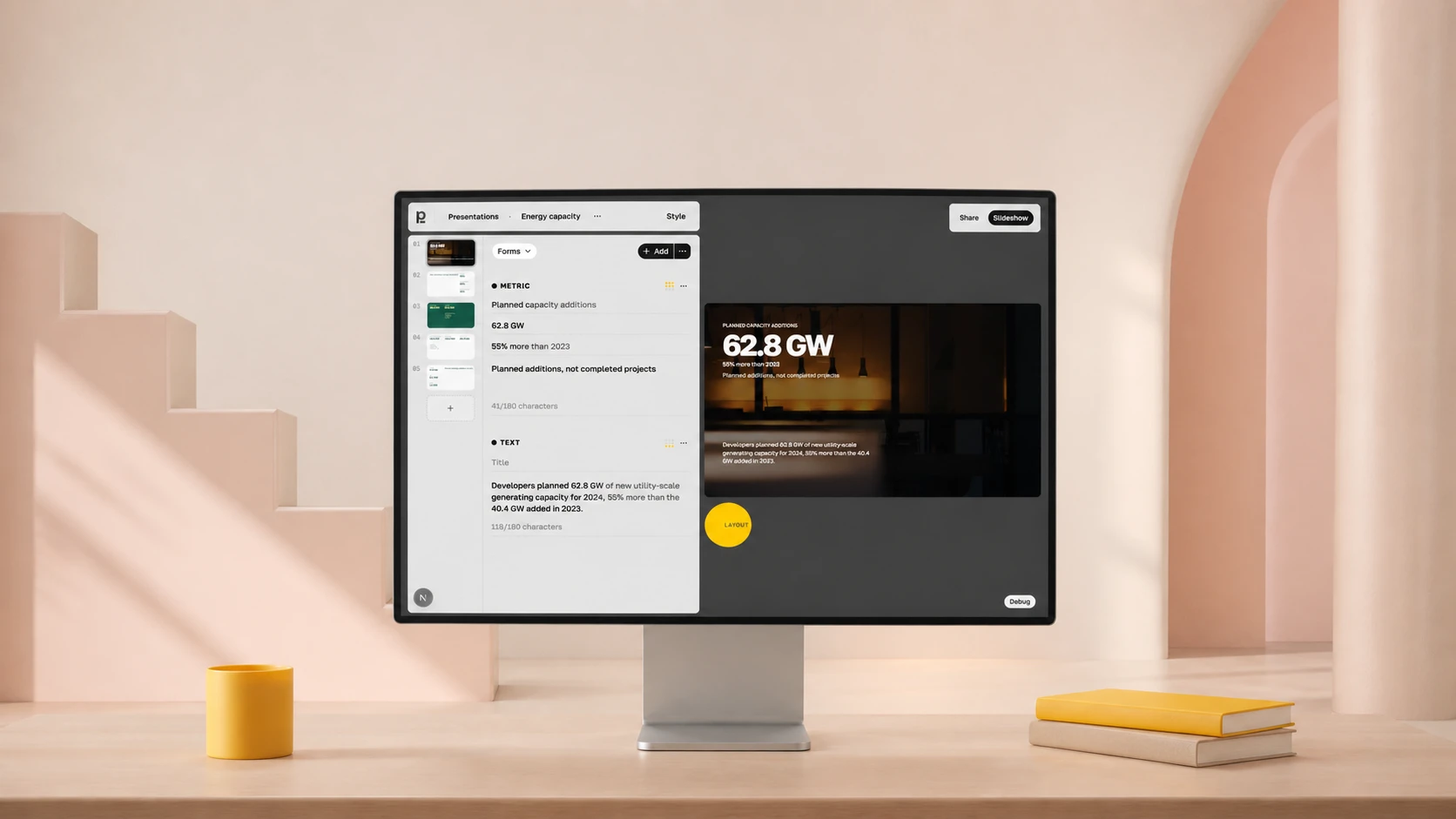
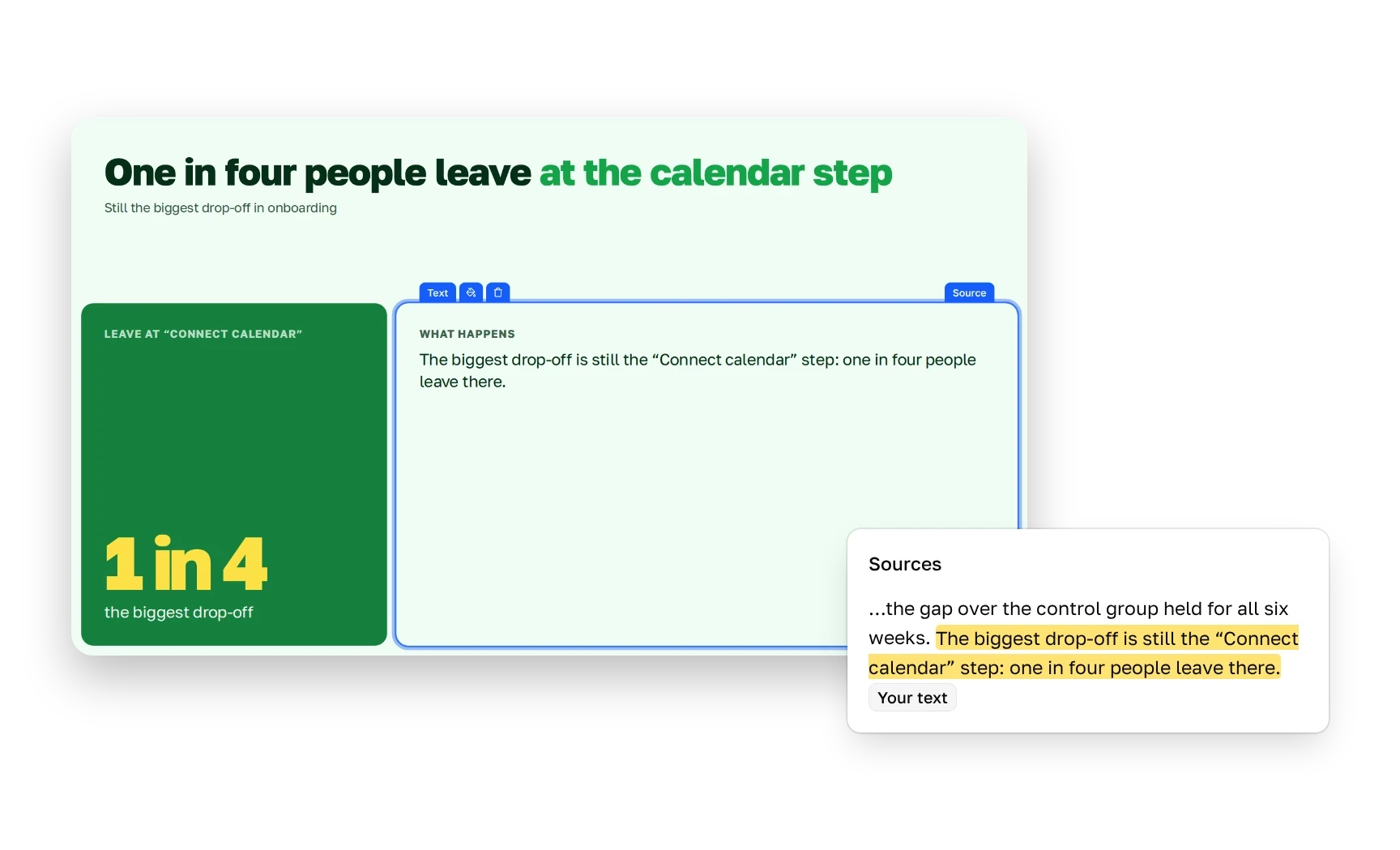
Each block shows the sentence in your text it relies on.
Click a block and open Source. Blocks without a source can be highlighted.
Four models work on your deck: Claude Opus 5.5, Haiku 5.5, ChatGPT Luna 6 and Gemini 3.8 Flash. Each has its own jobs, from reading the text in your screenshots to checking slides against the source.
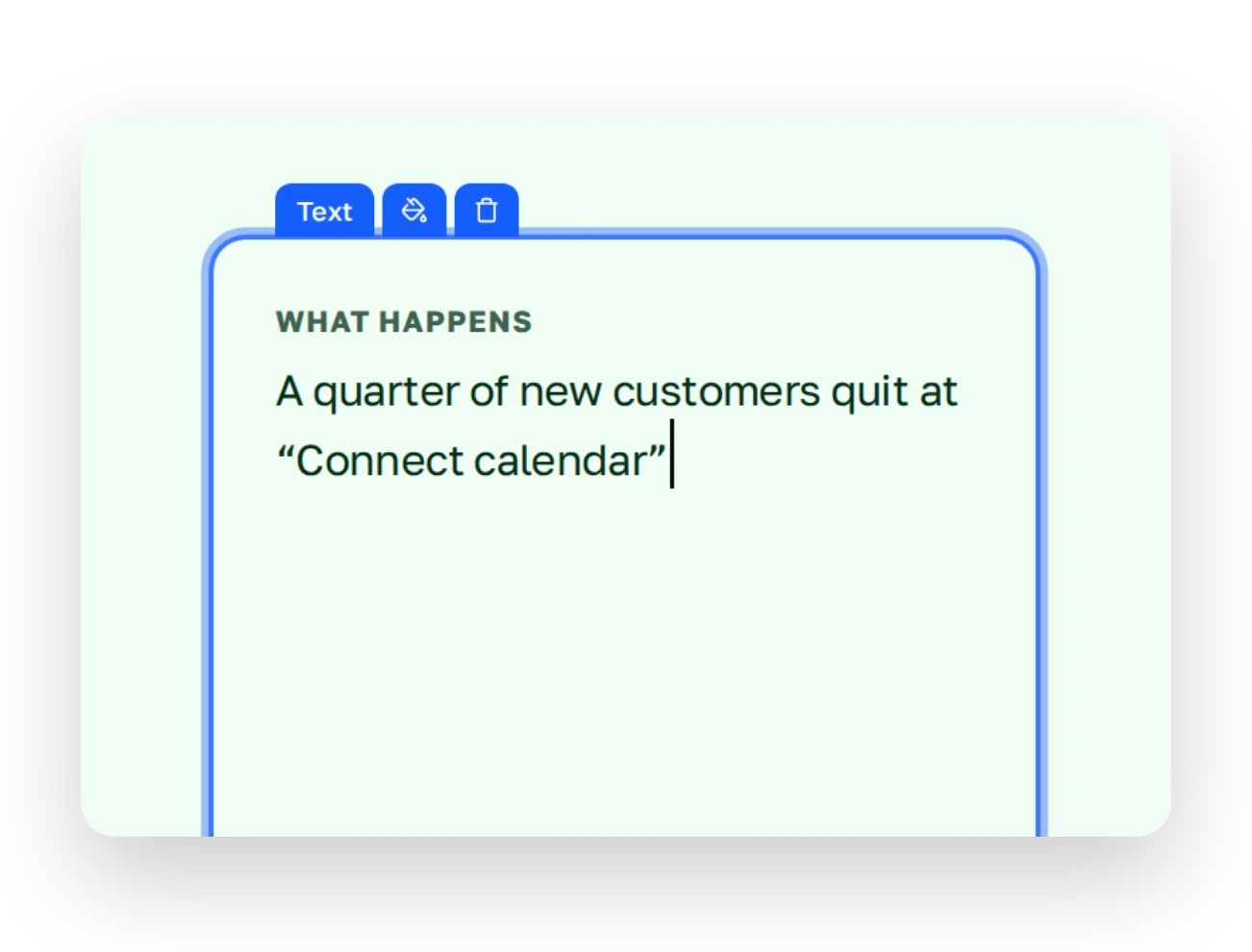
Click a block and rewrite the phrase. The block stays in place, and the text stays inside it.
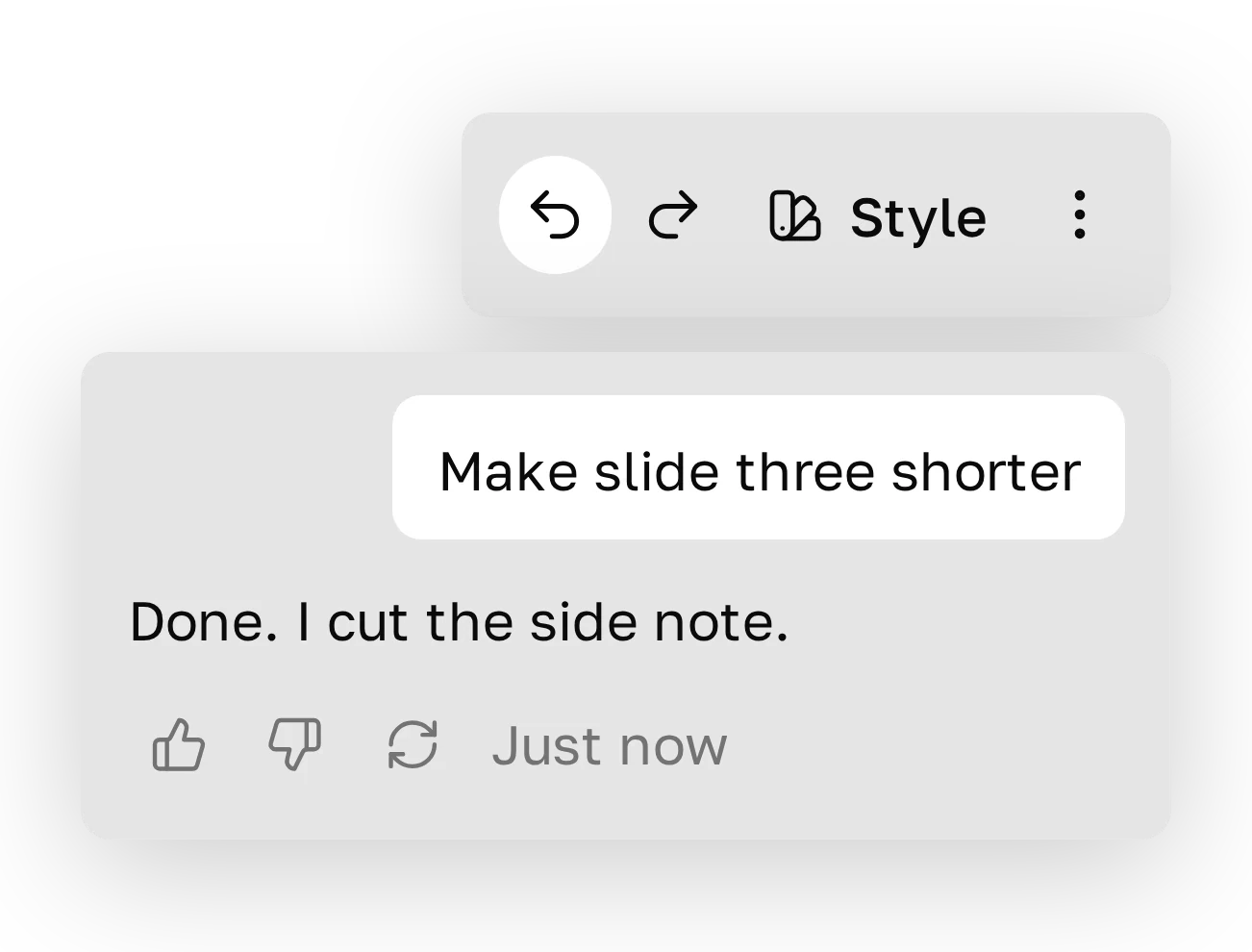
Type in the chat: “make slide three shorter”. If the result doesn’t work, press Undo.
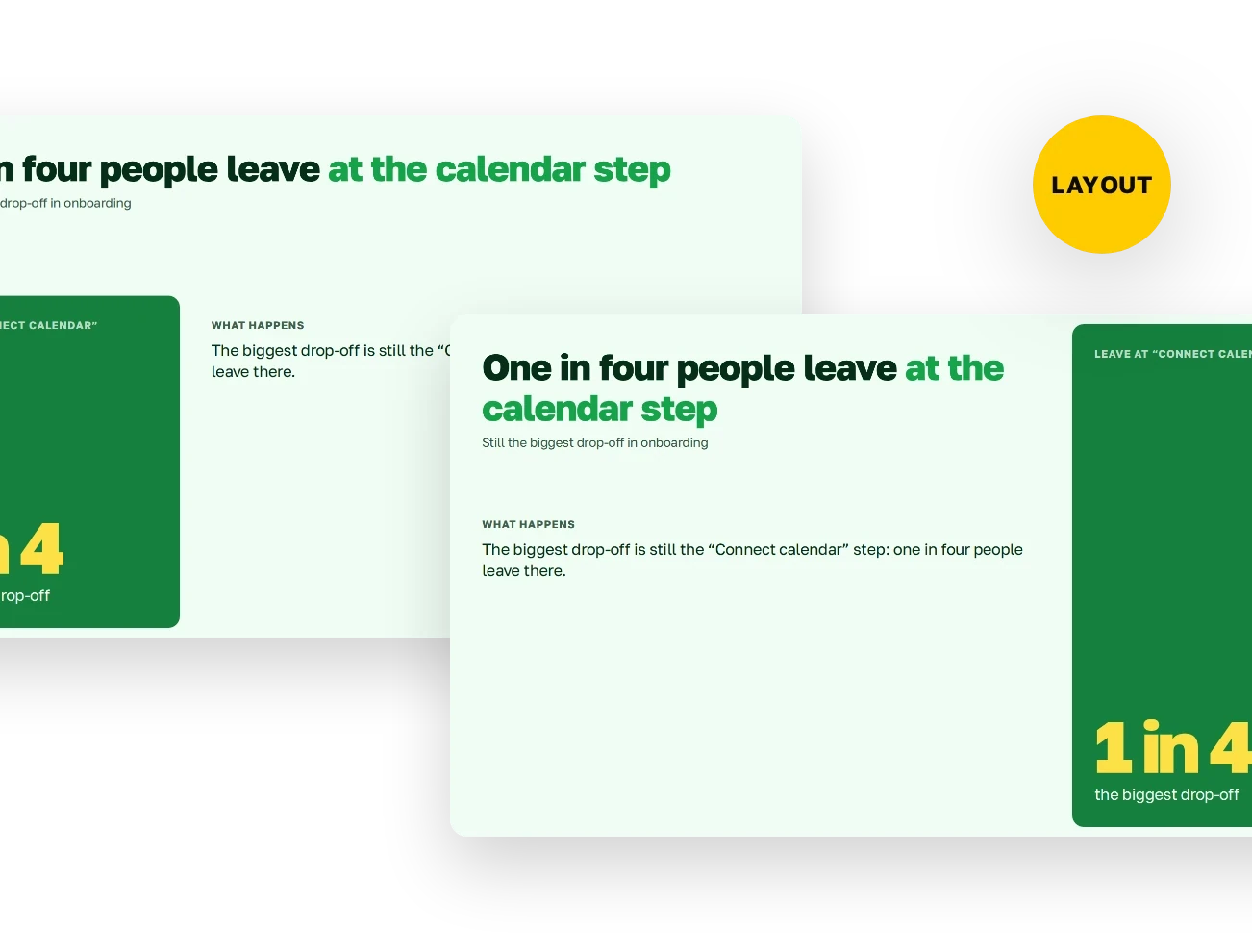
Press Layout, and Plainline rebuilds the slide. Text and images stay the same.
Send the finished deck as a link, or download it as PowerPoint or PDF.
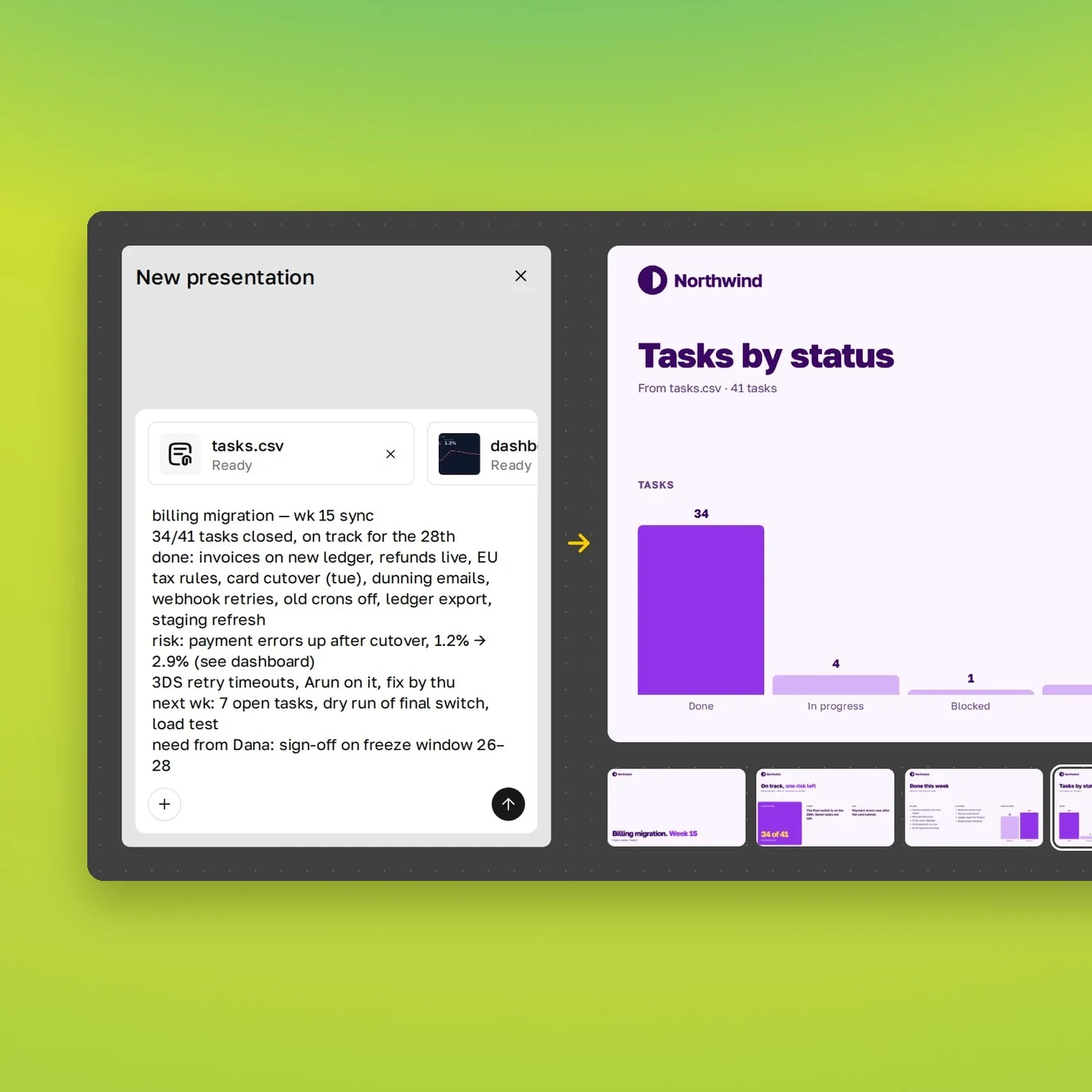
Paste your text into the chat, pick a mode and approve the outline. Plainline builds the slides, and you can edit them.
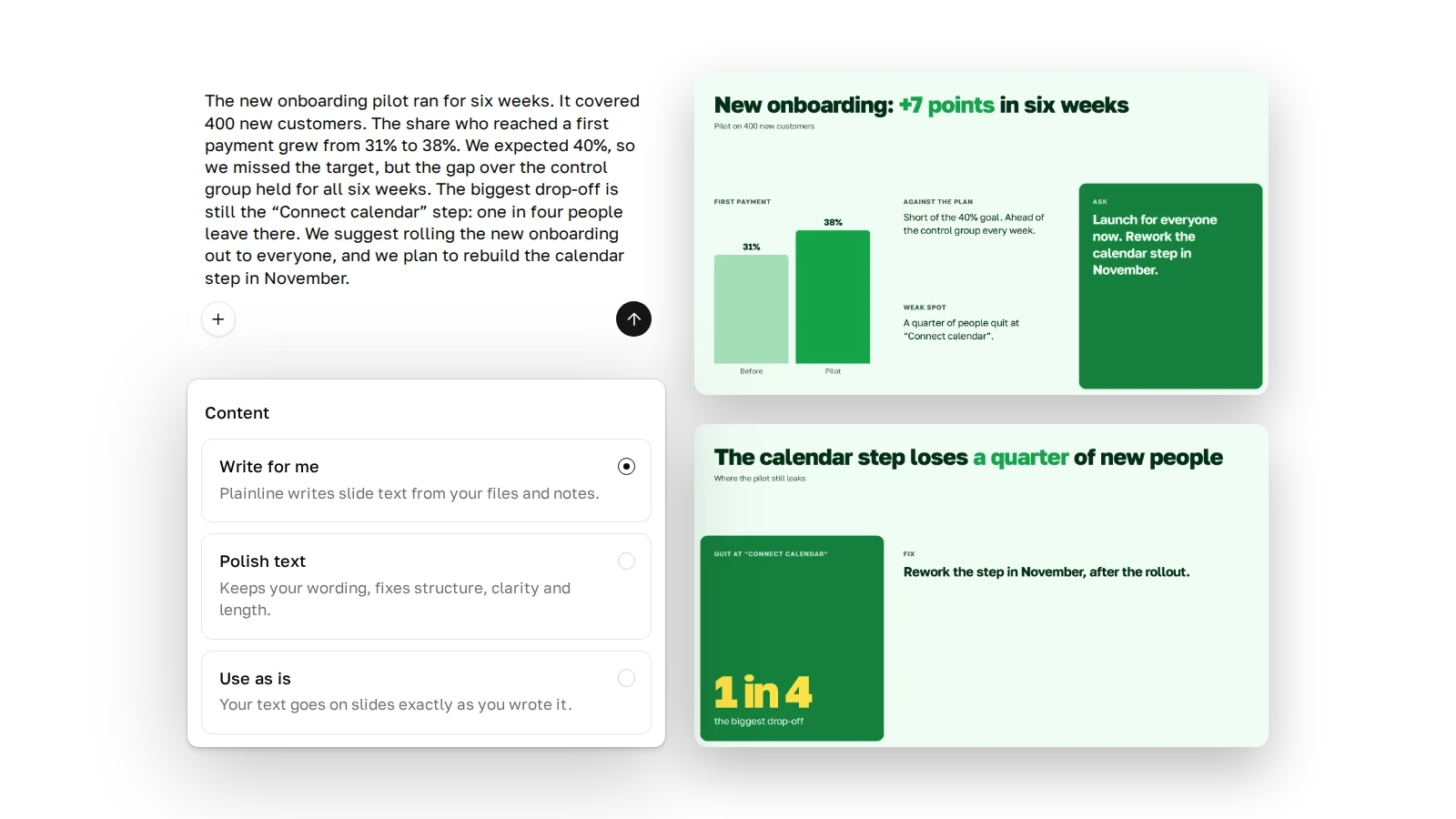
You set that. Plainline moves your text over word for word, fixes its structure and length, or writes the slides anew.
We tuned Plainline against that. It cuts filler words, puts the takeaway in the headline, and takes numbers and names from your text.
Not in “Use as is”. In “Polish text”, structure and length change, and your caveats, names and numbers stay. In “Write for me”, the slide text is new.
It’s built not to. Each block shows its source, and you can highlight blocks that have none.
Claude Opus 5.5, Haiku 5.5, ChatGPT Luna 6 and Gemini 3.8 Flash. We match each task to the model that handles it best.
You see the number in the outline before the build. If it doesn’t suit you, ask in the chat to change the outline.
Up to about 200 pages of text. Add long material as a file.
Yes. Plainline treats it as regular text.
You download the finished deck as PPTX. There’s also PDF and a view link that needs no login.
We encrypt it before storage and don’t train models on it.

 Claude
 ChatGPT
 Gemini
 PowerPoint
 PDF
PDF