
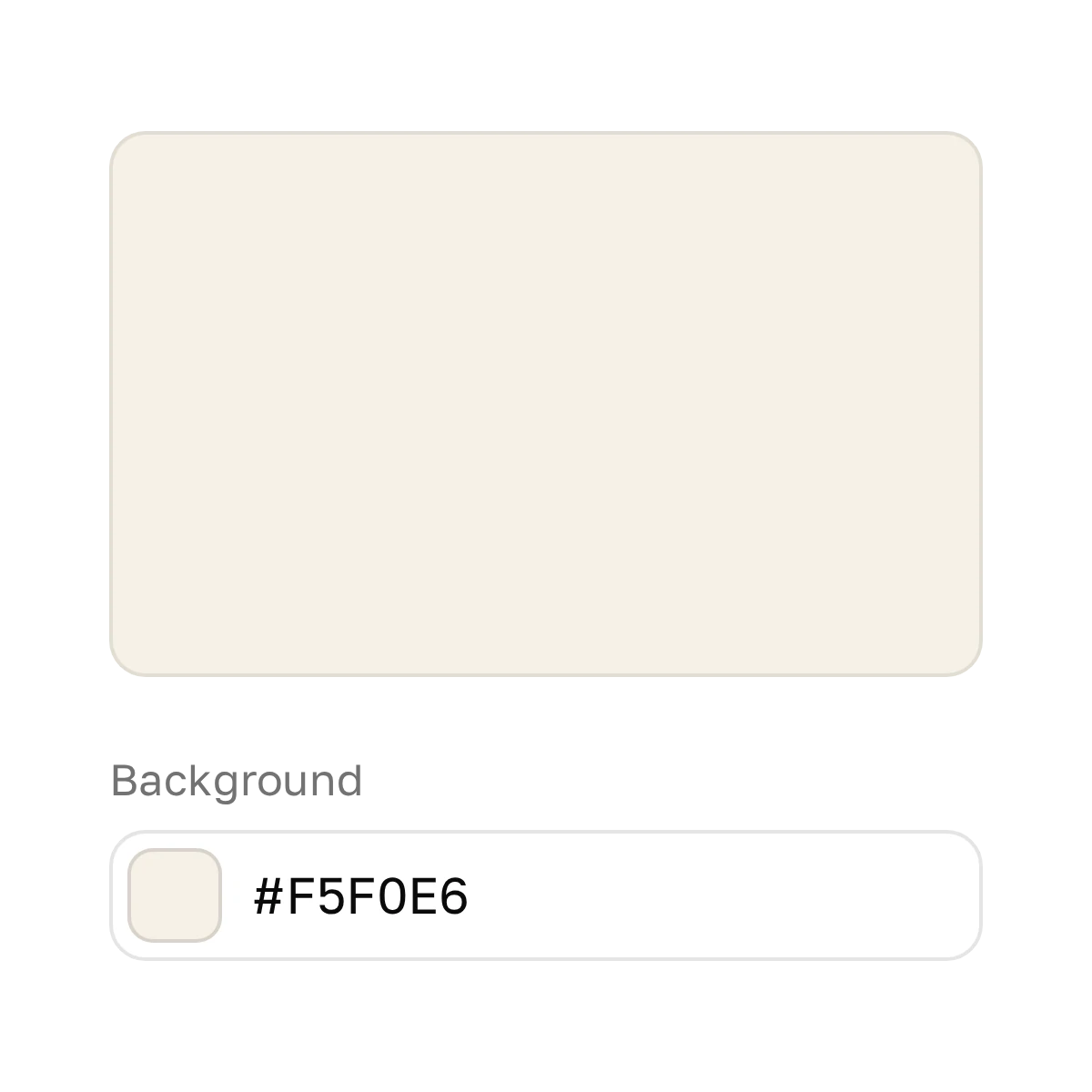
Background
The color behind your text: white or a light brand color.

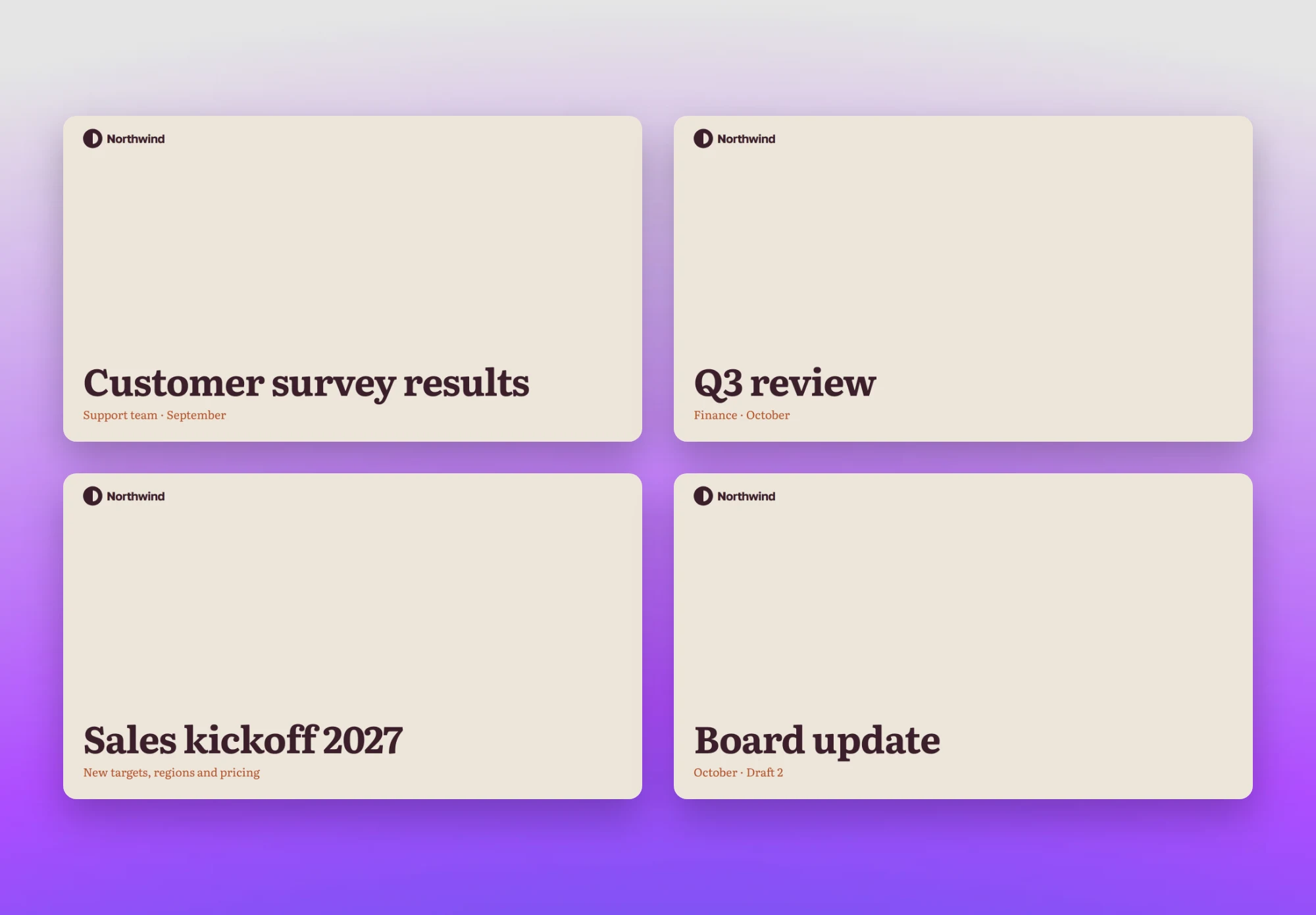
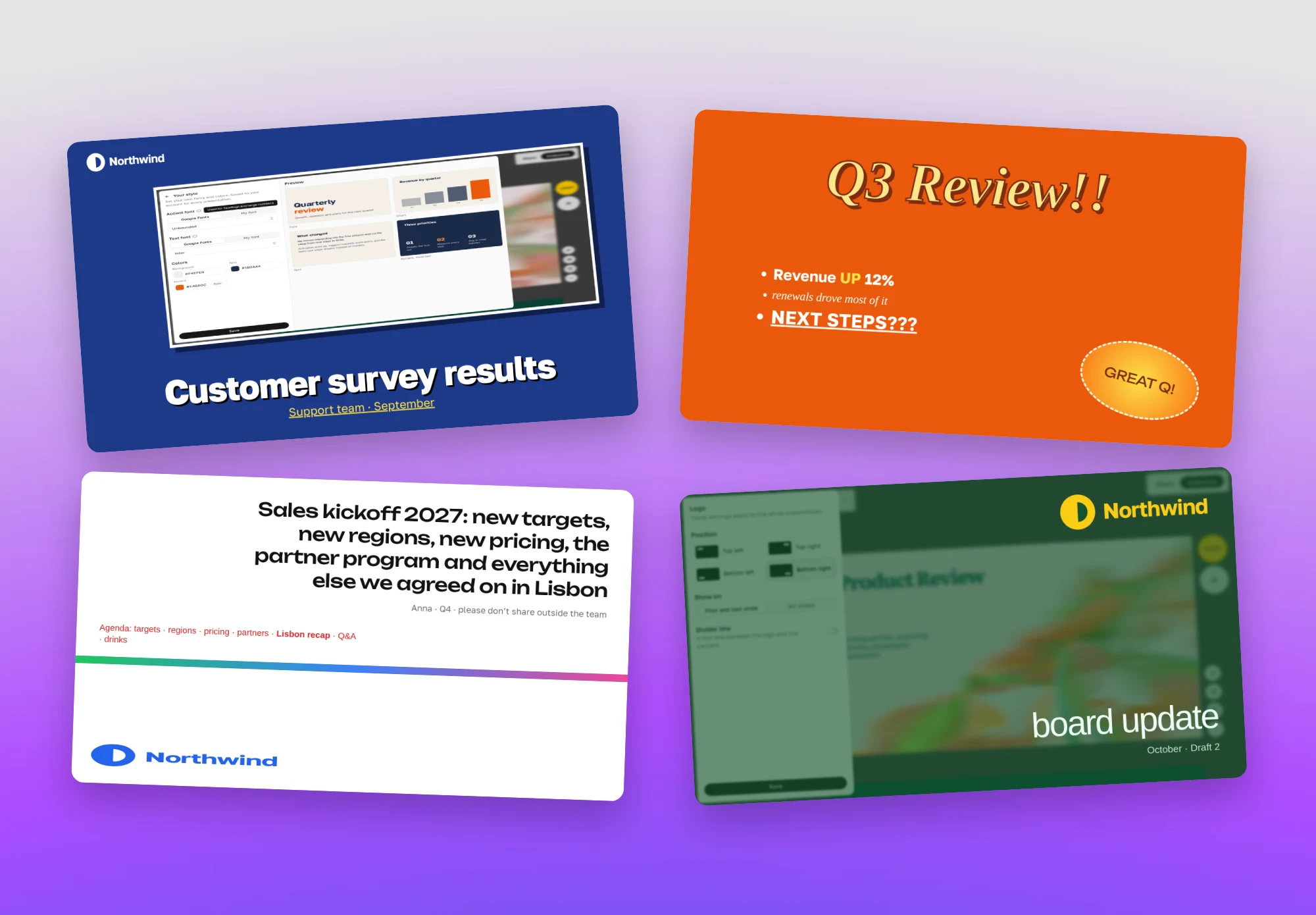
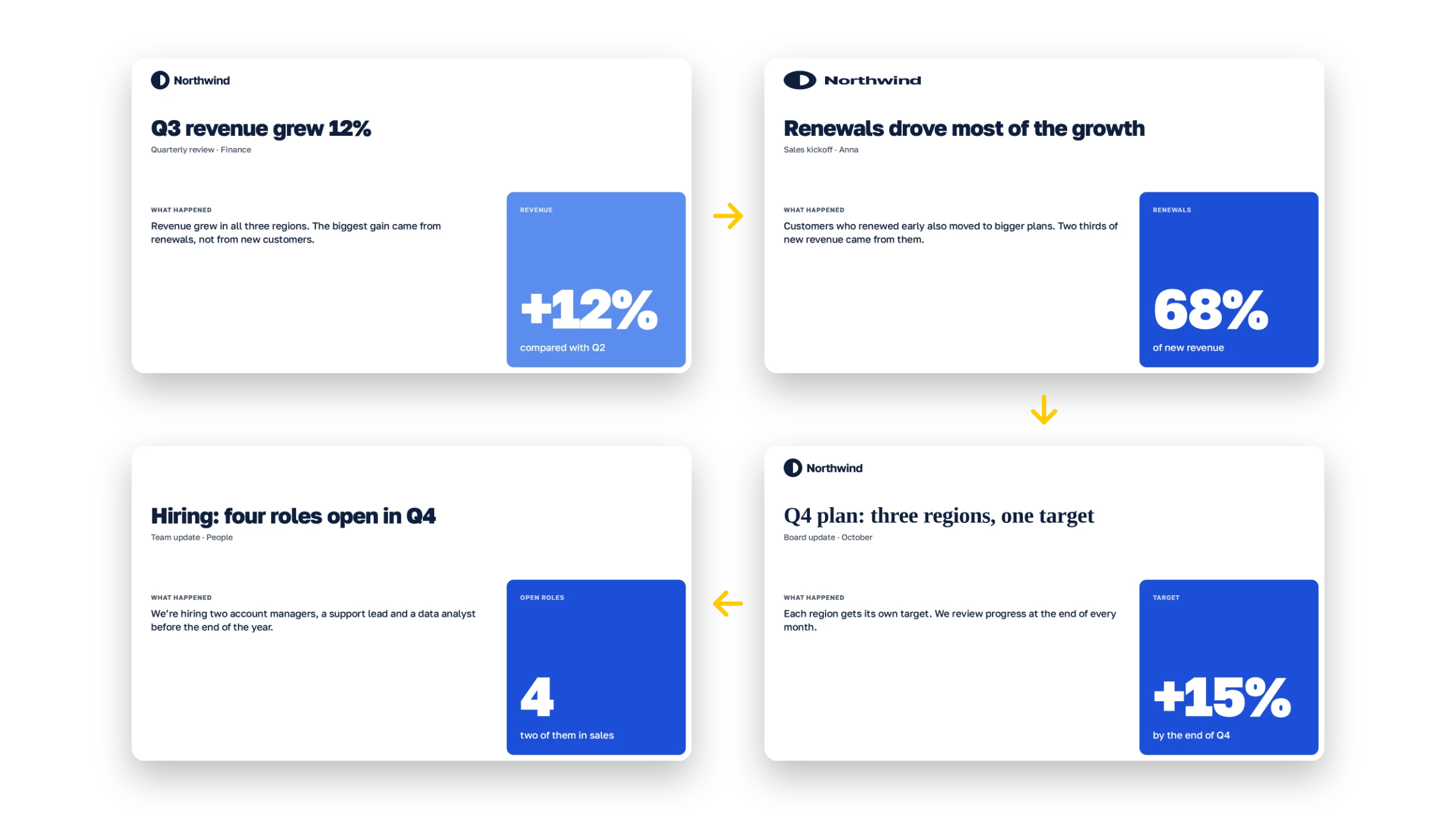
Six months later, the team has ten similar decks instead of one company deck.
The color behind your text: white or a light brand color.
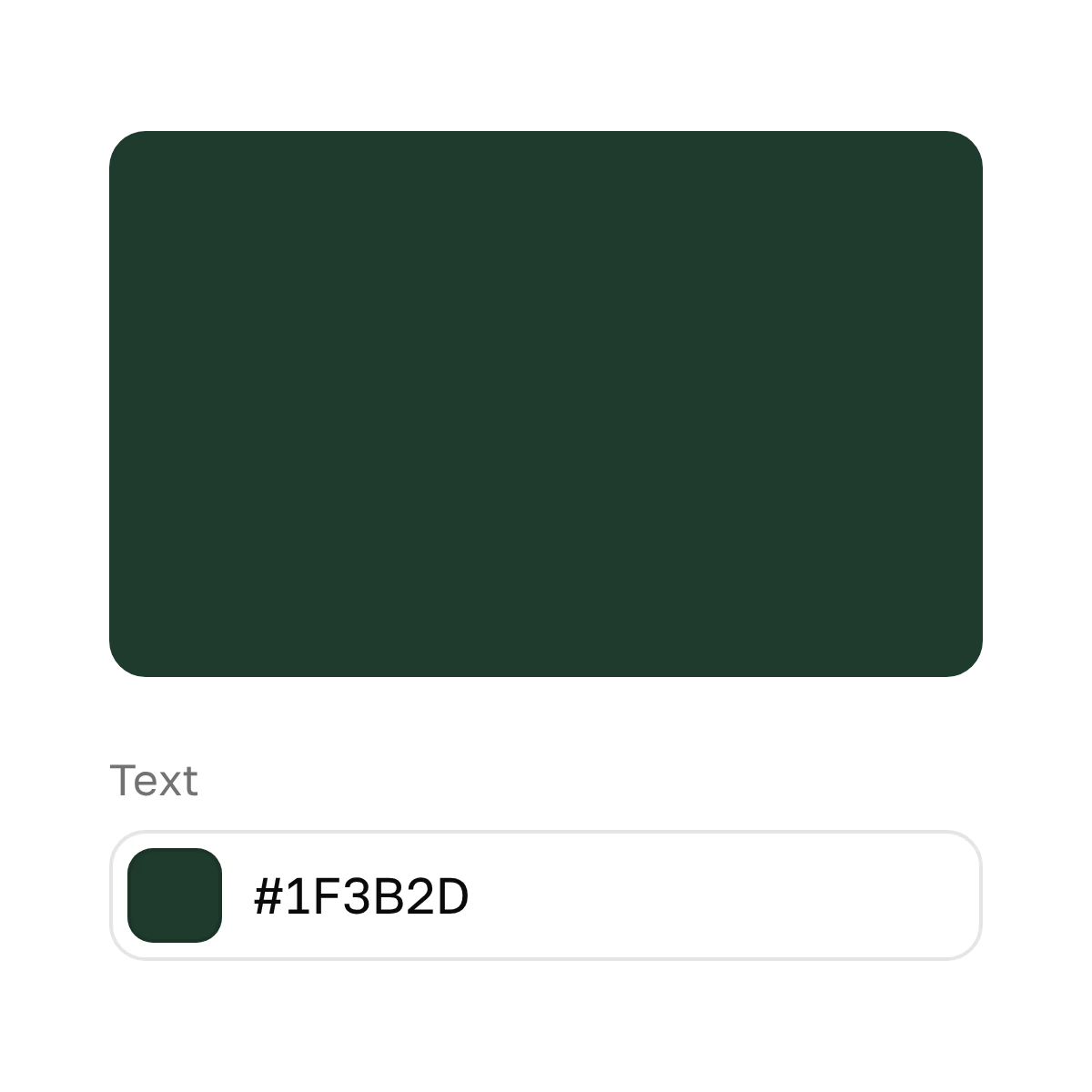
For headlines and paragraphs. Dark, but not necessarily black.
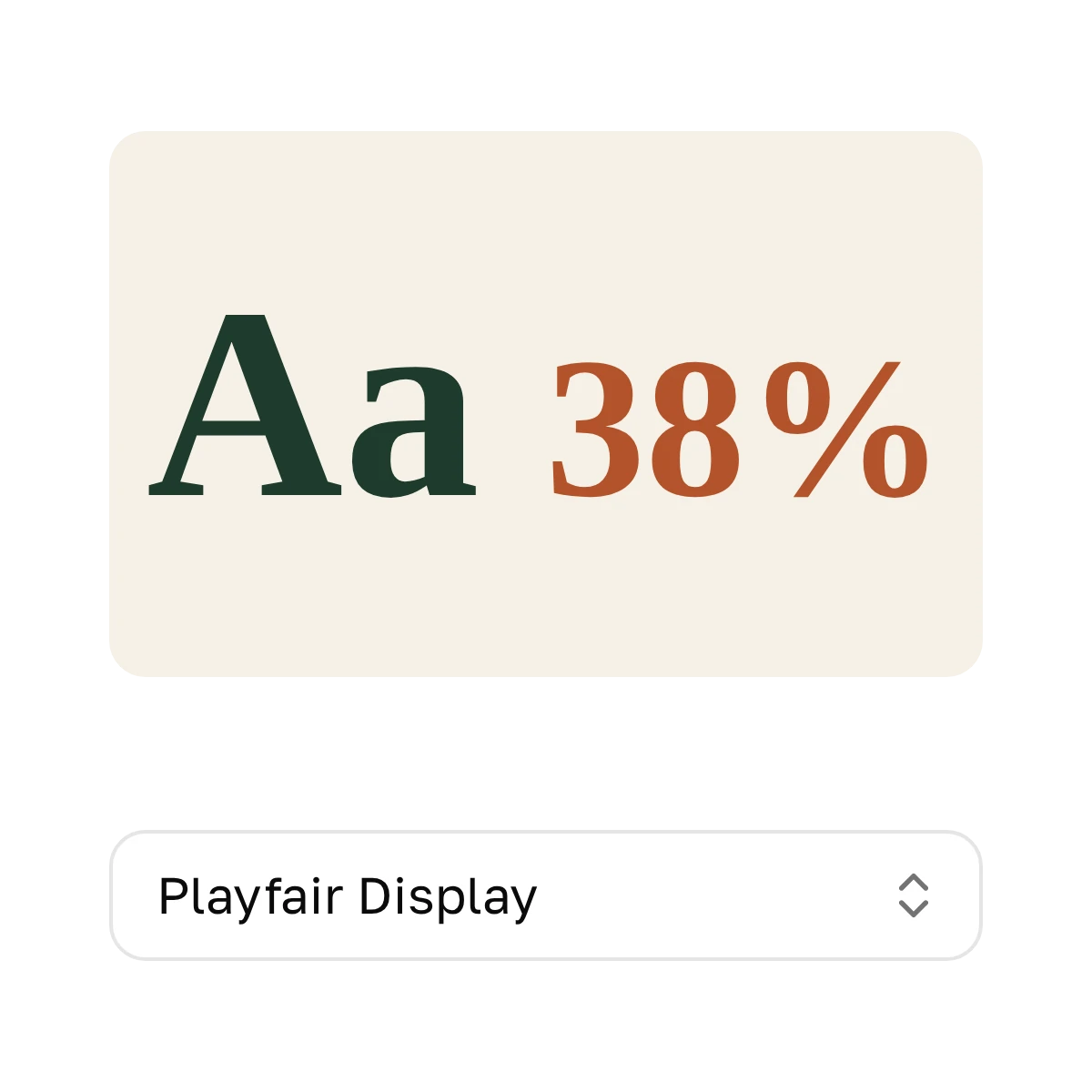
For headlines and large numbers.
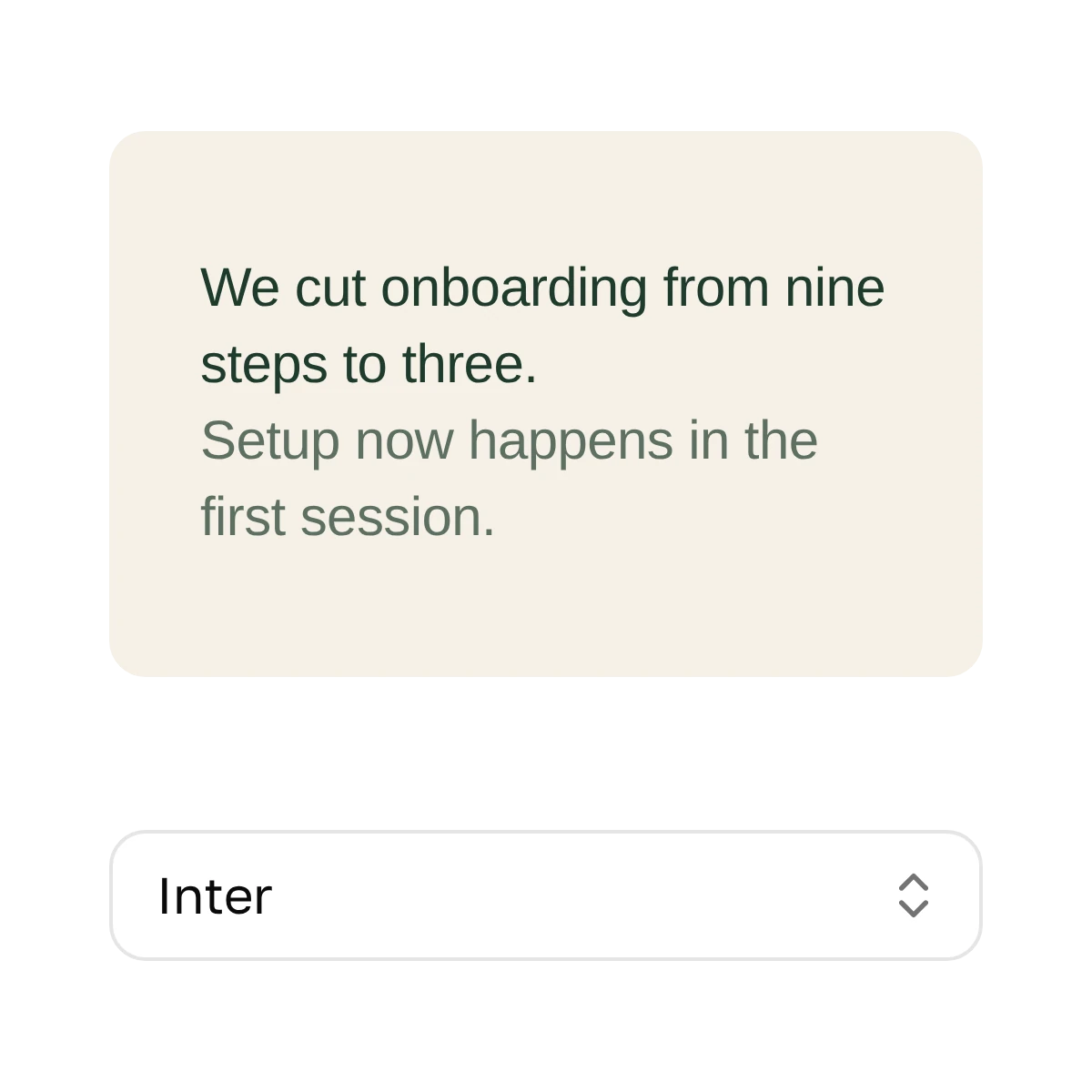
For paragraphs, lists and labels.
SVG or PNG with a transparent background.
You’ll find all of this on the first pages of your brand book. No brand book? Take the colors and fonts from your company website.
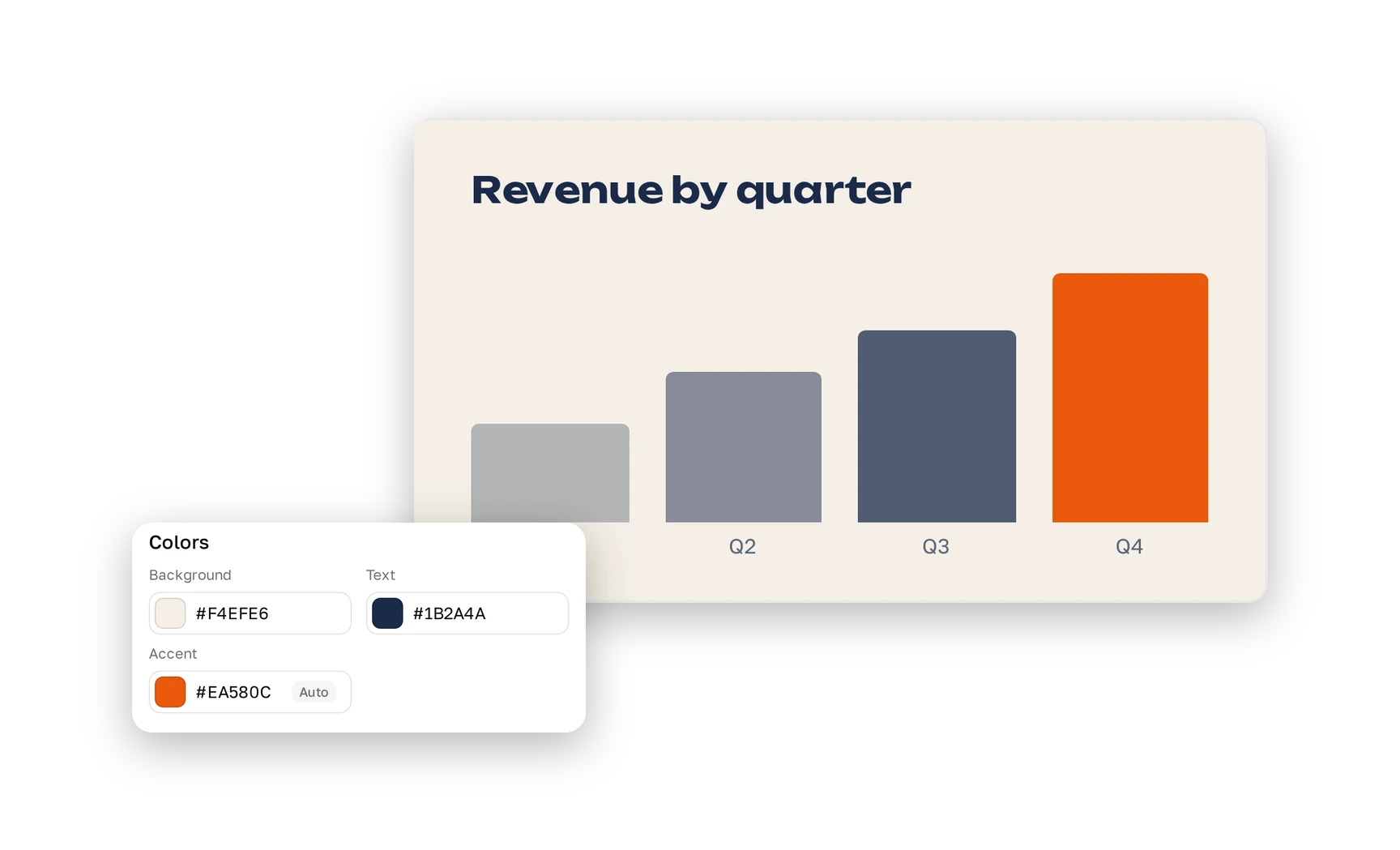
Plainline picks a third color for charts and large numbers.
It stands out next to your text and reads well on the background. Want your own? Set it by hand.
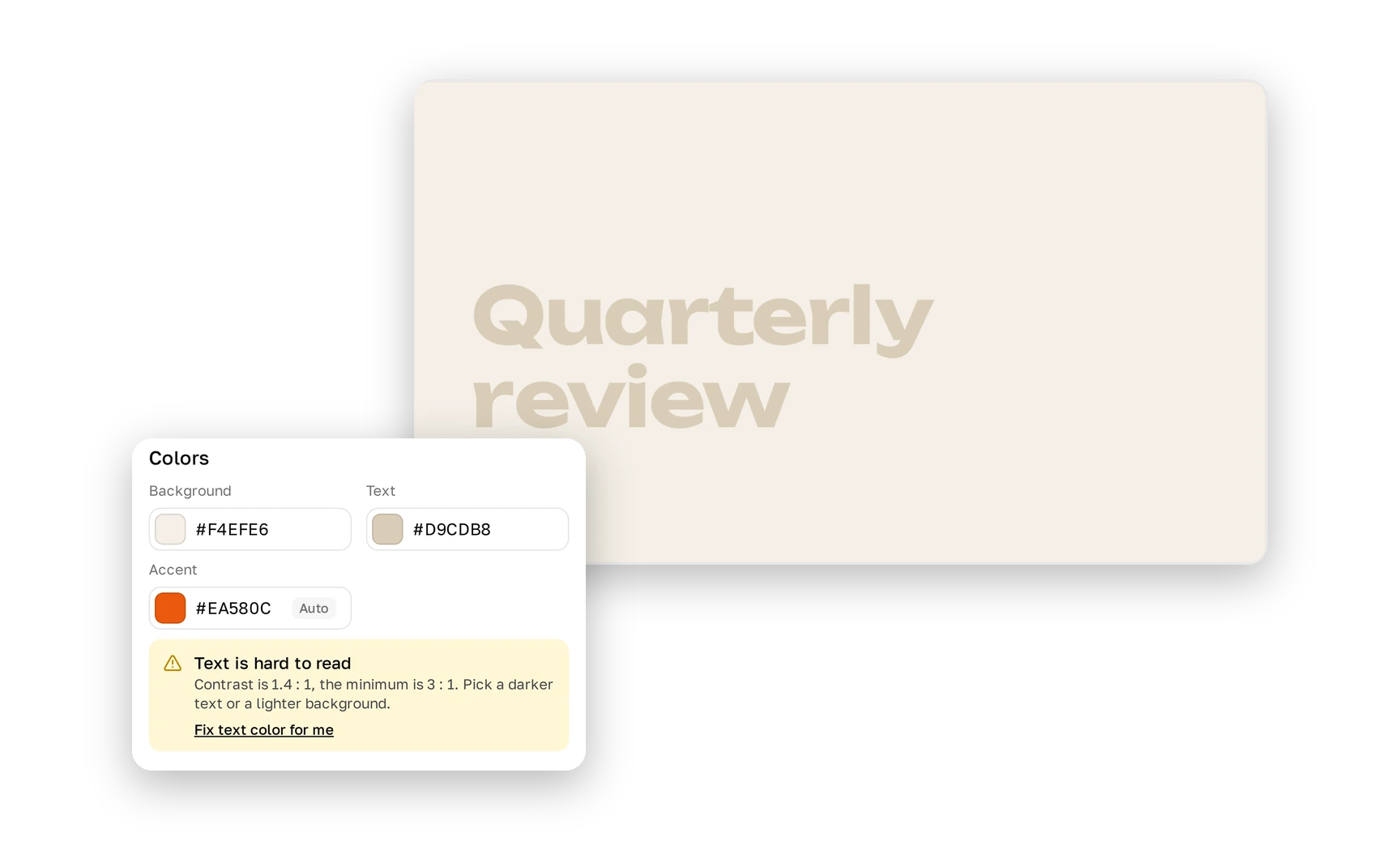
Plainline checks that text in your brand color is readable on a slide.
If text is hard to read, Plainline warns you and can fix the color.
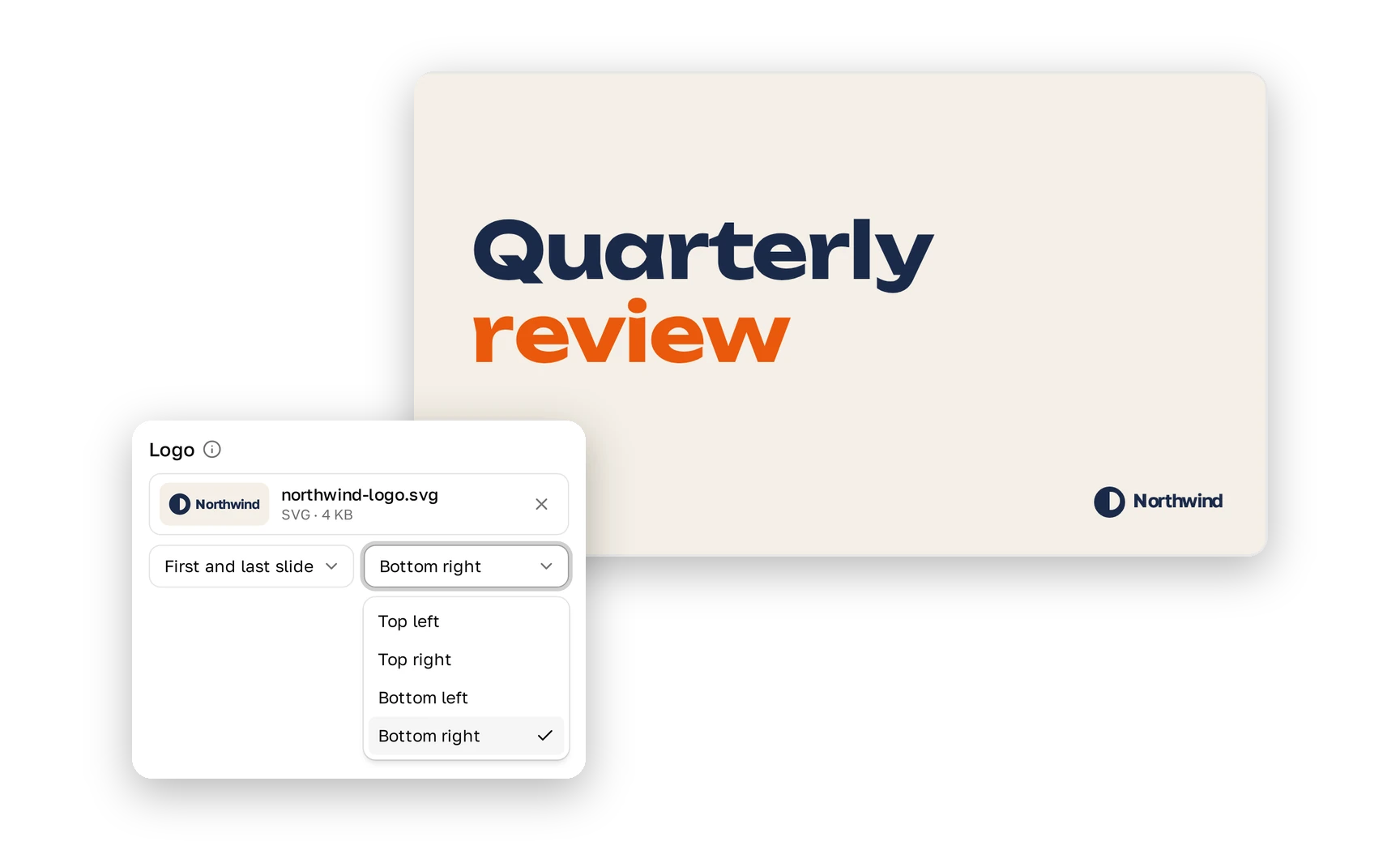
Add your logo once, and Plainline shows it on every slide or only on the first and last.
Pick one of four corners and, if you like, a thin line under it.
Your colors, fonts and logo stay the same while you edit.
Rewrite text, add slides or press Layout: presentation design stays consistent across your team.
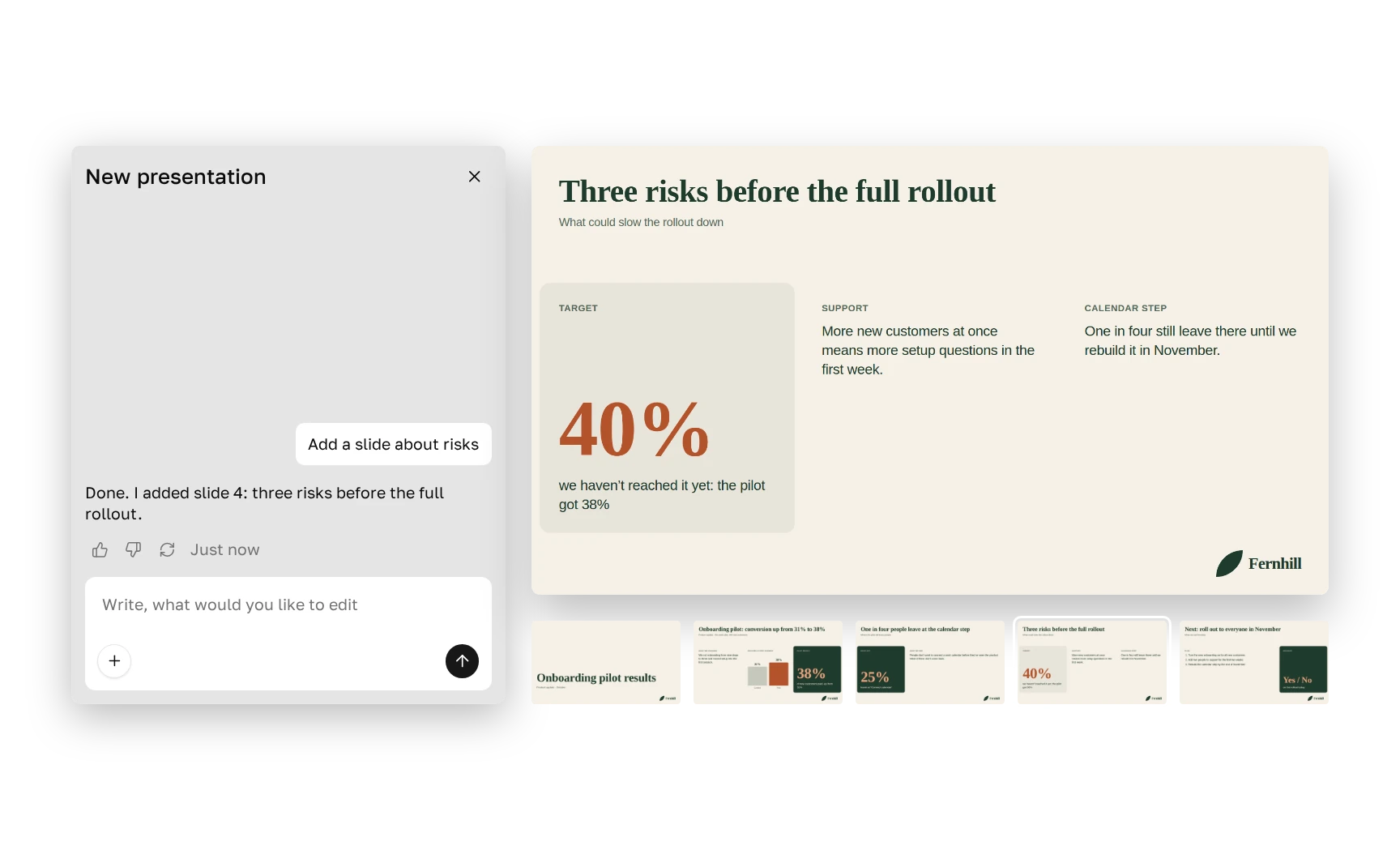
One update in the styles of three companies: only the colors, fonts and logo change.
It’s the colors, fonts and logo that go into every deck. In Plainline, that’s five settings: background color, text color, headline font, text font and logo.
Open Style, upload your logo, pick a corner and choose “All slides”. It appears on every slide of the decks that use your style.
No, Plainline doesn’t import PowerPoint template files. Take the colors, fonts and logo from your template: that’s enough to make the deck look like yours.
Yes. Pick one from Google Fonts or upload a TTF, OTF, WOFF or WOFF2 file.
Plainline writes only the font’s name into the PowerPoint file. If the recipient doesn’t have that font, PowerPoint shows a similar one. Recipients can install any Google font for free.
Plainline warns you when text is hard to read on the background and can pick a darker or lighter shade.
No. Plainline adds your style to new decks, and you can switch an older deck to it by hand.
For now, one style per account.