




Before choosing a layout, turn rough notes into a slide map: a sequence of message titles that connects the evidence to the audience’s decision. This keeps gaps and sources visible and gives each slide a clear job.
A slide map is an ordered list of message titles — one sentence per planned slide, stating what the audience should take away — written before any layout is chosen. It shows the argument as a sequence, so gaps, repetitions, and unsupported claims stay visible while they are still cheap to fix.
The whole pass takes six steps:
- Write down the one decision the audience must make.
- Label each note by what it contributes and keep its source attached.
- Rewrite the topic headings as message titles.
- Build one slide per title, choosing a layout that fits its job.
- Read the titles alone, then check that each conclusion has visible support.
- Stop if the notes cannot support the deck the meeting needs.
Define the decision first
Notes often mix facts, interpretations, questions, decisions, and reminders. The audience needs one main point and a clear reason for seeing the deck. Complete this sentence before working on layouts:
After this presentation, [audience] should understand [main point] and be ready to [decision or next action].
For example:
After this presentation, the leadership team should understand where onboarding loses new accounts and be ready to approve a guided-import experiment.
Use this sentence as the editing standard. Keep material in the main deck when it helps the audience understand the point or make the decision. Move useful background to an appendix or leave it in the source document.
Label the notes and keep sources attached
Mark what each note contributes:
- Claim: what the audience should conclude
- Evidence: the observation, data, or source behind the claim
- Decision: what needs approval
- Action: what happens next, who owns it, and when it happens
- Open question: what remains unknown
- Context: what the audience needs before the claim makes sense
These labels expose gaps without filling them. A recommendation without evidence remains incomplete, and an unexplained number cannot quietly turn into a conclusion. If the notes contain no answer, leave the gap visible.
Keep each reference with its evidence. A chart needs its dataset and date, a quotation needs a speaker or document, and a metric needs a definition. Separating evidence from its source makes the generated slide harder to verify.
Turn topics into a sequence of message titles
Document headings usually name topics. Slide titles should state what the audience needs to take away.
| Topic label | Message title |
|---|---|
| Onboarding results | More trial starts are not producing more activated accounts |
| Import step | The largest known drop-off occurs during data import |
| Recommendation | A guided-import experiment will test the leading friction hypothesis |
One central message per slide is a useful editing heuristic, with exceptions for contents pages, comparisons, and appendices. In the main argument, a title that joins two conclusions with “and” often needs two slides.
Read the titles in sequence without the body content. They should form a short argument that moves from context to evidence and the requested action. Microsoft describes the same text-first use of PowerPoint’s Outline view: it supports overview, global edits, and resequencing before visual details take over.
Once the sequence works, give each slide a semantic job such as thesis, comparison, number, quotation, problem, evidence, recommendation, or conclusion. The job determines the composition. A number slide may need one metric and a short explanation; a quotation needs attribution and enough context to interpret it. Use media when it carries evidence or explains a mechanism.
A copyable notes-to-slides example
The example uses placeholders. Replace every bracketed field with verified source material.
Rough notes
Q3 onboarding review

Audience: leadership team
Need: approval for guided-import experiment

Trial starts: [current value], up from [previous value]
Activation: [current value], compared with [previous value]
Largest observed drop-off: data import, [value]
Customer evidence: [quote or research finding + source]

Possible cause: users do not know which file format to upload
Unknown: whether guidance or import reliability is the larger issue

Proposal:
- test guided import with [target segment]
- measure [primary metric]
- run for [duration]
- owner: [name]

Need from leadership:
- approve experiment
- confirm [resource or dependency]
Slide map
| Slide | Message title | Content to show | Semantic job |
|---|---|---|---|
| 1 | Onboarding growth is not reaching activation | Trial-start and activation metrics, with period and definitions | Problem |
| 2 | The largest observed drop-off occurs during data import | Funnel segment, value, and data source | Evidence |
| 3 | Customer evidence points to uncertainty about file requirements | Verified quotation or research finding with attribution | Evidence |
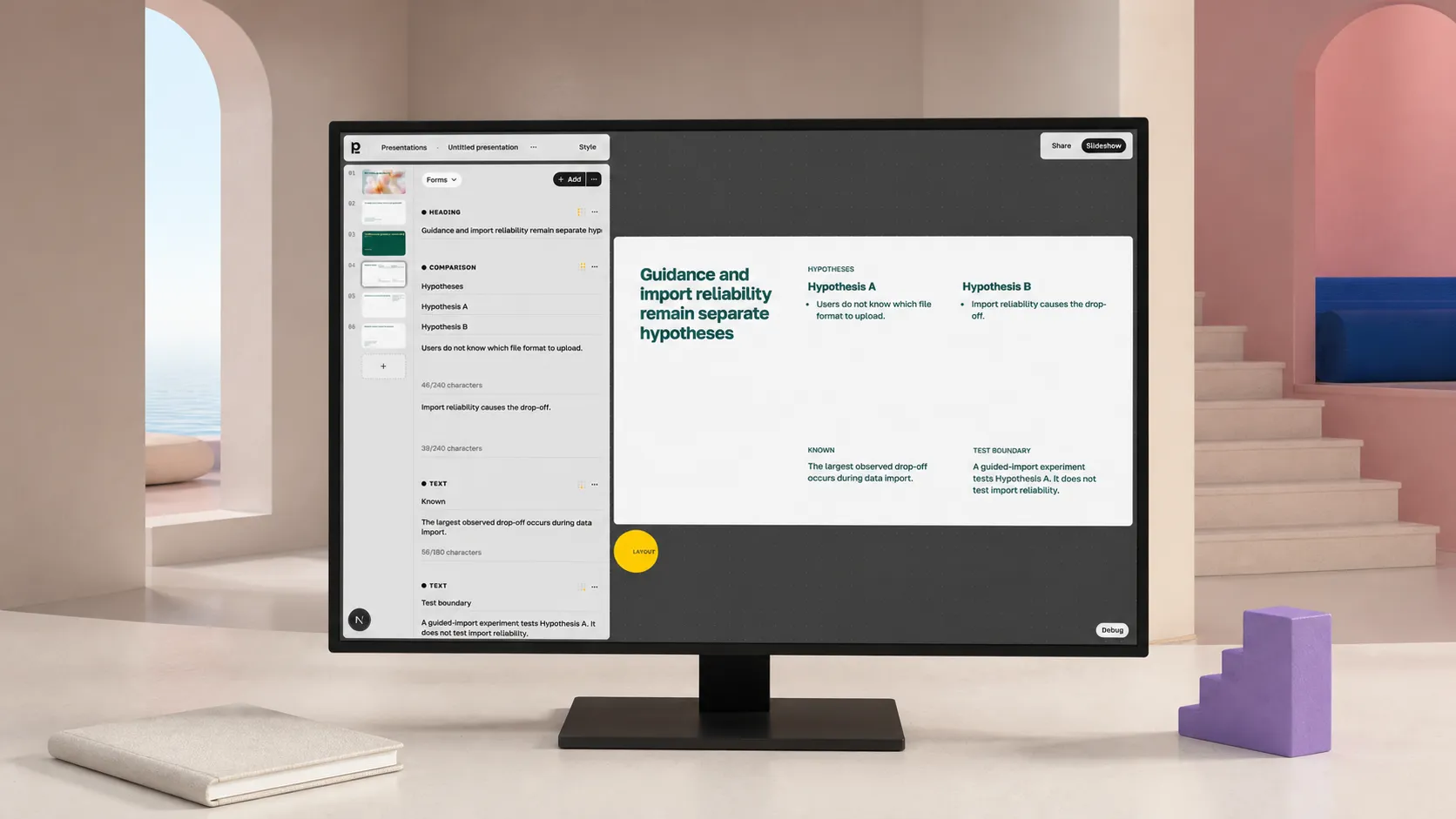
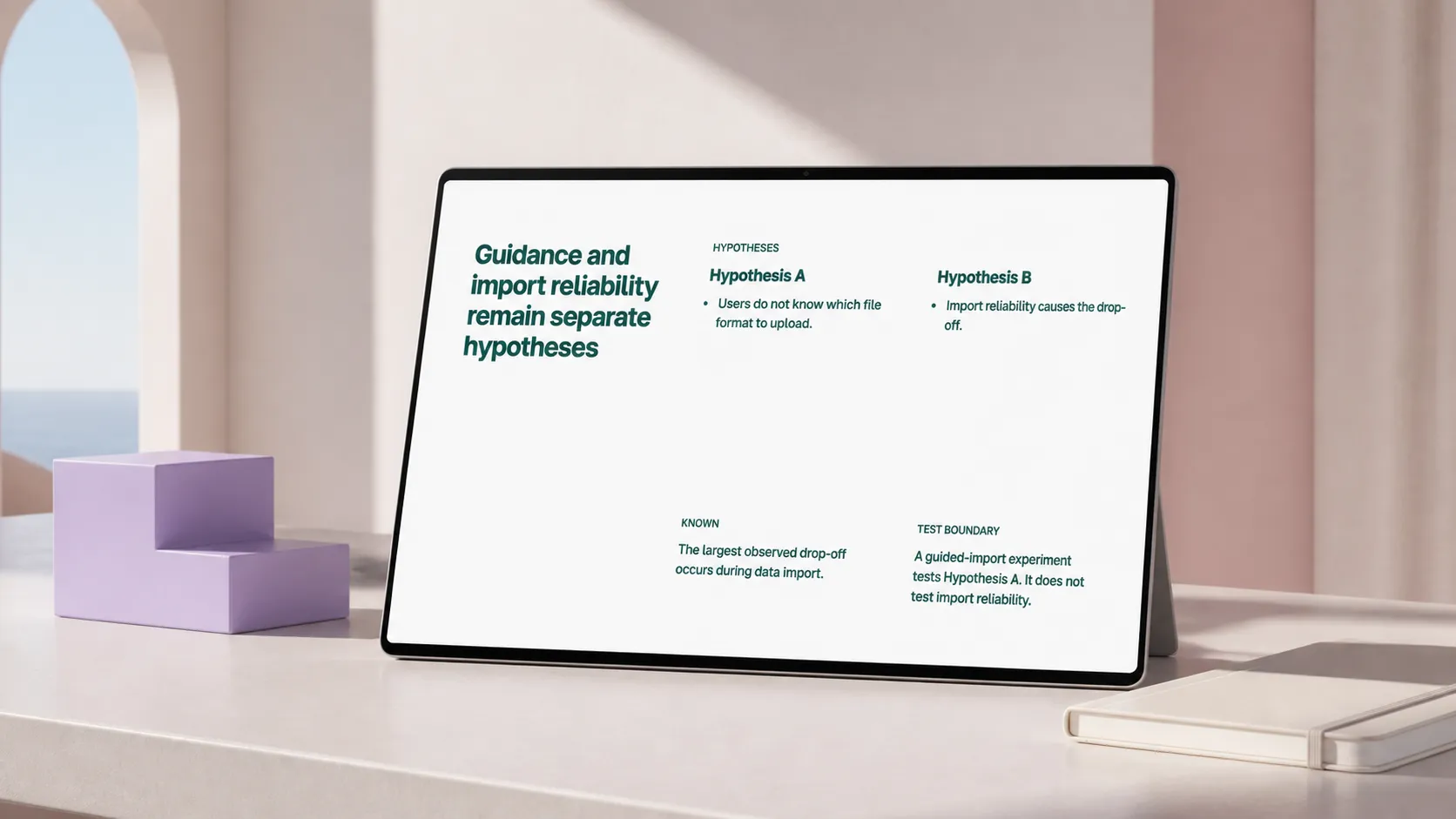
| 4 | Guidance and import reliability remain separate hypotheses | What is known, what is unknown, and what the test can isolate | Boundary |
| 5 | A guided-import experiment can test the guidance hypothesis | Target segment, change, metric, duration, and owner | Recommendation |
| 6 | Leadership approval unlocks the experiment | Decision requested and required dependency | Decision |
The sequence starts with the performance gap, locates it, shows the available evidence, preserves the uncertainty, and ends with the proposed test and approval. Slide four matters because the notes suggest one cause while leaving another open. The deck should show both hypotheses and state which one the experiment tests.
Build slides without surrendering editability
With the map complete, create one slide per message title, add the supporting material, and choose a layout suited to its semantic job. PowerPoint can also create a presentation from a Word outline, using Heading 1 for slide titles and Heading 2 for slide bullets.
A notes-to-presentation tool can handle the assembly. In Plainline, source text can be split into slides, assigned semantic roles, and arranged with consistent typography, spacing, and placement. The author can still edit the content, sequence, semantic blocks, layout variants, and media.
Give the tool the audience and decision statement, labeled notes with sources, the slide map, text that must remain verbatim, and explicit gaps such as [data needed] or [source missing]. Remove unsupported output or replace it with a sourced statement from the notes.
Review the argument, then each slide
Read only the slide titles first. Check that each conclusion has visible support, assumptions stay labeled, and the final request follows from the evidence.
Next, inspect the slides themselves. The layout should fit the semantic job, and every element should support the title. Verify chart labels, dates, units, quotations, and sources. Keep typography and spacing consistent across repeated elements.
Give every slide a unique, descriptive title. Microsoft’s PowerPoint accessibility guidance says screen-reader users rely on titles to identify slides. Descriptive titles also help anyone scan the title list and jump to the relevant section.
Finally, read the deck at meeting pace. Check the transitions and move details to speaker notes or an appendix when the audience does not need them on screen.
Pause when the notes cannot support a deck
Notes from a meeting are a special case with their own shape: see how to turn meeting notes into a presentation people will read. Stop converting when the source has no main claim, contains contradictory numbers, cites evidence without provenance, or delegates the recommendation to the tool. Return to the decision sentence and labels. Resolve contradictions where possible, keep unresolved ones visible, request missing sources, and separate hypotheses from findings.
Once the argument holds, move the slide map into Plainline or a manual editor — the same step as turning a finished document into editable slides. The author can revise the deck without rebuilding each slide or losing control of the evidence and decision path. For the full sequence from brief to presenting, see how to create a presentation with AI.
Frequently asked questions
What is a slide map and why write one before building slides?
A slide map is an ordered list of message titles, one per planned slide, written before any layout is chosen. Reading the titles in sequence shows whether the argument holds. Fixing a gap in a list of sentences takes a minute; fixing it after twelve slides are designed takes an afternoon.
How do I turn unstructured notes into slides without inventing content?
Label each note by what it contributes — claim, evidence, assumption, question, action — and keep its source attached. Then write message titles that only assert what the labelled notes support. Anything you cannot trace back to a note is an assumption, and it belongs on the slide as one.
When should I not turn notes into a presentation?
When the notes carry no decision, or when the evidence behind the conclusion is missing. A deck built on either gap looks finished and hides the problem. Go back to the source, or present the open questions as the subject of the meeting instead of dressing them as findings.
Do AI slide tools remove the need for a slide map?
No. A generator turns text into slides quickly, but it cannot know which decision the meeting must produce or which claims your notes actually support. The map is the part you own; the tool builds the draft from it and keeps that draft editable afterwards.
Sources
- Create and print a presentation in Outline view — Microsoft Support
- Create a PowerPoint presentation from an outline — Microsoft Support
- Make your PowerPoint presentations accessible to people with disabilities — Microsoft Support