
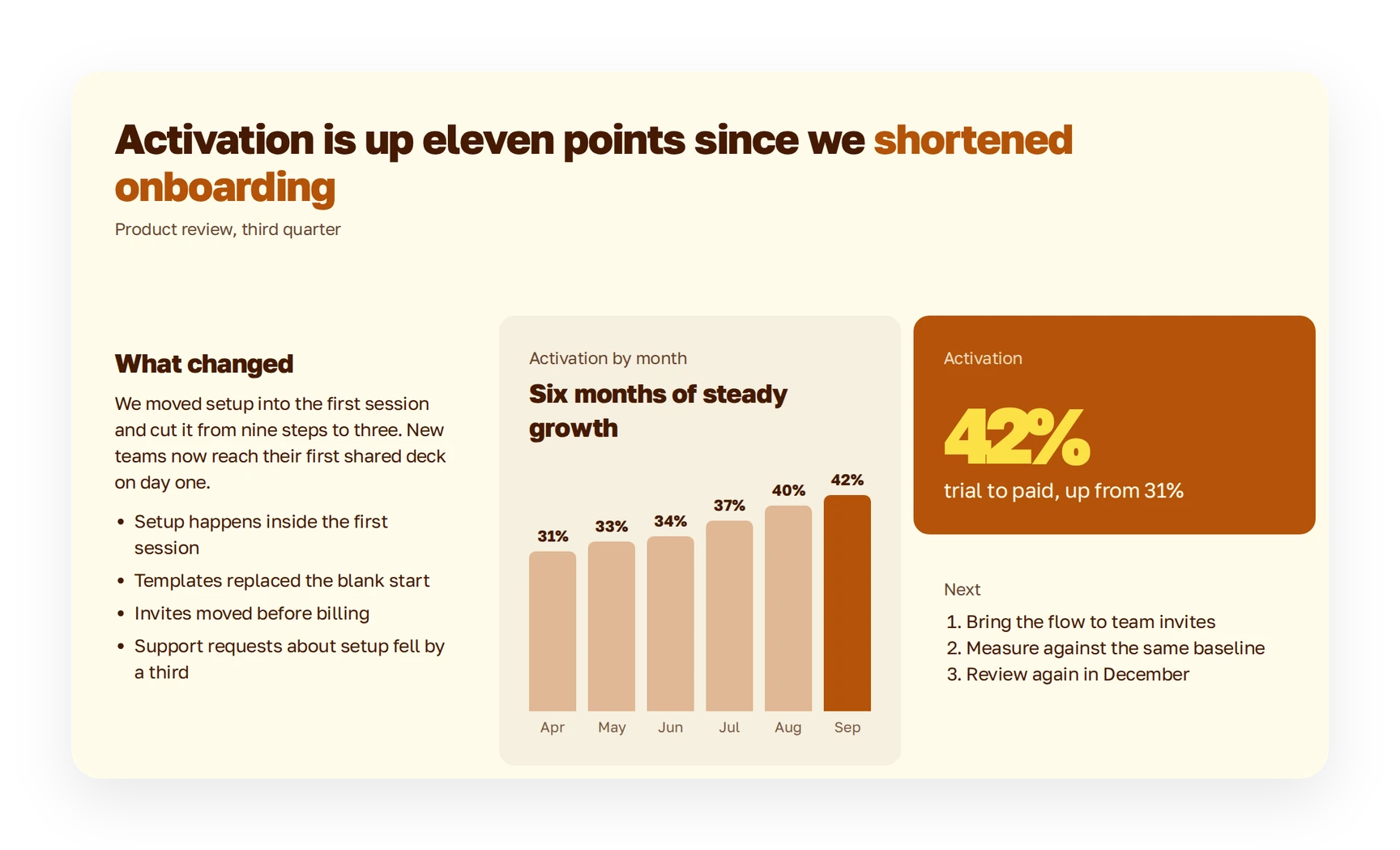
Finished
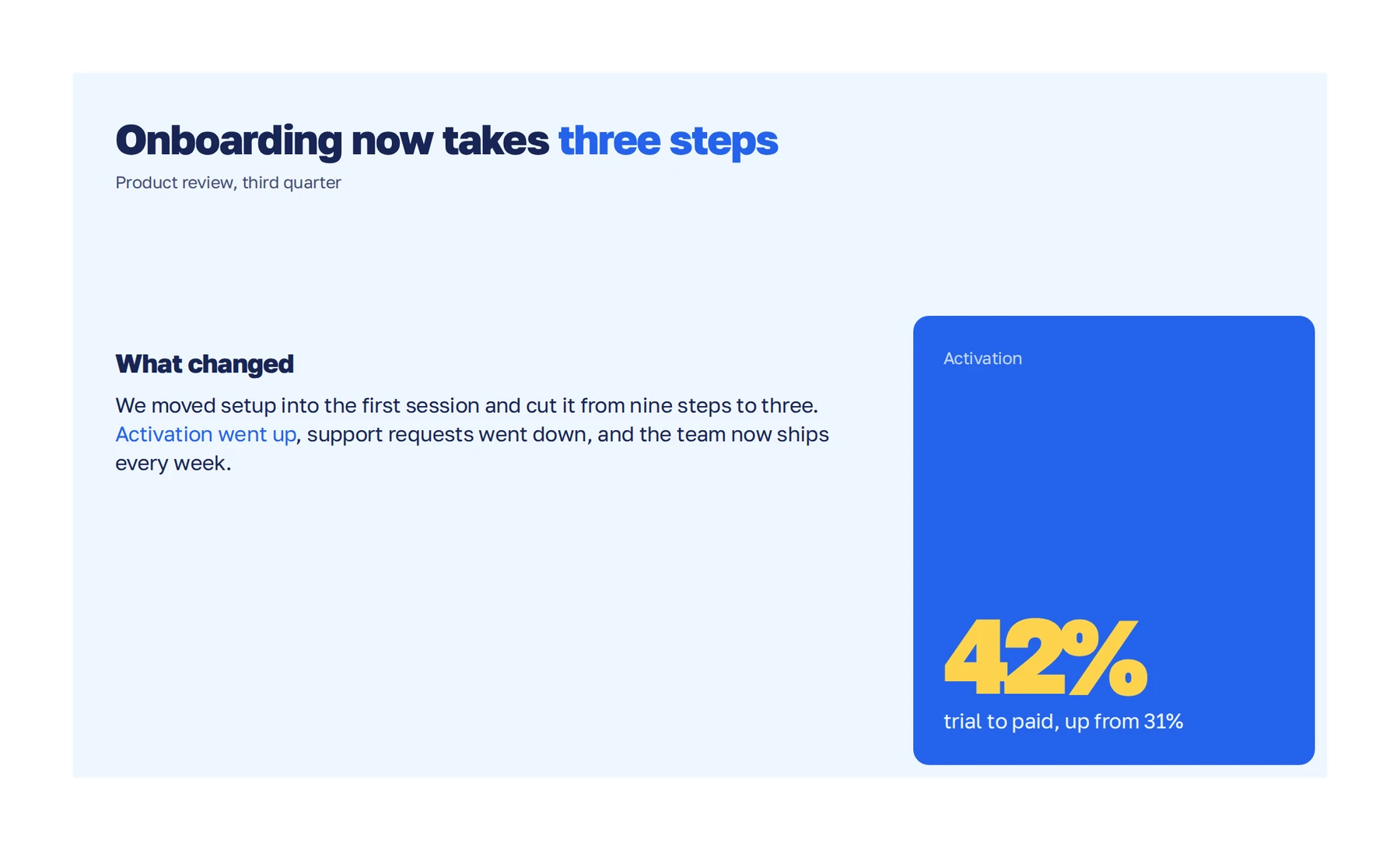
Text stays inside the slide, even when there’s a lot of it.
Change what a slide says, and Plainline keeps the layout.


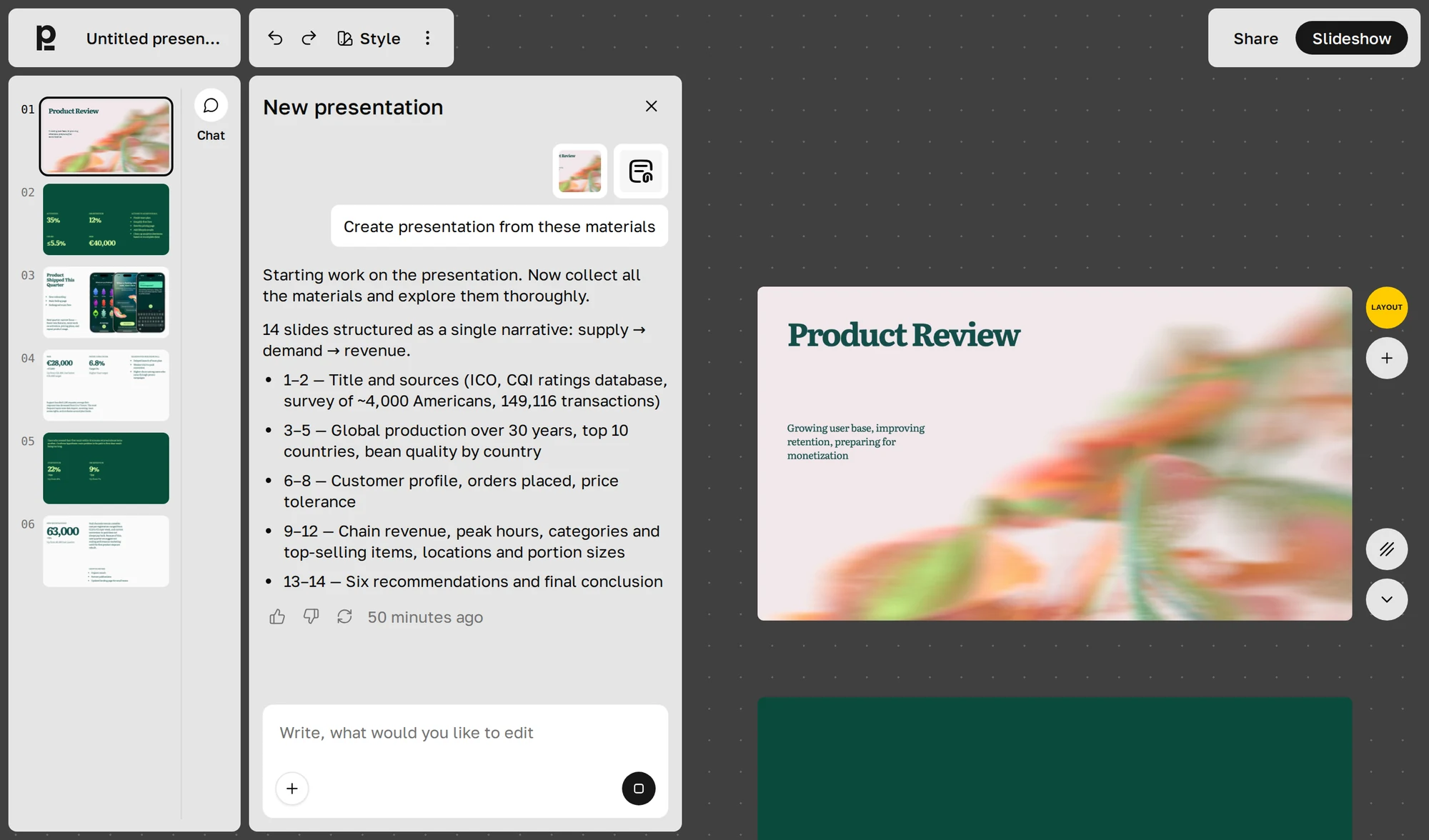
Plainline is simpler, so it happens less often.
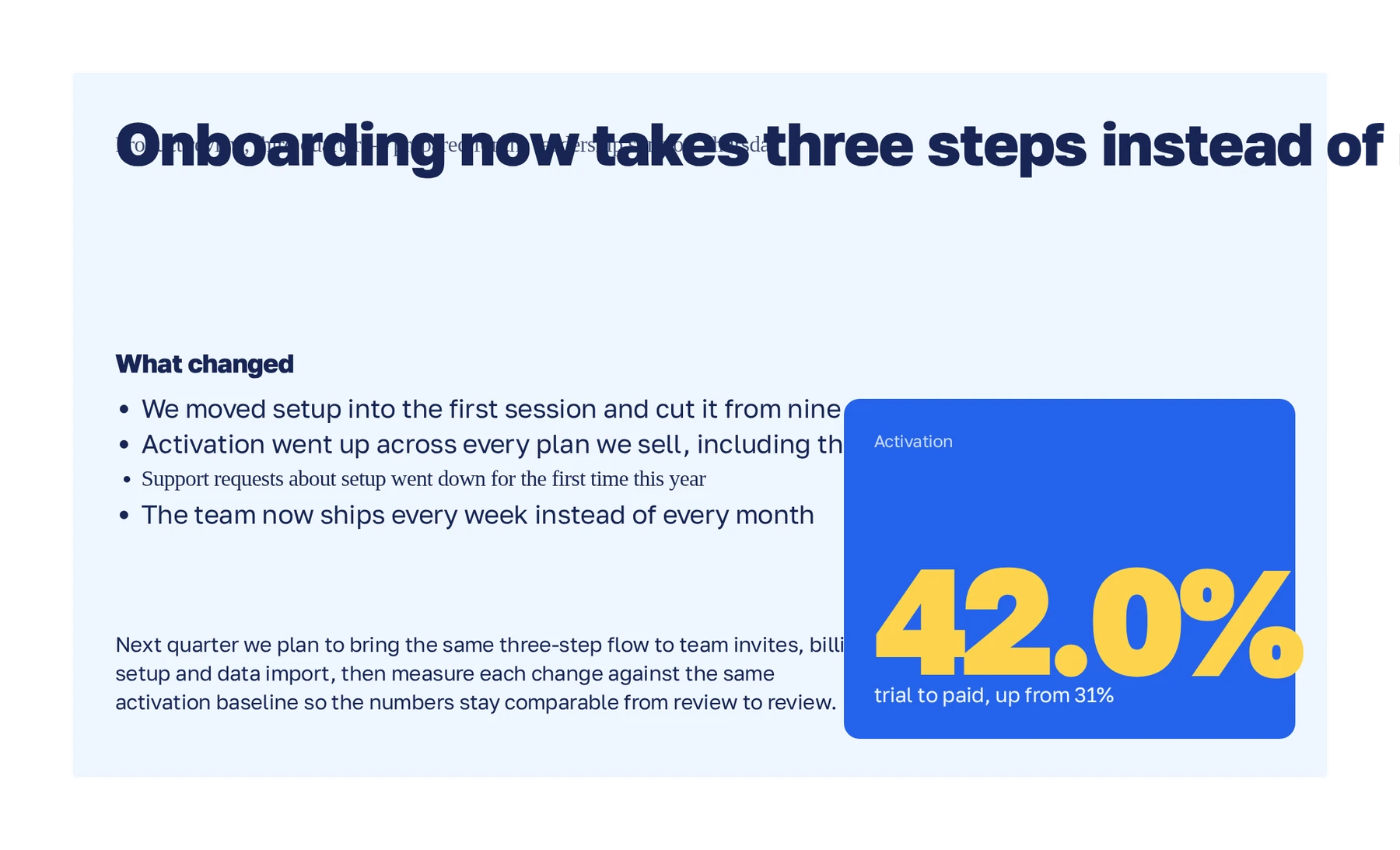
Text on top of text
Runs off the slide
Font changed
Two blocks collide
Text stays inside the slide, even when there’s a lot of it.
Change what a slide says, and Plainline keeps the layout.
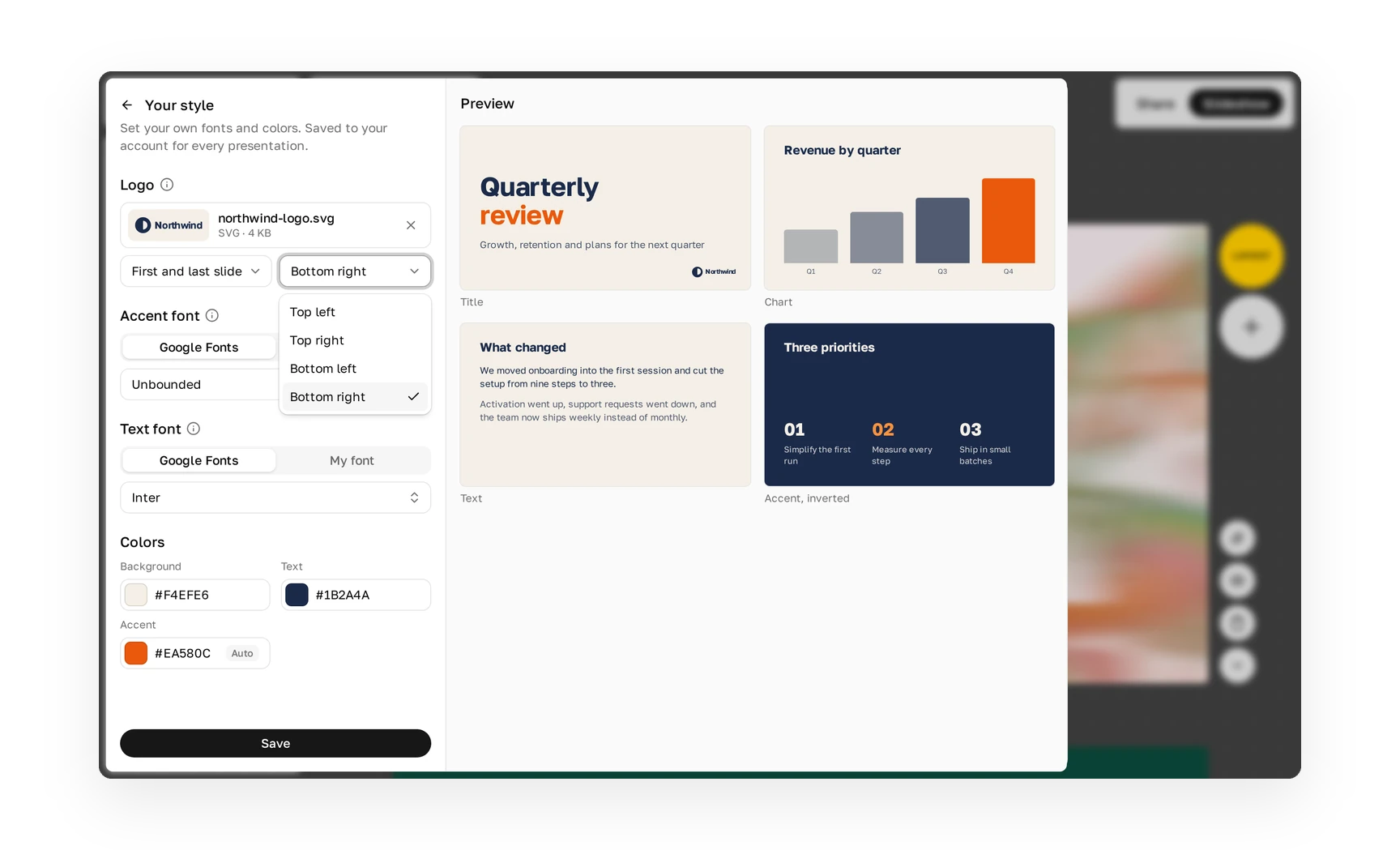
Your team’s style in two minutes: two colors, two fonts, and your logo.
A few settings that do most of the work.
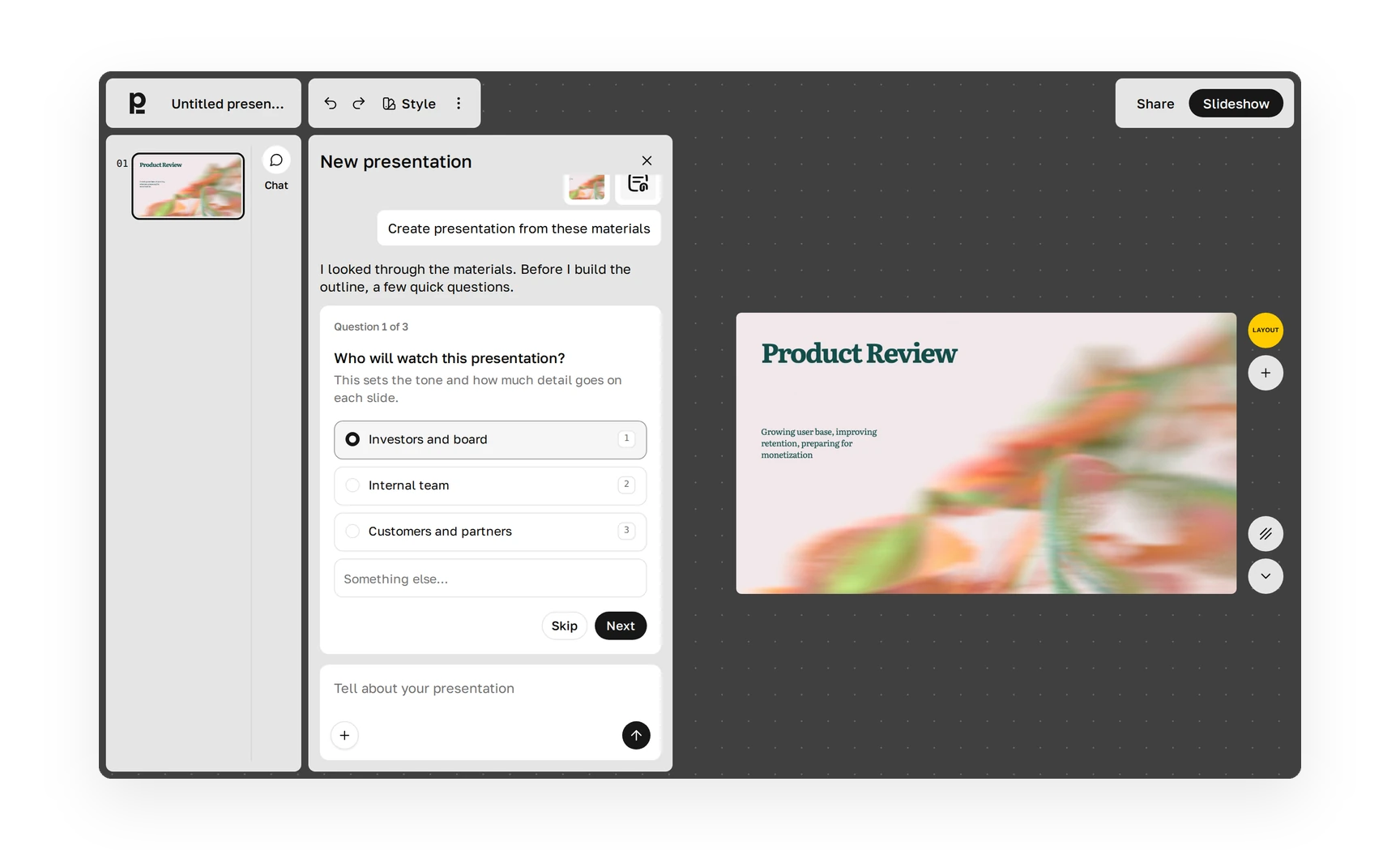
Plainline cares about what you’re trying to say.
Headlines state the takeaway, your words stay where they work, and when something could go two ways, it asks you.
One wrong number can undo a whole deck, so we take this part seriously.
Plainline checks figures against your text and flags anything that doesn’t match.
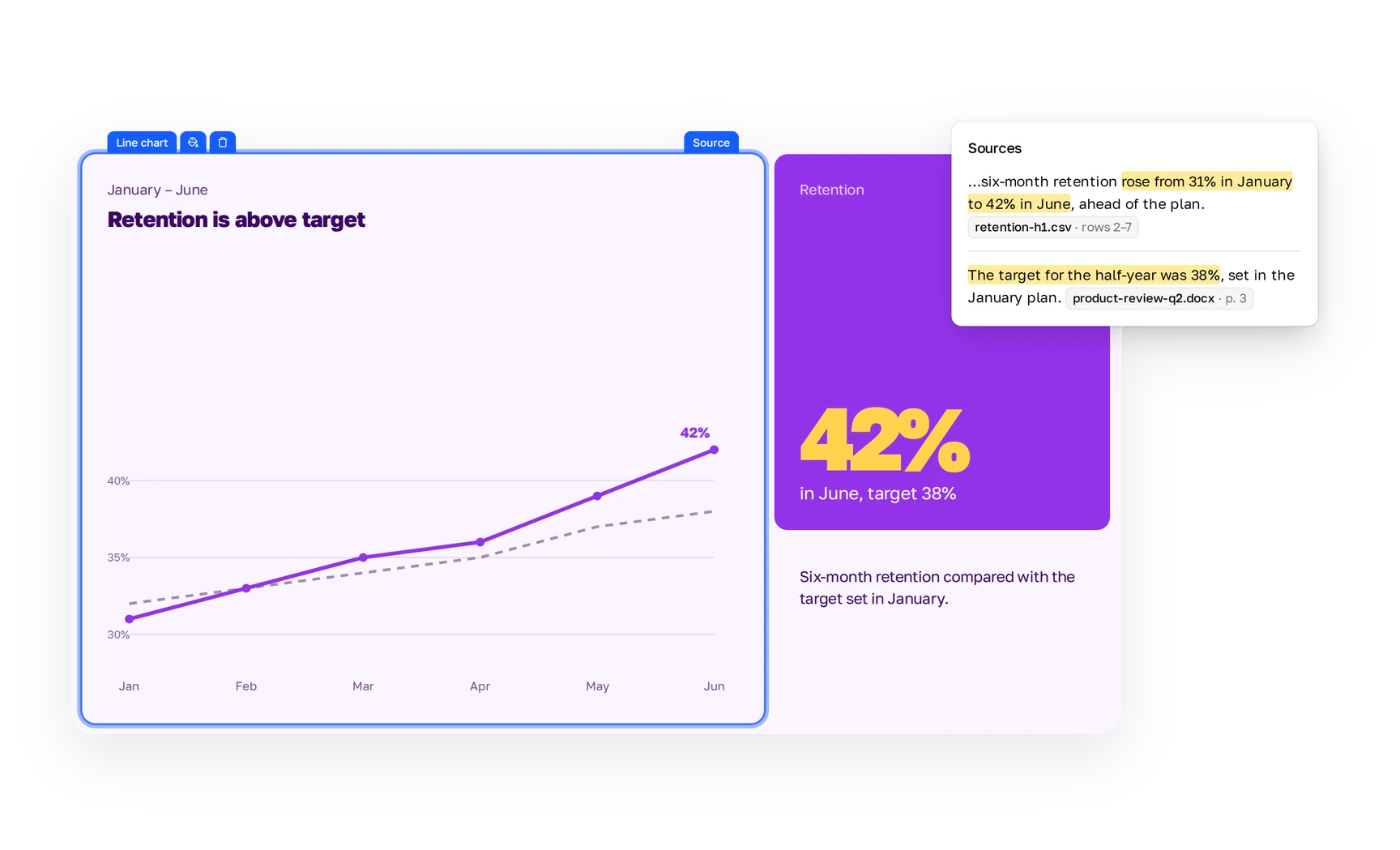
Each slide is built from blocks: text, list, number, quote, comparison, media.
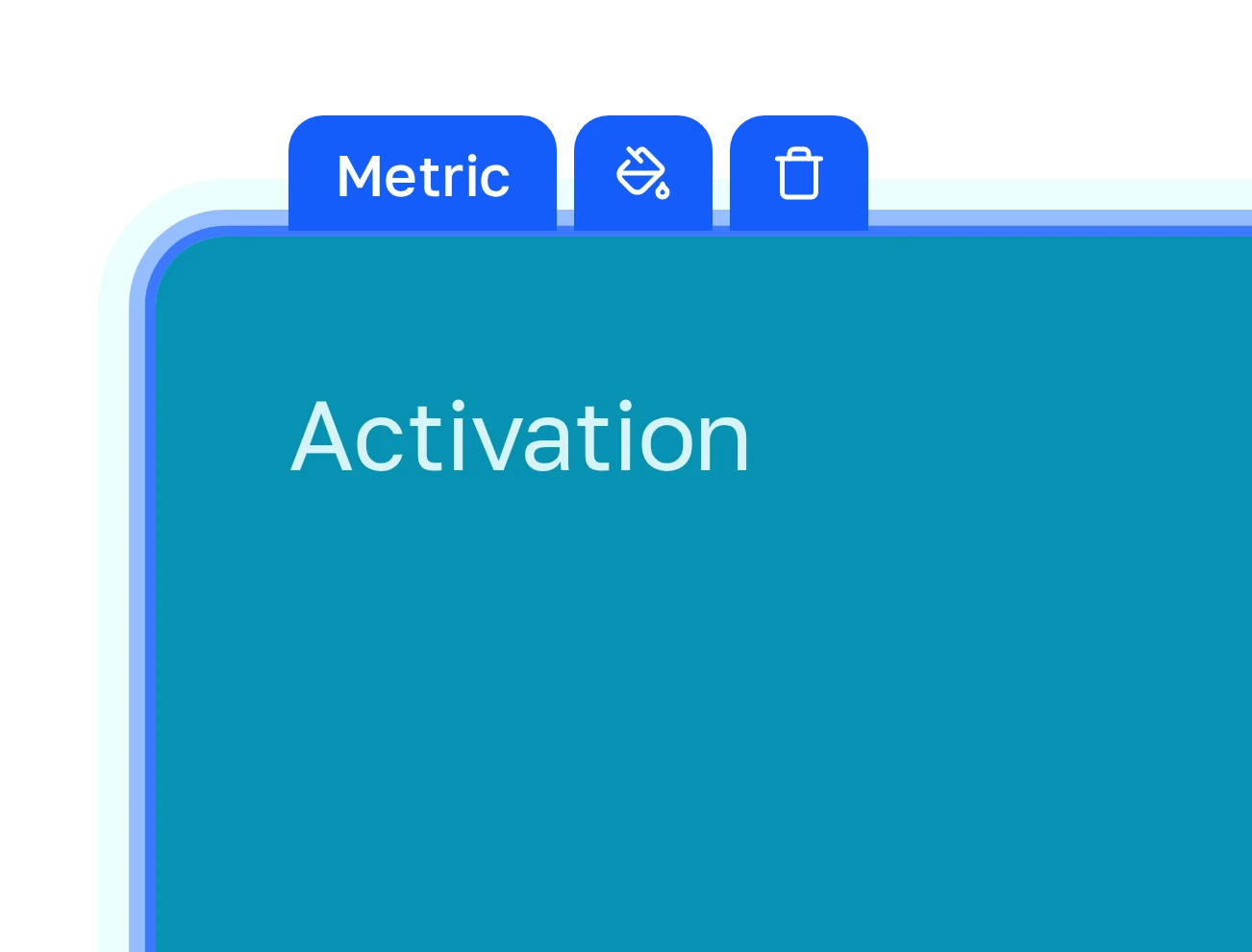
Blocks sit on a fixed grid, so a slide can’t get overloaded.
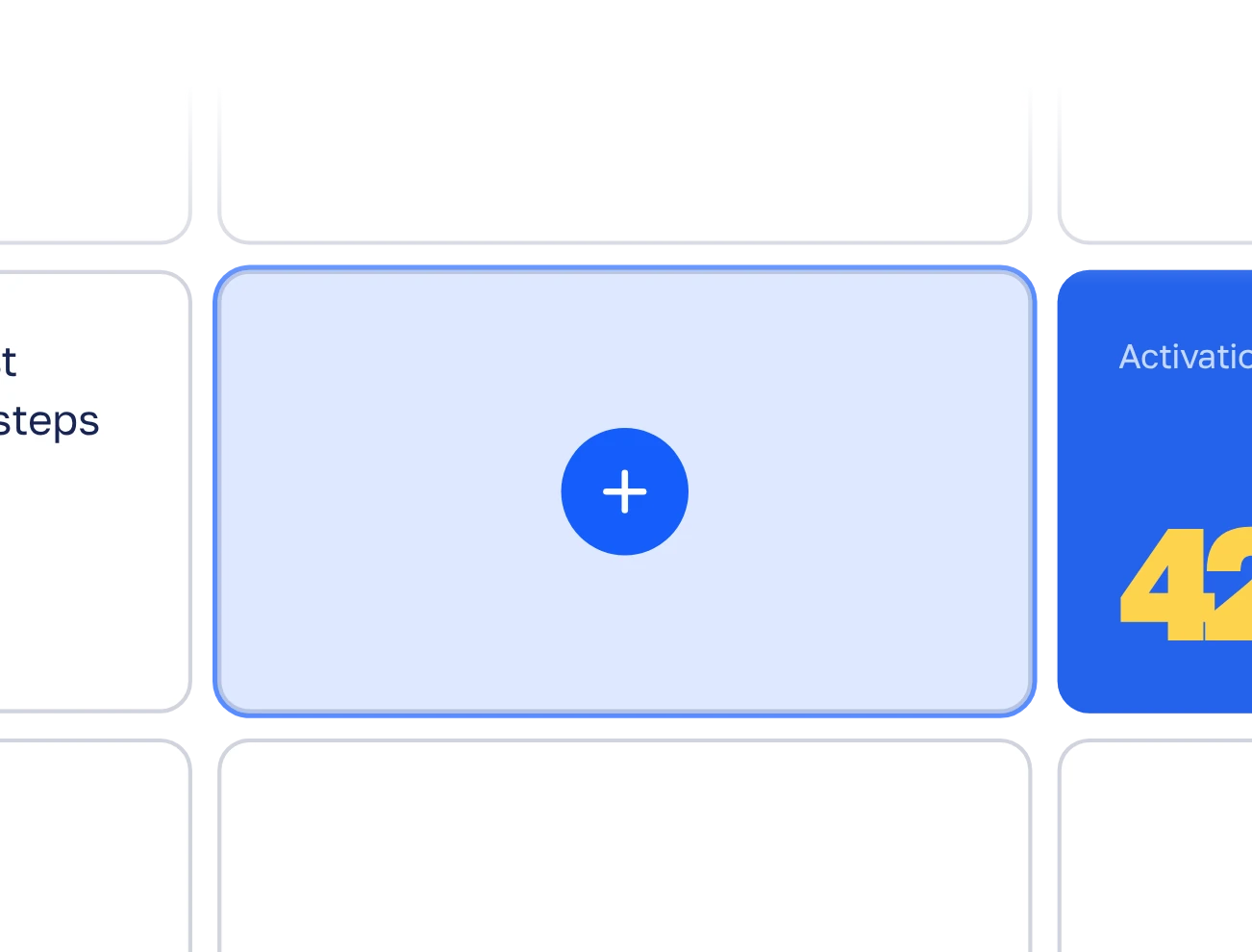
You change what a block says. The grid handles placement.
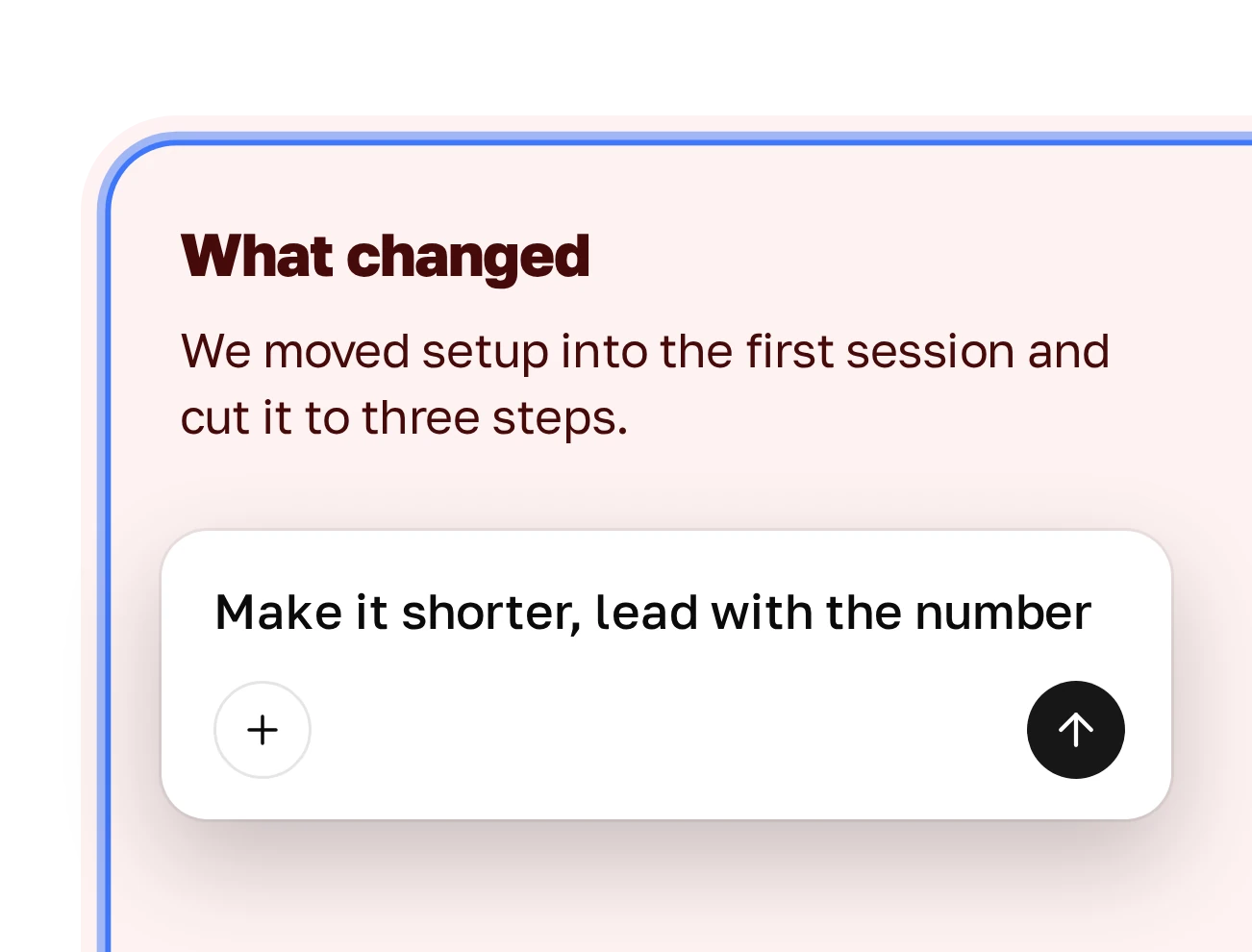
or any other decks you make every month
| Assistant in PowerPoint or Slides | AI deck builders | Plainline | |
|---|---|---|---|
| What you get | A deck in a full editor, sometimes with fixes to make | A polished deck, often in the tool’s own look | A plain work deck that rarely needs fixing |
| Team style | Works best with a corporate template | Their themes | Two colors, two fonts, logo |
| Numbers | Up to you to check | Up to you to check | Checked against your text |
| Pricing | Often part of your plan | Usually $9–20/mo | One simple price |
One simple price. PowerPoint export included.
It turns your input into slides. Plainline is built for everyday work decks: status updates, recaps, reviews, plans.
Yes. PPTX export is included in the base price.
It’s built not to. Plainline checks figures against your text and flags anything that doesn’t match, so you can take a look.
If colors, fonts, and a logo are enough, setup takes two minutes. If you need a full .potx with every layout, a PowerPoint assistant is the better fit.
On purpose, no. Fewer decisions mean you finish faster. For anything special, export and edit in PowerPoint.
It’s encrypted before storage and never used to train models.