




A business proposal presentation helps a group make one decision. It is not a compressed written proposal: give decision-makers the context, evidence, trade-offs, and next step needed to approve, reject, or revise the ask. Ten slides carry that argument, from the decision request to the exact next step.
Start with the decision. Add a slide only when it resolves a question the audience needs answered before it can commit.
A business proposal presentation is a short deck that asks a named group for a specific decision: it states the request, the recommendation, the evidence behind it, the alternatives considered, and the next step. Its length is set by the questions that decision needs answered, not by the length of the written proposal.
This guide uses a fictional example: a customer-operations team seeks approval to replace email-based support intake with a self-service portal. It needs $120,000, two engineers for one quarter, and an executive sponsor. The structure also works for a product investment, process change, vendor selection, or project launch. If the audience is an internal approval group rather than a buyer, the project proposal structure is the closer fit.
Start with the decision, not the document
Before opening a proposal template, write the decision in one sentence:
Approve $120,000 and a two-engineer team for Q3 to launch a self-service portal for the ten most common support requests.
It names the commitment, timing, and scope. It also filters the deck: if a slide does not help assess the request, move it to an appendix or remove it.
A written proposal can retain background, working notes, and implementation detail. A decision deck needs a shorter main path that works in a meeting, on its own, or five minutes before a steering committee.
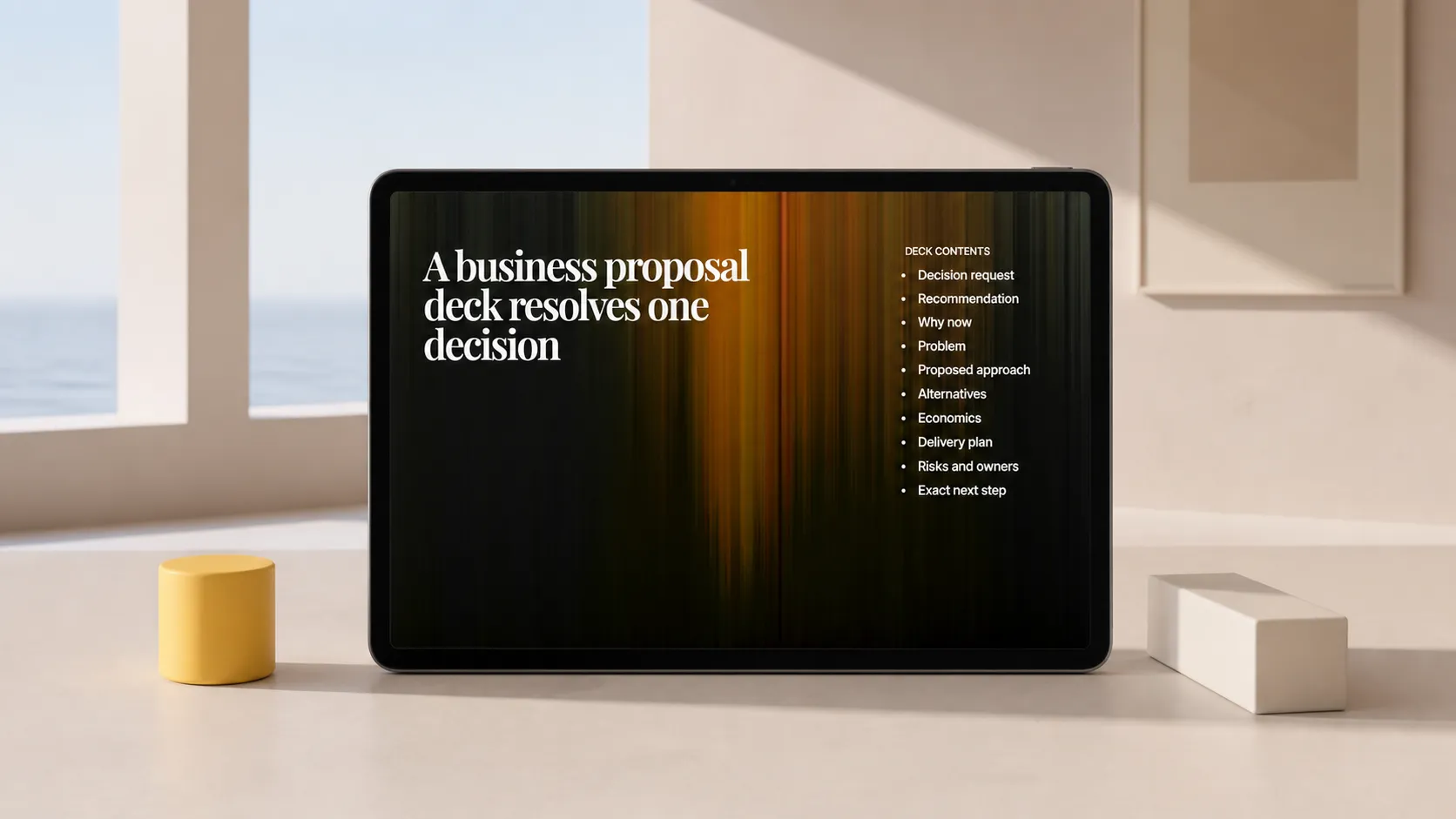
The 10-slide business proposal presentation structure
1. Open with the decision request
Slide title: Approve a Q3 self-service portal for the ten highest-volume requests
State the request in one sentence, then show budget, people, and deadline. If there are options, name the recommended one.
Decision supported: Is there one defined choice for the meeting?
Do not begin with a company overview, generic problem statement, or long agenda. They delay the decision.
2. Show the recommendation in one view
Slide title: Launching the portal in Q3 is the lowest-risk way to reduce repeat support work
Summarise the recommendation, why it matters, the commitment required, and the operating change. Here, customers find answers and submit structured requests in one place; the support team stops answering the same ten questions by email.
Decision supported: Is the recommendation clear before the details?
The title should state the conclusion. “Executive summary” only labels the slide.
3. Establish why the decision matters now
Slide title: Repeat email requests are consuming support capacity needed for the Q3 launch
Show the consequence, not a vague complaint. Group requests by type and identify the work displaced by repetitive intake. Put the source, time period, and definition beside the chart or table.
Decision supported: Is this priority worth funding now?
The slide need not prove that every support interaction is inefficient. It should show the condition addressed and the cost of leaving it unchanged.
4. Define the problem at the level the project can solve
Slide title: Customers lack a single path for common requests, so staff reconstruct context by email
Show the current workflow: customer email, manual clarification, routing, response. Point to the break. Keep the diagnosis bounded: “support is broken” is too broad; “common requests arrive without the information needed to route them” can be addressed.
Decision supported: Does the project address the problem rather than a symptom?
5. Present the proposed approach
Slide title: The portal combines guided answers with structured intake for the first ten request types
Describe the future workflow and its limits. The portal covers named request types, collects routing fields, and leaves exceptional cases in the existing process. A small flow, annotated screen concept, or service blueprint is more useful than a feature inventory.
Decision supported: Does the project fit the problem and stated scope?
Do not add every possible feature. The audience needs to understand the operating change it is being asked to fund.
6. Compare the alternatives honestly
Slide title: A portal offers more durable capacity than adding temporary email triage
Place viable options side by side: keep the current process, add temporary triage, or build the portal. Compare only decision-relevant criteria: implementation time, recurring workload, initial cost, and main limitation. Include the recommended option’s downside—for example, guidance must be maintained when policies change.
Decision supported: Why this option rather than a cheaper, faster, or less disruptive one?
Visible trade-offs give dissent a specific place to land.
7. Make the economics inspectable
Slide title: The request needs $120,000 in Q3; savings depend on reducing repeat handling
Separate known inputs from assumptions. Known inputs may include vendor pricing or committed staffing costs. Assumptions may include the share of requests the portal can deflect and handling time saved per completed self-service request. Show the calculation in a table, including what would change the result.
Decision supported: Is the financial commitment proportionate to the expected value and uncertainty?
Do not present a single precise return figure when adoption is uncertain. A range or scenario view gives the audience something useful to challenge.
8. Prove the work can be delivered
Slide title: A 12-week plan reaches a controlled launch before the Q3 product release
Show the smallest credible plan: discovery and content inventory, build, pilot, then launch. Name dependencies such as policy owners, integrations, or legal review. Mark the gate where the team decides whether to expand beyond the first ten request types.
Decision supported: Can the team deliver this scope in time without hiding dependencies?
A useful roadmap connects each phase to an output the decision-makers can inspect.
9. Surface risks, assumptions, and owners
Slide title: Adoption and content ownership are the two conditions that determine the outcome
List risks that could materially change the decision. Here, customers may continue emailing, and guidance may become stale without a named owner. For each risk, include the signal to watch, mitigation, and accountable person.
Decision supported: Is the team prepared for conditions that could make the proposal fail or require revision?
This is not a legal disclaimer. It shows that the recommendation has been tested against its weak points.
10. Close with the exact next step
Slide title: Approve the Q3 portal pilot and assign the executive sponsor today
Repeat the request from slide one as an action. State who decides, what approval unlocks, and what happens next. If the group cannot approve now, ask for the narrower decision that moves the work forward: approve discovery, choose an option, or nominate the owner who will return with missing evidence.
Decision supported: What must happen after this meeting?
End there. Keep source data, detail, and open technical questions in an appendix for the discussion that follows.
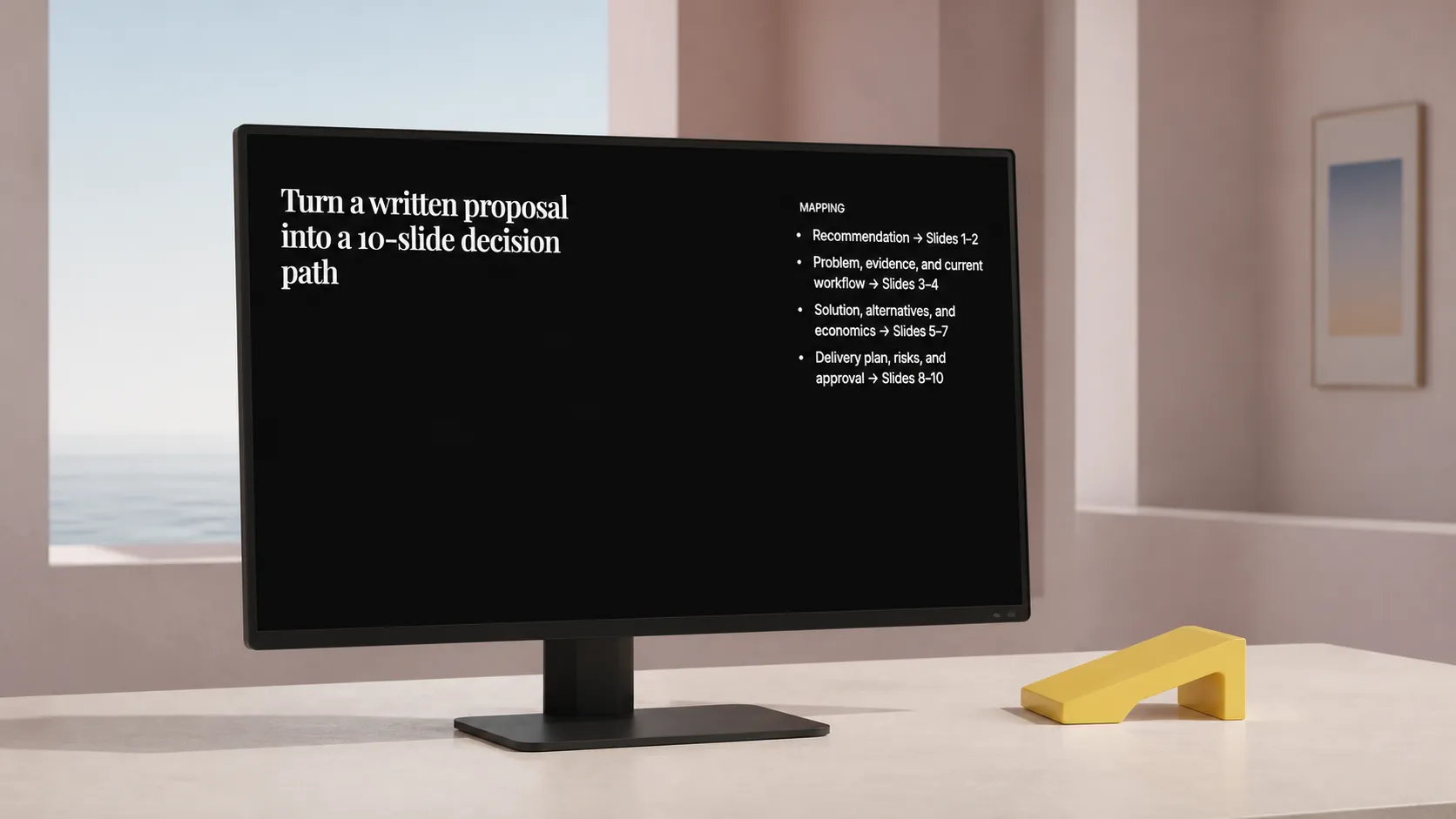
Turn a written proposal into a deck without losing the argument
Most source documents contain more than a meeting needs. Split the document by decision role rather than paragraph order:
- The recommendation becomes slides 1 and 2.
- The problem, evidence, and current workflow become slides 3 and 4.
- The solution, alternatives, and economics become slides 5 through 7.
- The delivery plan, risks, and approval become slides 8 through 10.
Then edit each slide until its title states the conclusion and its body gives only the evidence needed to support it. If a chart needs a paragraph to explain why it matters, revise the title or move the detail to the appendix.
The deck follows the audience’s decision path: What are you asking for? Why now? Why this approach? What does it cost? Can it be delivered? What could change the outcome? What do you need from us today?
For teams with a written argument, Plainline can turn the proposal into editable slides. The same move works when the source is a long report or a pile of rough notes. You retain control of wording, structure, and slide composition after generation; Plainline handles splitting and arranging the material.
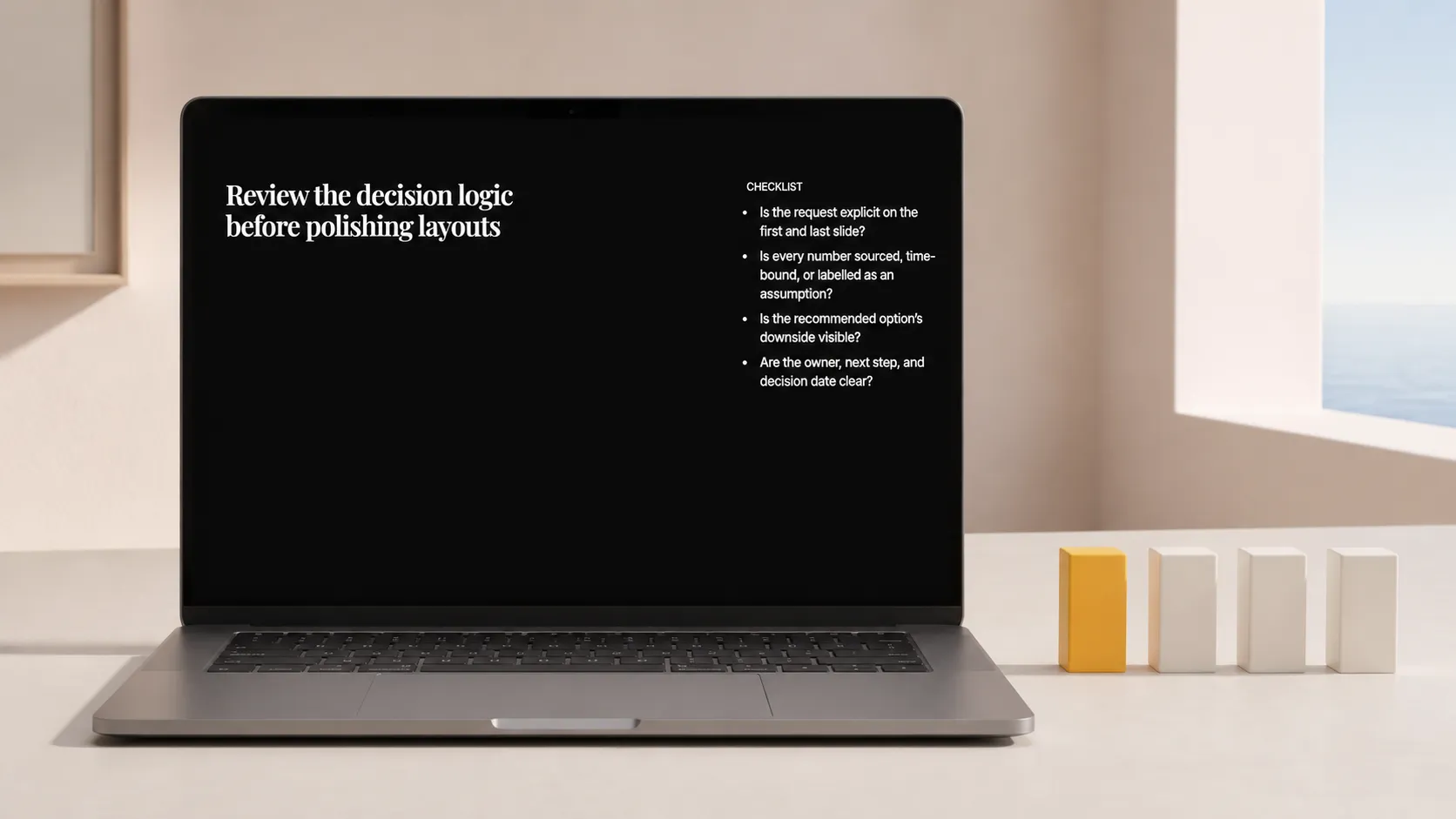
A final review before the meeting
Read the slide titles only. They should tell a complete, defensible story without body text. Then ask:
- Is the approval request explicit on the first and last slide?
- Does every number have a source, time frame, or clearly labelled assumption?
- Does the alternatives slide show the recommended option’s downside?
- Can a decision-maker name the owner, next step, and decision date after slide 10?
If any answer is no, revise the deck before polishing layouts. Presentation mechanics matter, but decision logic comes first. Once the proposal is approved, the recurring follow-up is a different deck: see the project status update structure.
Frequently asked questions
How many slides should a business proposal presentation have?
Ten slides cover the questions a decision needs answered: the request, the recommendation, the timing, the problem, the approach, the alternatives, the economics, the delivery plan, the risks, and the next step. Add a slide only when it resolves a question the audience must settle before committing, and move the rest to an appendix.
What goes on the first slide of a proposal presentation?
The decision request. Name the decision the audience must make, its scope, the amount or resources involved, and the date the answer is needed. A reader who sees only that slide should know what is being asked of them and by when, without reading the rest of the deck.
Should the presentation include alternatives we rejected?
Yes. Describe every credible alternative with the same fields as the recommendation, including doing nothing. A comparison that only flatters the recommendation invites the audience to reconstruct the rejected options themselves during the meeting, which is slower and less accurate than showing your own analysis.
How is the presentation different from the written proposal?
The written proposal documents the work in full; the presentation supports one meeting and one decision. The deck carries the request, the reasoning, and the trade-offs a group needs to say yes, no, or not yet. Detail that does not change the decision belongs in the document or an appendix.