



To build a presentation from an outline, first make the outline carry the argument: one heading per slide, written as the takeaway rather than the topic. Then convert it in order. Slide quality is set at the outline stage, not during layout.
A presentation from an outline is a deck generated by mapping an existing hierarchical text — headings, sub-points, supporting lines — onto slides, one heading per slide, in the order the author already chose. The conversion carries structure across; it does not decide what the argument is.
That distinction explains most disappointing conversions. A tool can split, arrange, and typeset, but it cannot know which line is your conclusion and which is background. If the outline mixes those, the deck reproduces the mix at a larger font size.
Why outline quality decides slide quality
An outline holds an order and a hierarchy, and both are load-bearing.
The order becomes the sequence the audience walks through. An outline that moves from method to method, with the conclusion buried at the end, produces a deck that buries it too, and no layout choice recovers it.
The hierarchy becomes the split: top-level headings decide where one slide ends and the next begins, sub-points decide what stays on the same slide. PowerPoint has worked this way for years. In Outline view you type and rearrange the whole deck as indented text, and Microsoft documents building a presentation from a Word outline where Heading 1 becomes a slide title and Heading 2 becomes its bullets.
So the leverage sits before conversion. A heading that reads "Q3 results" produces a slide the audience has to decode. A heading that reads "Activation fell while trial starts grew" produces a slide that has already said something. Same conversion, same effort.

Convert an outline into a deck in six steps
- Write the decision sentence. One line: after this presentation, [audience] should understand [main point] and be ready to [decision or next action]. Everything that does not serve it moves to an appendix or stays in the source document.
- Rewrite headings as takeaways. Turn each top-level heading from a topic label into a sentence that states the point. If a heading needs "and" to hold two conclusions, split it in two.
- Fix the order before converting. Read the headings alone, top to bottom, ignoring everything indented under them. They should form a short argument. Move headings now, while moving one is one line of editing.
- Level the hierarchy. Keep one consistent depth for slides and one for supporting points. Mixed depth — some headings with three sub-levels, others with none — produces uneven slides.
- Label what each sub-point is. Mark evidence, number, quote, comparison, open question, action. This tells the conversion which composition fits, and it is the part only you can supply.
- Convert, then review titles first. Read the generated slide titles in sequence. If the argument holds there, move on to individual slides. If it does not, fix the outline and convert again — cheaper than repairing twelve built slides.
An outline template you can copy
Replace every bracketed field with your own verified material. The indentation is the instruction: level one becomes a slide, level two becomes its content.
Decision: after this deck, [audience] should understand [main point]
and be ready to [decision].

# [Takeaway that frames the problem]
- Evidence: [metric, period, definition]
- Evidence: [source or observation]

# [Takeaway that locates the cause]
- Number: [value] — [what it measures], source [x]
- Open question: [what is still unknown]

# [Takeaway that presents the option]
- Comparison: [option A] vs [option B], on [criterion]
- Quote: "[verbatim line]" — [attribution]

# [Takeaway that states the request]
- Action: [what happens], owner [name], by [date]
- Dependency: [what you need approved]
Two habits make the template work. Keep sources attached to the evidence line itself, so verification survives the split. And keep gaps explicit — [data needed], [source missing] — rather than smoothing them over. A gap that reaches the deck as a gap is fixable; a gap that got phrased confidently is not.
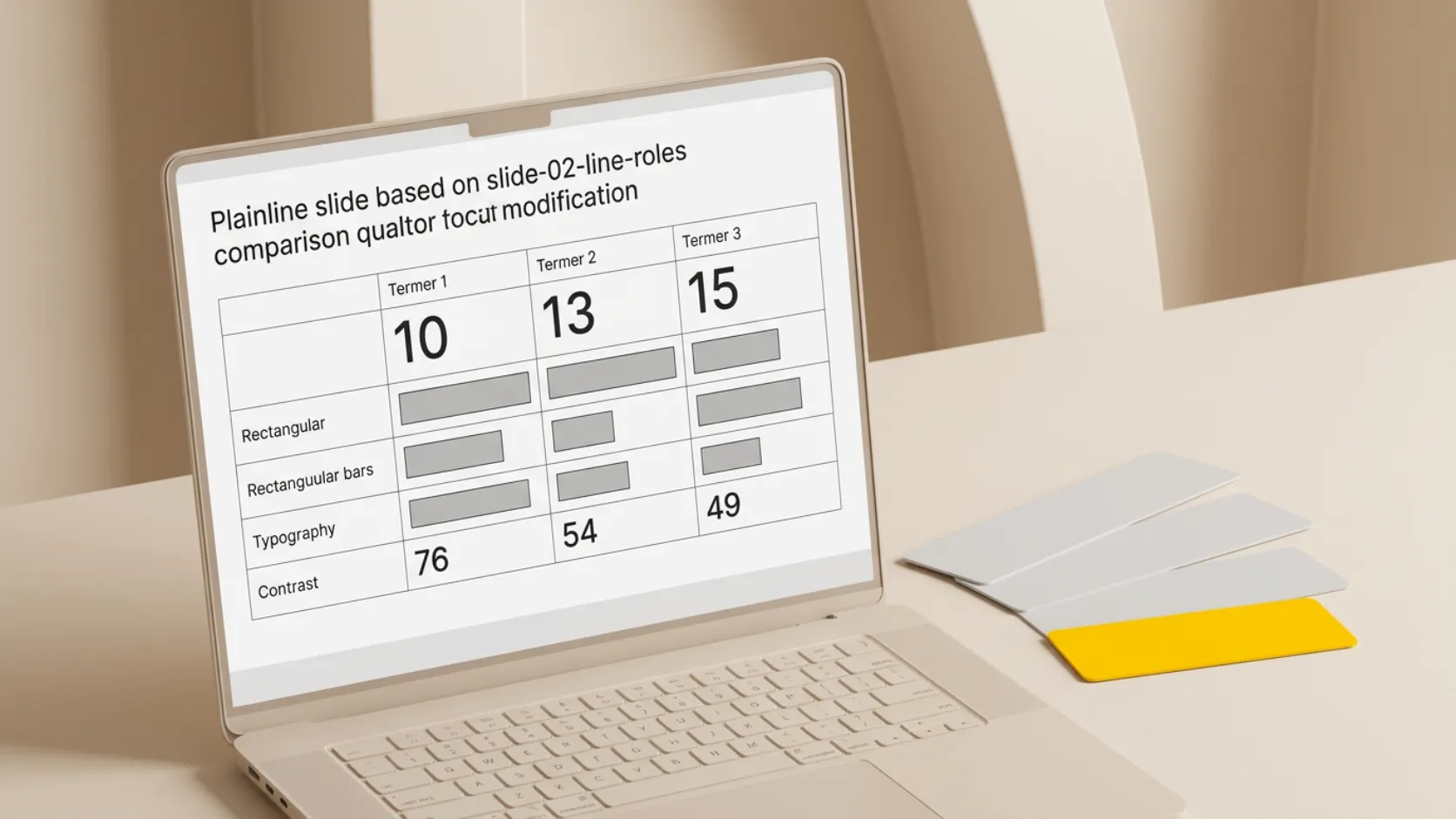
What each outline line becomes on a slide
| Outline line | Slide job | What the slide needs |
|---|---|---|
| Top-level heading | Slide title | One takeaway, stated as a sentence |
| Supporting fact | Evidence | The value, its period, its definition, its source |
| Standalone figure | Number | One metric, plus a line explaining what it means |
| Verbatim line | Quote | Attribution and enough context to interpret it |
| Two options side by side | Comparison | Matching criteria on both sides |
| Unresolved item | Open question | What is known, what is not, what would settle it |
| Commitment | Action | Owner, deadline, and the dependency |
Sub-points that fit no row are usually background. They belong in speaker notes or an appendix.
Where conversion tools help, and where they do not
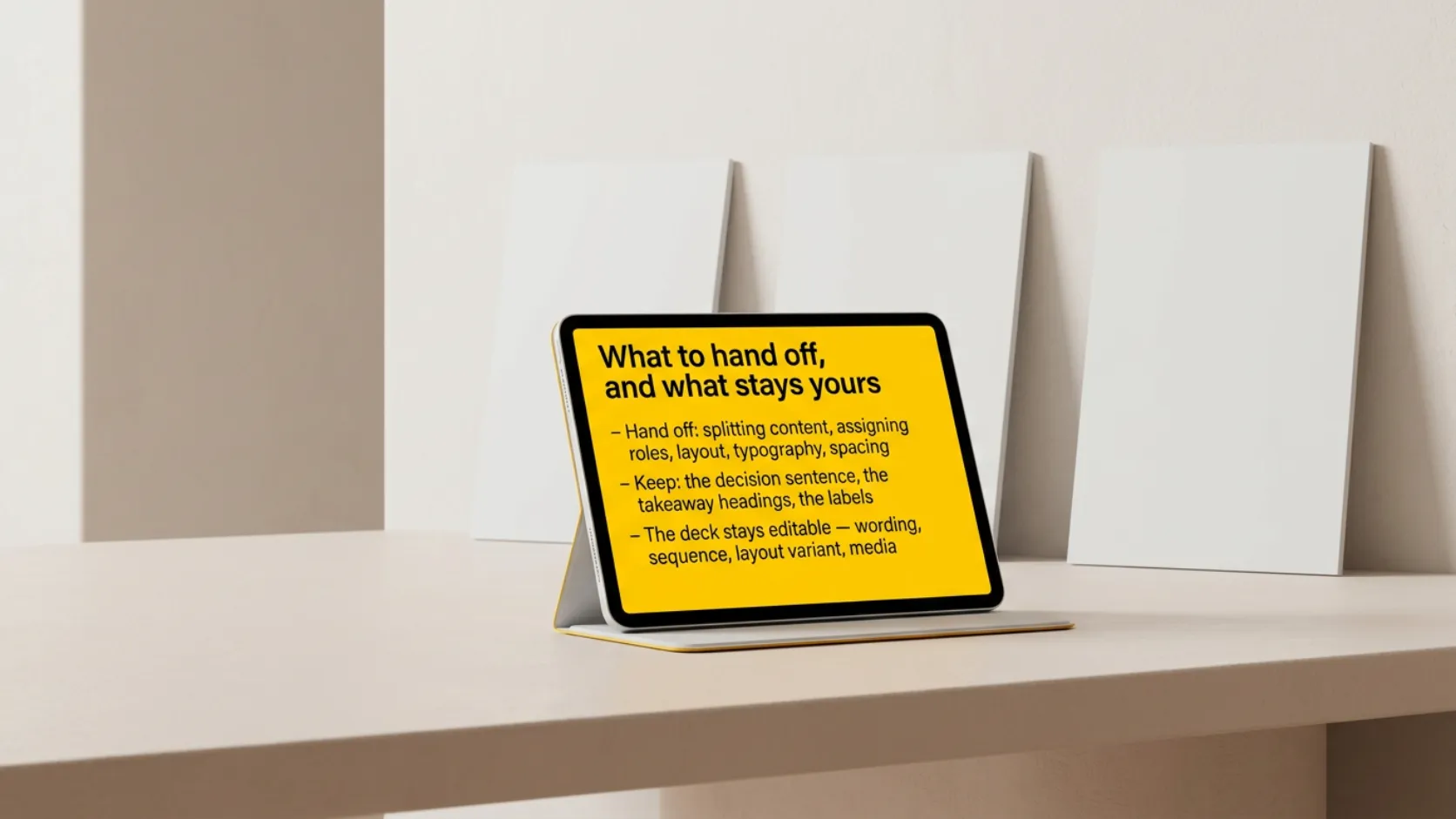
Once the outline holds, assembly is mechanical: splitting content, choosing compositions, keeping typography, spacing, and placement consistent across every slide. That is the part worth handing off. In Plainline, you paste the outline, the content is split into slides with a semantic role assigned to each block, and you can still edit the wording, the sequence, the layout variant, and the media afterwards — the deck stays editable rather than arriving as a fixed image. The same handoff applies when the source is longer prose: see turning a finished document into editable slides.
What no tool supplies is the decision sentence, the takeaway headings, and the labels. If the source is closer to raw material than to an outline, build the sequence first — the slide map approach for rough notes covers that step, and meeting notes need their own separation of decision, evidence, and open questions before any conversion.
After conversion, check that each conclusion has visible support and that assumptions are still labeled as assumptions. Give every slide a unique, descriptive title: Microsoft's PowerPoint accessibility guidance notes that screen-reader users rely on titles to identify slides, and descriptive titles also let anyone scan the deck and jump to the right section.
Paste your outline into Plainline and edit from a structured draft instead of a blank slide. For the full path from brief to presenting, see how to create a presentation with AI.
Frequently asked questions
How long should an outline be for a 10-slide deck?
Around ten top-level headings and two to four supporting lines under each. A heading with one sub-point may belong under a neighbour; a heading with eight is probably two slides. Consistent depth matters more than length.
Do bullet points convert well into slides?
They convert reliably, but they inherit whatever the bullets already were. A bullet list of topics produces topic slides. Rewrite the top level as takeaway sentences and keep bullets for the supporting material underneath.
Can I keep exact wording from my outline on the slides?
Yes, and you should mark it. Flag any line that must stay verbatim — a legal phrase, a quote, a defined metric — and check it after conversion. Regenerated wording is easy to miss when a slide otherwise looks correct.
What if my outline has no conclusion yet?
Stop before converting. A deck built on a missing conclusion looks finished and hides the gap. Either return to the source material, or present the open questions as the subject of the meeting and label them as such, rather than dressing hypotheses as findings.
Is an outline different from a slide map?
An outline is your document structure: headings and indented supporting points. A slide map is one sentence per planned slide, written specifically to be read in sequence. A good outline becomes a slide map once its headings are takeaways. Rough notes usually need the map step first.
Sources
- Create and print a presentation in Outline view — Microsoft Support
- Create a PowerPoint presentation from an outline — Microsoft Support
- Make your PowerPoint presentations accessible to people with disabilities — Microsoft Support