




Turn meeting notes into a decision record, not a transcript. Give the decision, the evidence behind it, the questions still open, and the next steps with owners and dates each its own slide. Four to six slides cover a short internal recap.
This works for team updates, client recaps, and leadership reviews—even when the notes mix fragments, figures, and open questions.
A meeting recap presentation is a decision record: a short deck stating what was decided, what the decision rests on, what is still open, and who does what next. It is not a transcript, and it is not the minutes — those preserve the discussion, while the recap preserves the outcome.
What a recap needs
Readers need enough context to understand the outcome and act on it:
- the decision or recommendation;
- the evidence and reasoning behind it;
- open risks or questions;
- next steps, with owners and dates where they exist.
Keep discussion, decisions, and actions apart. A concern is not a decision; a suggested owner is not an assigned task.
Start with messy notes
Consider these notes from a weekly product and growth meeting:
Growth / onboarding review — Tue

- activation fell after the new signup flow? 41% → 34% in July
- Priya: mobile users drop after company-size question
- Daniel says enterprise leads still need that field for routing
- agreed: keep field, move it after account creation; show only for work email
- need copy review; legal wording may be outdated
- experiment: 50/50, start Aug 19 if analytics event is ready
- Mei owns event check, Priya owns copy, Daniel to confirm routing rules
- open: do we include existing trial users? decide Friday
- next review Aug 26
The notes include a signal, observation, constraint, decision, owners, launch condition, and open question. A slide containing the full block makes the audience sort them out.
| Note type | Extracted content |
|---|---|
| Signal | Activation moved from 41% to 34% in July. |
| Observation | Mobile users drop after the company-size question. |
| Constraint | Enterprise routing still needs company size. |
| Decision | Keep the field; move it after account creation and show it only for work-email users. |
| Open question | Include existing trial users in the experiment? |
| Next steps | Validate the event, review copy, confirm routing rules, decide scope Friday. |
Do not add explanations the notes do not support. They show a drop after a flow change, not that the question caused it.
Build the deck around the decision
For a short internal recap, four to six slides are enough.
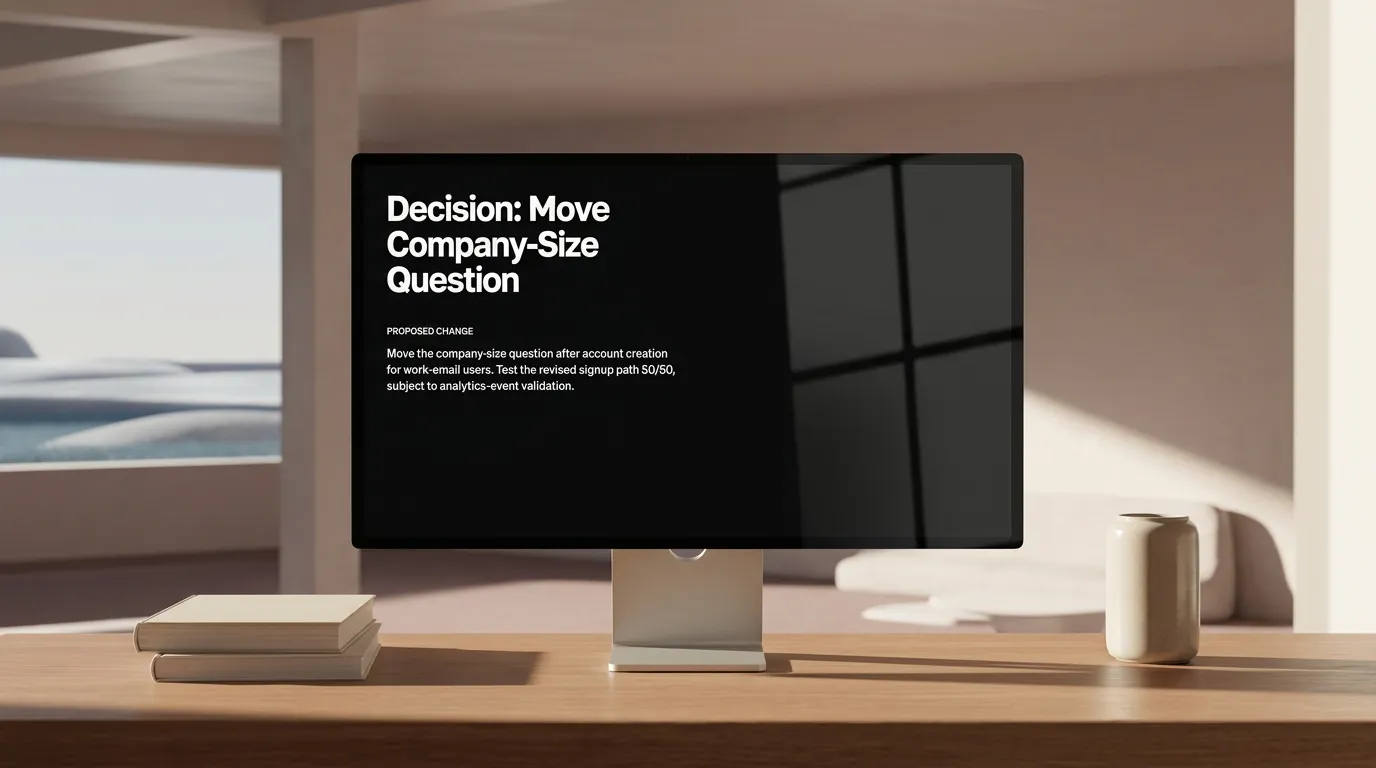
Slide 1: State the decision
Move the company-size question after account creation for work-email users.
Add the scope:
Test the revised signup path 50/50, subject to analytics-event validation.
“Onboarding discussion” does not tell a scanning reader what changed.
Slide 2: Show the signal and context
Activation was 34% in July, down from 41%.
- Mobile users appear to drop after the company-size question.
- Enterprise routing still requires company-size data.
This explains why the change keeps the routing requirement.
Slide 3: Explain the proposed flow
| Current | Test flow |
|---|---|
| Create account → company-size question → continue | Create account → continue → company-size question for work-email users |
Add only details from the notes: the 50/50 split and planned start date, conditional on the event check. Do not invent success criteria or forecasts.
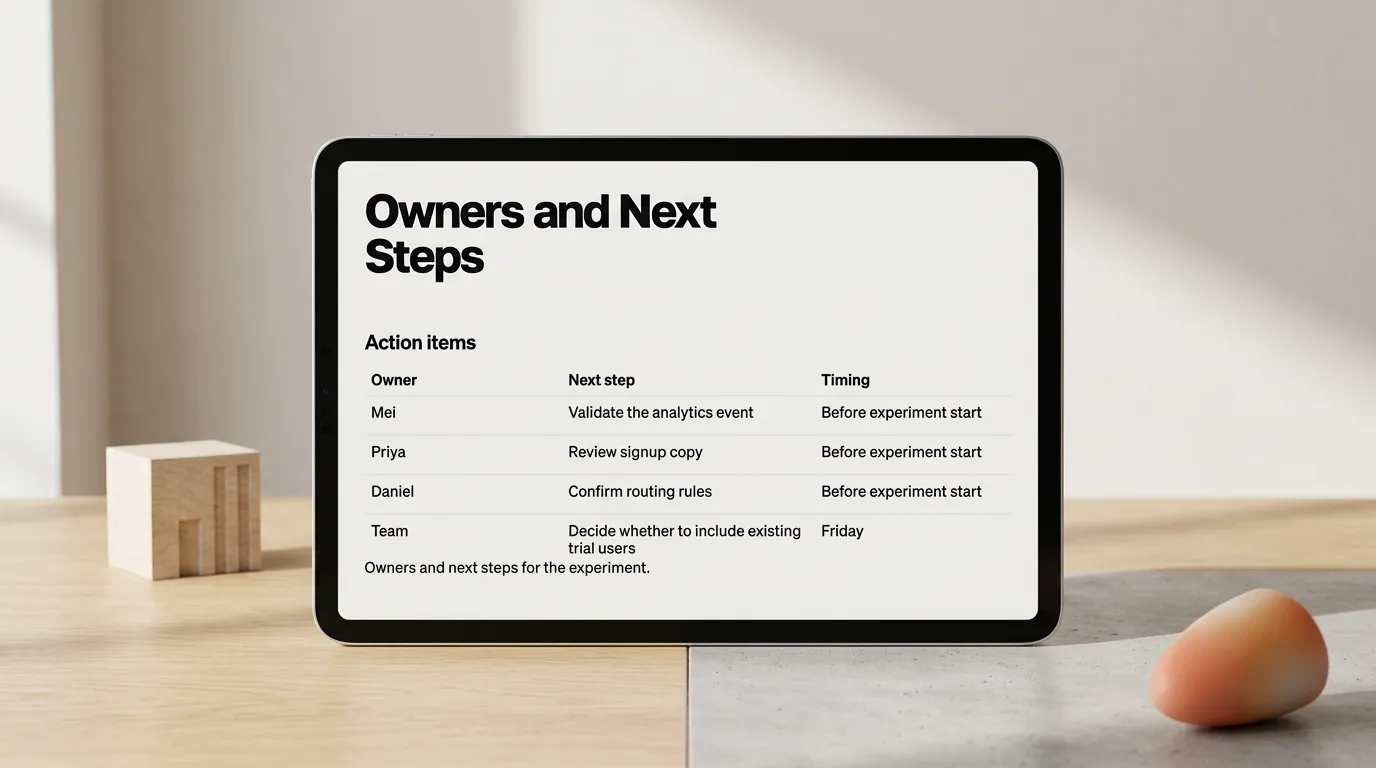
Slide 4: Make the work visible
| Owner | Next step | Timing |
|---|---|---|
| Mei | Validate the analytics event | Before experiment start |
| Priya | Review signup copy | Before experiment start |
| Daniel | Confirm routing rules | Before experiment start |
| Team | Decide whether to include existing trial users | Friday |
When an owner or date is absent, write “Unassigned” or “Date not set.” Do not fill gaps with guesses.
Slide 5: End with what happens next
Resolve experiment scope Friday; review initial results on August 26.
The audience gets the immediate action and next decision point.

Use notes-to-slides AI as a structuring pass
Use notes-to-slides AI after the meeting has produced its meaning. Give it raw notes and ask for a decision-and-next-steps deck, not a generic presentation.
Turn these meeting notes into a five-slide recap presentation.

Audience: product, growth, and operations leads.
Lead with the decision. Separate confirmed facts, observations, open questions,
and actions. Preserve named owners and dates. Do not infer causes, targets, or
commitments that are not in the notes.
The audience sets the required context. The boundaries keep an observation from becoming a conclusion.
Plainline, a presentation maker for work, can turn that text into editable slides. Review the structure and wording, adjust slide composition, and keep the final deck aligned with the notes. The author remains responsible for the meeting’s meaning and the final review.
Review before you share
Before sending the recap, check:
- Is the decision on the first slide?
- Does every number retain its timeframe and context?
- Are observations distinct from decisions?
- Does every action show the available owner and timing?
- Are open questions still open?
If not, edit the slide rather than adding more slides. A concise deck is easier to use than a polished transcript.
Paste the next set of meeting notes into Plainline, then review the decisions and owners before sharing the deck.
Frequently asked questions
What should a meeting recap presentation include?
The decision or recommendation, the evidence and reasoning behind it, the open risks and questions, and the next steps with owners and dates where the notes name them. Four to six slides cover a short internal recap. Discussion that produced no decision stays out.
How do I separate decisions from discussion in raw notes?
Label each line by what it is before writing any slide: signal, observation, constraint, decision, open question, or next step. A concern raised in the meeting is not a decision, and a suggested owner is not an assigned task. The labels stop those from merging on a slide.
What do I write when the notes have no owner or date?
Write Unassigned or Date not set. A blank cell reads as an oversight and a guessed name reads as a commitment nobody made. The visible gap is also the fastest way to get it filled in, because the person who knows the answer sees it in the recap.
Can AI turn meeting notes into slides reliably?
It can structure notes into a recap deck once the meeting has produced its meaning. Give it the raw notes, name the audience, and tell it to keep confirmed facts, observations, open questions, and actions apart and not to infer causes or targets. Then check the result against the notes.