




The strongest Gamma alternatives split by why you’re leaving Gamma. Beautiful.ai and Pitch keep the fixed 16:9 slide that Gamma’s scrolling cards don’t produce. Plus AI and SlidesAI hand you a native Google Slides or PowerPoint file, so there’s no export step to convert through. Plainline ties every slide to an exact fragment of your source document.
A Gamma alternative is a presentation tool that takes over the same job Gamma does — turning a document, outline, or prompt into a structured deck — but differs in output format, how much the AI rewrites your text on the way in, and what survives when you export. Each one trades a different piece of what Gamma does for a different guarantee, so "best" depends on which piece you need back.
Why look past Gamma in the first place
Gamma builds presentations from cards, not slides. A card is a flexible content block optimized for a scrollable web page, and Gamma's own comparison of the two formats is explicit that this is a deliberate trade-off: the shareable web link is the highest-quality version of a Gamma deck, and interactive elements like embeds and code blocks work there but not in a PDF or PowerPoint export. That's also the most common reason people search for a Gamma alternative — they need a file that opens as a normal fixed-size slide deck, not a web page exported down into one.
The export step inherits that gap. Because a card's height is flexible and a PowerPoint slide's isn't, converting a Gamma deck to PPTX can shift layouts, substitute fonts, and flatten a complex card into a static image. That's not a bug — a 16:9 slide and a scrolling card are different containers — but it does mean the fixed-slide alternatives below solve a problem Gamma's own format creates by design.
Text fidelity is the second reason. Gamma's generation API documents three distinct text modes: Preserve, which keeps your exact wording; Generate, which rewrites and expands short input; and Condense, which summarizes long input to a target length. Preserve is the only one of the three that guarantees nothing changes, and you have to select it — pasting text in doesn't turn it on by default. Anyone who's had a paragraph quietly reworded after generation is usually looking for a tool where preservation isn't a mode you have to remember to pick.
The alternatives at a glance
| Tool | Output format | Editing after generation | Fidelity to source text | Export |
|---|---|---|---|---|
| Gamma (for reference) | Scrollable web cards, not a fixed 16:9 slide | Cards edit in place, inside the same scrolling format | Preserve keeps wording; Generate and Condense rewrite it | PPTX/PDF/PNG on all plans; card layout doesn't map to fixed slides, so PPTX can shift layout and drop gradients or custom fonts |
| Beautiful.ai | Fixed 16:9 slide, "smart" template | Smart templates re-adjust automatically as content changes | Untouched by default; AI rewriting only runs if you select a text box and invoke it | Editable PowerPoint on Pro, Team, and Enterprise only; other tiers export a static, image-based file |
| Canva Magic Design | Fixed 16:9 slide, template deck | Standard slide objects on an open canvas | Doesn't start from your document — generates from a topic or prompt; your own text goes in as a manual step afterward | PPTX and PDF on Free and Pro; Pro-only assets need a Pro plan to export without restriction |
| Pitch | Fixed 16:9 slide | Standard blocks with manual swap, align, and group tools rather than automatic re-layout | Pitch Agent "uses [attached files] as context to shape the content" when generating — expect reworded copy, not a verbatim carryover | PPTX export is a paid-plan feature; animations, uploaded videos, and recordings don't carry over |
| Plus AI | Native Google Slides or PowerPoint slide | Native Slides/PowerPoint editing via add-on | Remix reformats an existing slide's layout without necessarily rewriting the copy; the first text-to-slide pass is where paraphrasing can enter | Native PPTX or Google Slides file — the file you were already editing |
| SlidesAI | Native Google Slides or PowerPoint slide | Native Slides/PowerPoint editing via add-on | Input passes through a summarization outline step before slides are built; free plan caps input at 2,500 characters | Google Slides, PPTX, PDF |
| Plainline | Fixed-size card grid (16:9, 4:3, 1:1, or 9:16) | Structured cards — text, bullets, metric, quote, comparison, evidence | Every slide's content plan carries a sourceText field: an exact fragment of the input text |
PNG/ZIP and PPTX; no PDF or Google Slides export today |
What each alternative actually changes
Beautiful.ai replaces Gamma's card with a template that behaves like one: its "smart" slides re-adjust automatically as you add or edit content, so you still get hands-off layout. The difference is the container — a Beautiful.ai slide is a fixed 16:9 frame from the start, so there's no card-to-slide conversion step to lose anything in. The cost sits in export: editable PowerPoint is restricted to Pro, Team, and Enterprise plans.
Canva Magic Design solves the fixed-slide problem the same way — a template deck on an open canvas — but it isn't built to start from a document in the first place, so it doesn't solve the fidelity problem. You describe a topic, Canva generates a themed deck from its library, and your own wording is a separate pass you type or paste in afterward. It suits someone who wants a topic turned into slides. Someone who already wrote the source text and wants it structured should look elsewhere on this list.
Pitch is the closest match to Gamma's collaborative, AI-assisted feel while keeping a fixed slide. Attach a document or paste notes, and Pitch Agent uses them as context to shape the content — language that describes reshaping the input, so treat generated wording as a first draft to check against the source, not a guaranteed match. Editing afterward stays manual: swap, align, tidy. Gamma's cards and Beautiful.ai's templates re-layout automatically; Pitch doesn't. PPTX export is gated to paid plans, and uploaded videos, recordings, and animations don't survive it.
Plus AI and SlidesAI sidestep the export question entirely by not exporting: both run as add-ons inside Google Slides or PowerPoint, so the "export" is the native file you were already editing. That's the most reliable route to a file that opens cleanly, since there's no format conversion at the end. The catch shows up earlier — SlidesAI's free plan accepts only 2,500 characters per presentation and routes input through a summarization outline before building slides, and Plus AI's Remix feature reformats layout without necessarily rewriting copy, but the initial text-to-slide pass is a separate step where wording can still shift.
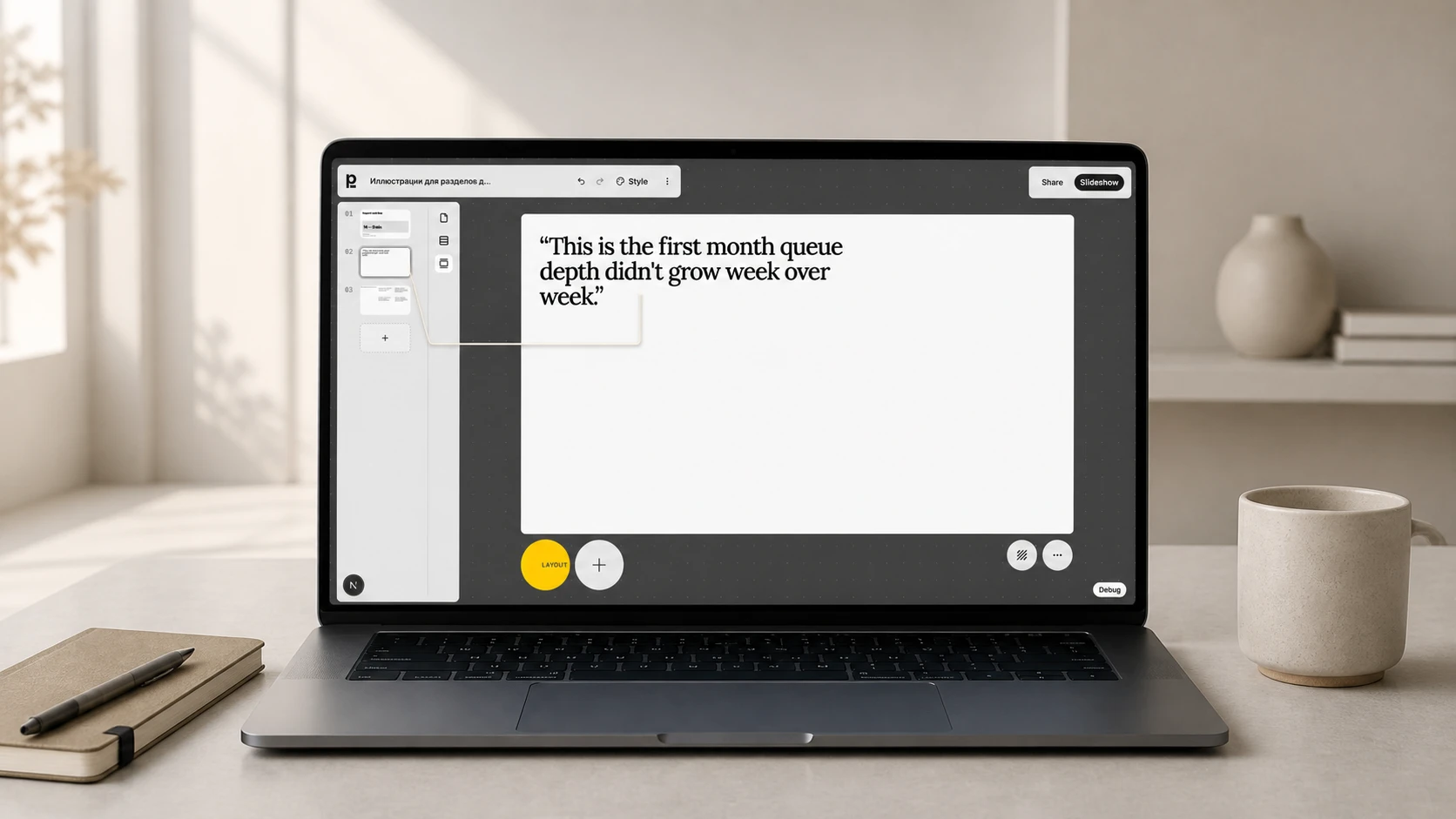
Plainline takes a different position than either group. Its output is a fixed-size card grid, so it doesn't inherit Gamma's card-to-16:9 export gap. But it also isn't a native Slides or PowerPoint add-on — it's a structured editor where every slide's card content plan carries an exact fragment of your input text as its sourceText. Editing after generation stays inside that same structure: nine card kinds — text, bullets, metric, quote, comparison, evidence, title, heading, media — that you can add, remove, or rearrange without regenerating the deck. Export today is PNG/ZIP and PPTX; there's no PDF or direct Google Slides export yet, which matters if that's the file format you need.
Which alternative fits which reason you're leaving Gamma
Need a deck that opens as ordinary 16:9 slides instead of a web page? Beautiful.ai, Pitch, and Canva Magic Design all start from a fixed slide rather than a scrolling card. If Gamma reworded your text and you didn't catch it before sharing, check whether the alternative preserves wording by default (Beautiful.ai) or reshapes it during generation (Pitch, SlidesAI's outline step) before assuming the switch fixes anything. Already living inside Google Slides or PowerPoint and just want AI help reformatting a long document without leaving that app? Plus AI or SlidesAI fit directly — though check SlidesAI's character caps against your document length first. And if you're starting from a document you already wrote and want the deck to keep tracing back to that exact text through edits, Plainline's source-anchored cards are built for that.
One name that used to top these lists no longer belongs on them: Tome, once one of the most-cited Gamma alternatives, stopped accepting new presentations on April 30, 2025, after its founders shut down the product to build a sales-focused startup instead. Existing Tome decks are still viewable, but it isn't a live option to switch to.
Test it before you switch
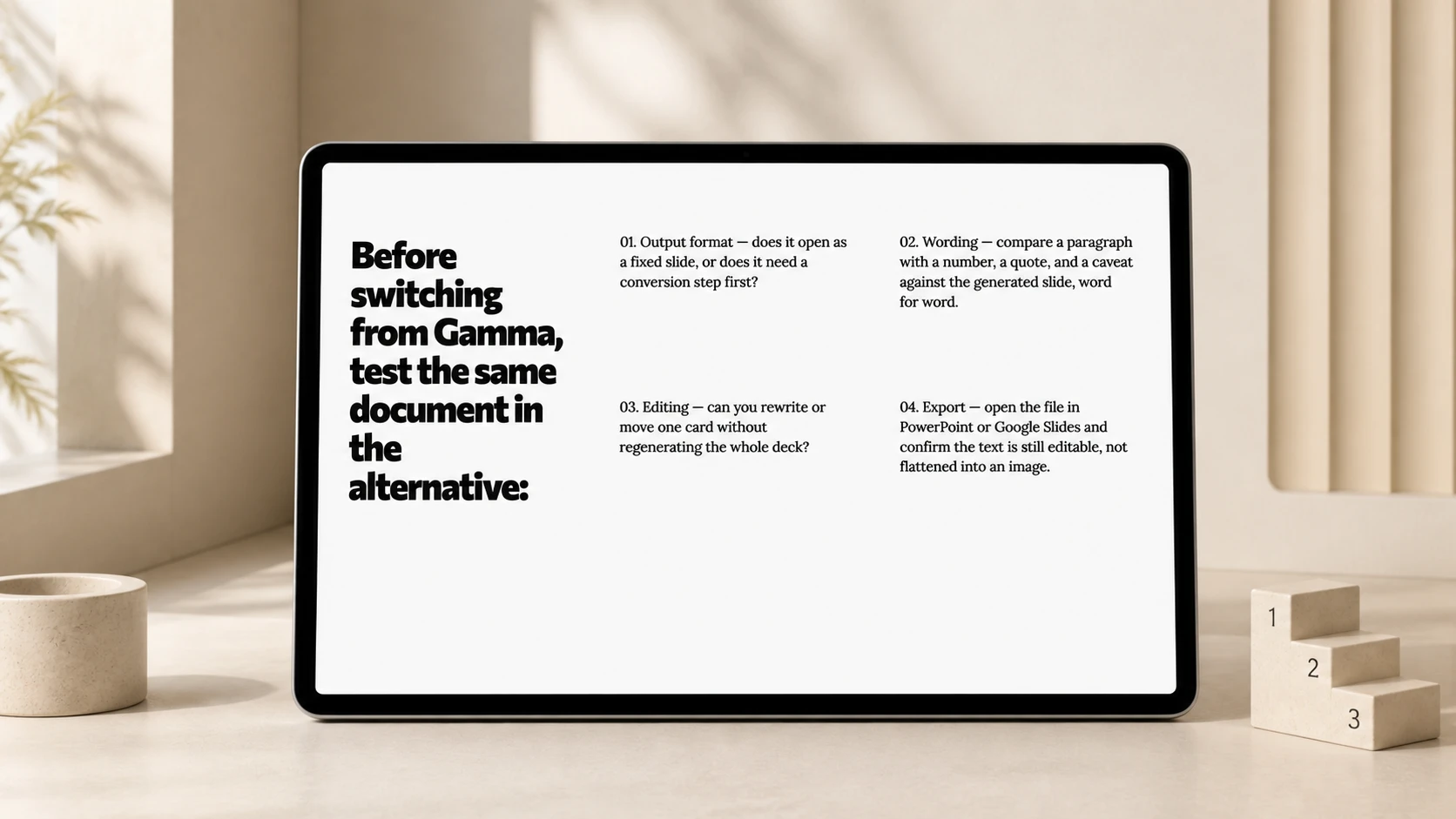
Vendor documentation tells you what a tool is built to do; your own document tells you what it actually does with your text. Before committing to an alternative, run the same source document through it and Gamma side by side, and check four things in this order:
- Output format. Does the result open as a fixed slide you can present as-is, or does it need a conversion step first?
- Wording. Compare a paragraph with a number, a quote, and a caveat against the generated slide — word for word, not just at a glance.
- Editing. Can you rewrite one card or slide, move it, and change its layout without regenerating the whole deck?
- Export. Open the downloaded file in PowerPoint or Google Slides and confirm the text is still editable, not flattened into an image.
The full AI slide generator comparison covers these same four criteria across a wider set of pricing tiers and plans; the one-paragraph fidelity test gives a ready-made paragraph — a number, a hedge, a quote, an exception — to run through each shortlist candidate. If your source is a longer report or a set of notes rather than one paragraph, turning a document into editable slides covers mapping claims and evidence before you generate anything.
To see how your own document holds up, try Plainline with the same source document you used in Gamma — generation ties each slide back to an exact fragment of what you paste in, and editing afterward stays inside the same structured cards rather than opening onto a scrolling web page.
Frequently asked questions
What is the best alternative to Gamma for presentations?
It depends on what you need back. Beautiful.ai and Pitch are the closest fits if you want a fixed 16:9 slide instead of Gamma's scrolling card format. Plus AI and SlidesAI fit if you want a native Google Slides or PowerPoint file with no export step. Plainline fits if you want every slide to stay traceable to an exact fragment of your source document.
Do any Gamma alternatives keep my exact wording?
Beautiful.ai doesn't rewrite imported text unless you invoke its rewrite feature on a specific box. Plainline anchors every slide's content plan to an exact source fragment by design. Pitch and SlidesAI both reshape input as part of generation — Pitch's agent uses attached files "as context," and SlidesAI routes text through a summarization outline — so check the result against your source before trusting it's preserved.
Which Gamma alternative exports most cleanly to PowerPoint?
Plus AI and SlidesAI avoid the export problem by running as add-ons inside Google Slides or PowerPoint, so there's no conversion step at all. Among standalone tools, Beautiful.ai's editable PowerPoint export is restricted to Pro, Team, and Enterprise plans, and Pitch's PPTX export drops uploaded videos, recordings, and animations.
Is Tome still a Gamma alternative in 2026?
No. Its founders shut the product down on April 30, 2025 to build a sales-focused startup instead, and it stopped accepting new presentations that day. Old decks are still viewable, but the product isn't getting new features, so it doesn't belong on an active shortlist.
Can I test a Gamma alternative with the same document I used in Gamma?
Yes, and it's the most reliable way to compare tools. Take the same document, paste or upload it into each alternative on your shortlist, and check the output format, wording accuracy, post-generation editing range, and export fidelity in that order before judging by how finished the slides look.
Sources
- Understand how the Generate API parameters work — Gamma
- Gamma — Gamma
- How do I export as an editable PowerPoint? — Beautiful.ai Support
- Rewriting text with AI — Beautiful.ai Support
- Create a presentation with Canva AI — Canva Help Center
- Free AI presentation maker — Pitch
- Export a presentation to PowerPoint — Pitch Help Center
- Reformat slides with Remix — Plus AI
- Pricing — SlidesAI
- Tome's founders ditch viral presentation app with 20M users to build AI-native CRM Lightfield — VentureBeat